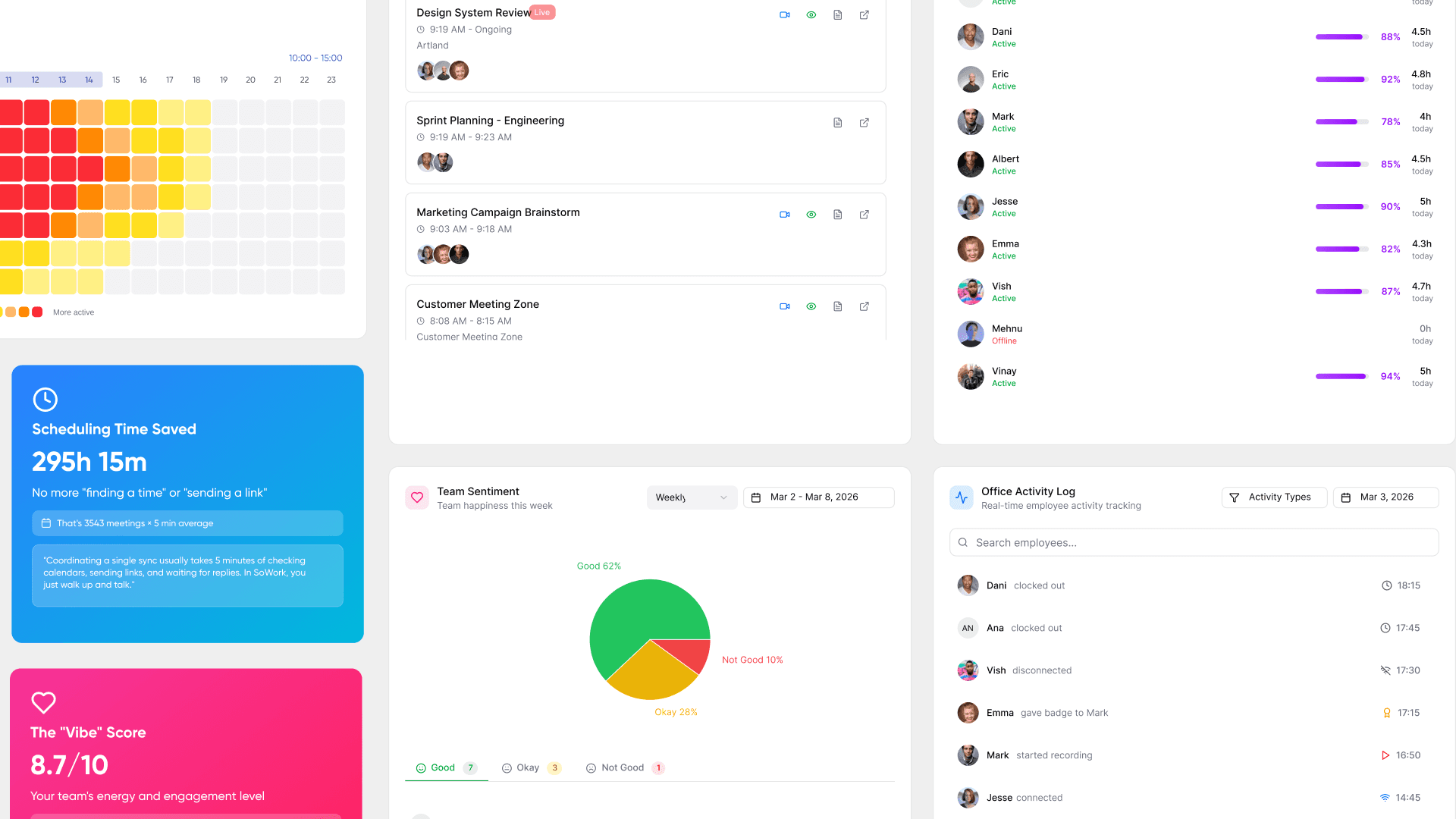
SoWork vs HyHyve: Presence Awareness in 2026
Vishal Punwani

Published:
Updated on:
SoWork is the better pick for real-time presence awareness. It has built-in free, focused and in-meeting indicators that update on their own through Google Calendar and Outlook sync. HyHyve is built around proximity video bubbles and event-style spaces. Its availability status comes mainly through its Microsoft Teams integration, so it suits Teams-based companies better than presence-first remote teams.
What is presence awareness in a virtual office, and why does it matter?
Presence awareness means you can see, at a glance, who's free, busy or heads-down without asking. It brings back the office cue of seeing someone at their desk.
Distance makes this matter more. Gallup's 2025 data shows 25% of fully remote workers report loneliness, compared with 16% of on-site staff [1]. And 38% of managers say collaboration has gotten harder in remote settings [2]. When you can see who's available, a 30-second question doesn't turn into a scheduled meeting or a Slack thread that sits unanswered.
How does SoWork show real-time availability?
SoWork places every teammate in a persistent virtual office, and visual indicators on each person show whether they're free, focused or in a meeting. If someone's free, you start a conversation with one click.
There's no link to send and no invite to schedule. The office runs in the browser with no download, so the presence layer stays open all day like a physical floor. Calendar sync changes your status when a meeting starts [8], which keeps the map accurate even if nobody touches a status button.
How does HyHyve show real-time availability?
HyHyve shows presence through avatars on a customizable 2D map, and video starts when people move close together. For status and availability, it relies on its Microsoft Teams integration [5].
Its Teams product promises you can see who's online and working, which gives a sense of presence even when you aren't talking [4]. People in a conversation appear as bubbles that grow as more join, with up to 50 people per bubble [3]. You see who's on the map and who's talking, but explicit availability states depend on the Teams setup.
What presence indicators does SoWork offer?
SoWork has three core states (free, focused and in a meeting), plus Focus Modes that signal deep work. These are native features and don't need another app.
Indicator | What it tells teammates |
|---|---|
Free | Fine to start a conversation now |
Focused | Doing deep work, so don't interrupt casually |
In a meeting | Busy, set automatically by calendar sync |
Simple Mode / Mini Mode | Loosely connected while protecting focus time |
What presence indicators does HyHyve offer, and how granular are they?
HyHyve's native signals are spatial and conversational: where your avatar sits, whether you're in a bubble, the bubble's topic, and whether it's locked. HyHyve doesn't publicly document finer availability states outside Teams.
You can set a topic so others know what a conversation is about. You can also lock a private bubble so no one interrupts [3]. Notifications let you keep HyHyve open in another tab and get pinged when someone wants to talk [3]. For states like busy or away, HyHyve lists Microsoft Teams status and availability as part of its Teams virtual office [5].
How do SoWork and HyHyve differ on ambient awareness vs explicit status?
SoWork puts both in one place: the office map gives you ambient cues and the status indicators give you explicit availability. HyHyve leans on spatial ambient cues and hands explicit status off to Microsoft Teams.
Approach | SoWork | HyHyve |
|---|---|---|
Ambient map | Persistent, customizable office | Customizable 2D spaces [3] |
Explicit status | Native free/focused/in-meeting | Through Teams integration [5] |
Interruption control | Focus Modes | Locked private bubbles [3] |
Does SoWork detect presence automatically?
Yes. SoWork's presence is automated through calendar sync, so your status switches to in-meeting when an event starts, with no manual input [8].
SoWork automates presence from your calendar. It isn't marketed as keystroke or webcam monitoring. That's a deliberate trade-off. Calendar data reflects what you're actually committed to, without scoring how active you look. For deep work, you flip into a Focus Mode yourself. Between the two, most status changes happen automatically and the ones that need judgment stay with the person.
Does HyHyve detect presence automatically?
Partly. HyHyve's own spaces show who's in the room and who's in a conversation automatically, but activity-based status comes from Microsoft Teams in its Teams edition [5].
Teams sets status based on user activity and the Outlook calendar. It switches to Away after a few minutes of inactivity and to In a meeting during calendar events [7]. So if your company already runs on Teams, HyHyve inherits that automation. Outside Teams, HyHyve doesn't publicly document a native auto-status system.
How does SoWork's office layout help team visibility?
SoWork's map works like a floor plan of your company. You can tell who's at their desk, who's in a meeting room and who's grouped together, all in one glance.
Teams design their own office and avatars, a bit like building in The Sims, so rooms can match real teams and rituals. Each floor holds about 200 people, and you can add unlimited floors. AI agents also sit in the office as characters, and through SoWork's MCP/API, tools like Claude can ask who's around.
Does HyHyve's interface make availability easy to see at a glance?
HyHyve's interface is good at showing activity: who's in which bubble and what they're discussing. It's weaker at showing availability, because a person standing alone on the map could be free or busy elsewhere.
That fits its roots. HyHyve describes itself mainly around virtual events and networking [10], and reviewers call it best for spontaneous networking and event-style meetings [9]. Spaces hold up to 200 simultaneous participants [11], which works well for gatherings. For a daily office, the missing piece is a clear free-versus-focused signal on each person.
What should remote teams look for in presence awareness features?
Judge presence tools on five things: accuracy, automation, granularity, privacy and cost to keep it running all day.
Accuracy: Does status match reality during meetings?
Automation: Does calendar sync update it without manual clicks?
Granularity: Can people tell free, focused and busy apart?
Privacy: Does it signal availability without tracking activity?
Always-on cost: Does pricing stay predictable if the office is open eight hours a day?
What are the risks of getting presence awareness wrong?
Too little presence data and teams miss quick conversations and drift apart. Too much and the office starts to feel like surveillance.
Weak presence pushes everything into scheduled calls and slow chat threads. That's the overhead remote leaders are trying to cut. Overly aggressive tracking, like idle timers that flag you as Away within minutes [7], can make people feel watched. The fix is to show availability instead of activity, and let people protect focus time without having to explain it.
How do SoWork and HyHyve handle privacy around presence?
Both take privacy seriously, from different angles. SoWork is SOC 2 certified and builds presence around calendar data and opt-in Focus Modes. HyHyve stresses GDPR compliance and German hosting [4].
SoWork offers SSO on Premium and Enterprise and SCIM on Enterprise. Its weekly Insights report covers meeting time, focus time and collaboration patterns, so tell your team what's measured before you turn it on. HyHyve is subject to German DSGVO and European GDPR [4], which matters to EU buyers with strict data-residency requirements.
Does SoWork integrate with calendars and chat tools?
Yes. SoWork connects natively to Google Calendar, Microsoft Outlook, Slack, Zapier and Miro, and calendar sync changes your status automatically when an event starts [8].
Zapier can push meeting action items and summaries into tools like Notion or Asana [8]. Through SoWork's MCP server, more tools can connect, and AI assistants can query presence and meeting history directly. In practice, your availability follows your real calendar, and decisions from AI Meeting Memory reach the rest of your stack.
Does HyHyve integrate with external tools for availability?
HyHyve's main integration is Microsoft Teams, which provides status, availability and meetings inside its virtual office [5].
HyHyve says its Teams product follows all Microsoft Teams IT policies [4], which makes IT approval easier for Microsoft-standardized companies. It also offers an in-app browser for concept boards and polls [3]. Public documentation doesn't list native Google Calendar or Slack presence sync, so Google Workspace teams should confirm this with HyHyve before buying.
What do users say about SoWork's presence awareness?
SoWork has less third-party review volume than older tools, so the strongest test is the free plan. Teams of up to 10 can run presence, video and chat without paying.
Watch three things during a trial. First, check whether calendar sync keeps statuses accurate through a full meeting day. Second, see whether people actually start one-click conversations instead of sending Slack messages. Third, check whether Focus Modes cut interruptions. If you're a larger team, a two-week pilot with one department tells you more than any star rating.
What do users say about HyHyve's presence features?
HyHyve has very little public review data. OMR Reviews lists a single review, rated 4.5, that praises it for networking at virtual events [10].
Independent roundups say similar things. ClickUp calls HyHyve best for spontaneous networking and event-style meetings [9]. HyHyve's own testimonials mostly come from events and praise its custom maps [3]. Reviewers say little about everyday office presence, which is worth noting if daily availability is your main need.
How do SoWork and HyHyve compare on pricing?
SoWork charges per seat with a free tier. HyHyve charges per video minute or per Teams user, so its costs grow with how much people talk.
Plan | SoWork | HyHyve |
|---|---|---|
Free | Up to 10 users [8] | Not listed on current plans |
Entry | Basic $6/user/month [8] | €29.90/month for 2,000 minutes [5] |
Higher | Premium $15/user/month [8] | €59.90 (5,000 min), €99.90 (10,000 min) [6] |
Teams edition | n/a | From €8/user/month [5] |
Which alternatives should you consider if neither fits?
Teamflow, Gather and Sococo are the usual next options, and each takes a different approach to presence.
Platform | Presence approach | Fit |
|---|---|---|
Teamflow | Calendar sync, presence bubbles; from $20/user/month [9] | Mid-sized hybrid teams |
Gather | Spatial avatars, proximity audio | Culture-heavy teams |
Sococo | Floor-plan presence | Enterprises layering presence onto Zoom or Webex |
Which is better overall for real-time availability: SoWork or HyHyve?
SoWork is the better choice for remote teams that want real-time visibility into who's available. HyHyve is the better choice for EU companies on Microsoft Teams that also run virtual events.
SoWork gives you native free, focused and in-meeting states, automatic calendar sync with both Google and Outlook, and flat per-seat pricing that suits an office open all day. HyHyve gives you GDPR-first hosting in Germany, polished event spaces and Teams-native status [4]. If daily availability is your main problem, start with SoWork's free plan.
Bottom Line
For remote teams whose main question is "who's available right now?", SoWork is the stronger platform.
It has native presence states, calendar-driven automation and one-click conversations, all at per-seat prices starting free. HyHyve is a capable, GDPR-focused space for events and Teams-centric companies, but it's built around proximity bubbles rather than availability signals. Pilot SoWork with one team for two weeks and track how many scheduled meetings turn into quick, unscheduled conversations.
Key Takeaways
SoWork has native free, focused and in-meeting presence indicators. HyHyve gets status mainly through Microsoft Teams.
SoWork's calendar sync with Google Calendar and Outlook changes status automatically when a meeting starts.
HyHyve's strengths are proximity video bubbles (up to 50 people), event spaces and GDPR-compliant hosting in Germany.
SoWork pricing: free for up to 10 users, Basic $6/user/month, Premium $15/user/month.
HyHyve charges by video minutes (from €29.90/month for 2,000) or from €8/user/month for its Teams virtual office.
Choose presence tools that show availability, not activity, so people don't feel watched.
EU teams standardized on Microsoft Teams should seriously consider HyHyve. Everyone else focused on availability should start with SoWork.
Related reading
Best Sococo Alternatives for Remote Team Presence Awareness in 2026
SoWork vs Gather for Team Analytics: Which Virtual Office Gives Managers Better Visibility in 2026?
Sources
FAQ
SoWork vs HyHyve presence awareness: which virtual office gives remote teams better real-time visibility into who's available?
Is HyHyve a virtual office or a virtual event platform?
Does SoWork track keystrokes or webcam activity to set my status?
How much does HyHyve cost compared to SoWork?
Does HyHyve work inside Microsoft Teams?
Can a virtual office replace Slack or Teams status?
Is HyHyve GDPR compliant?
Will an always-on virtual office feel like surveillance to my team?
Blogs
Read Similar Articles
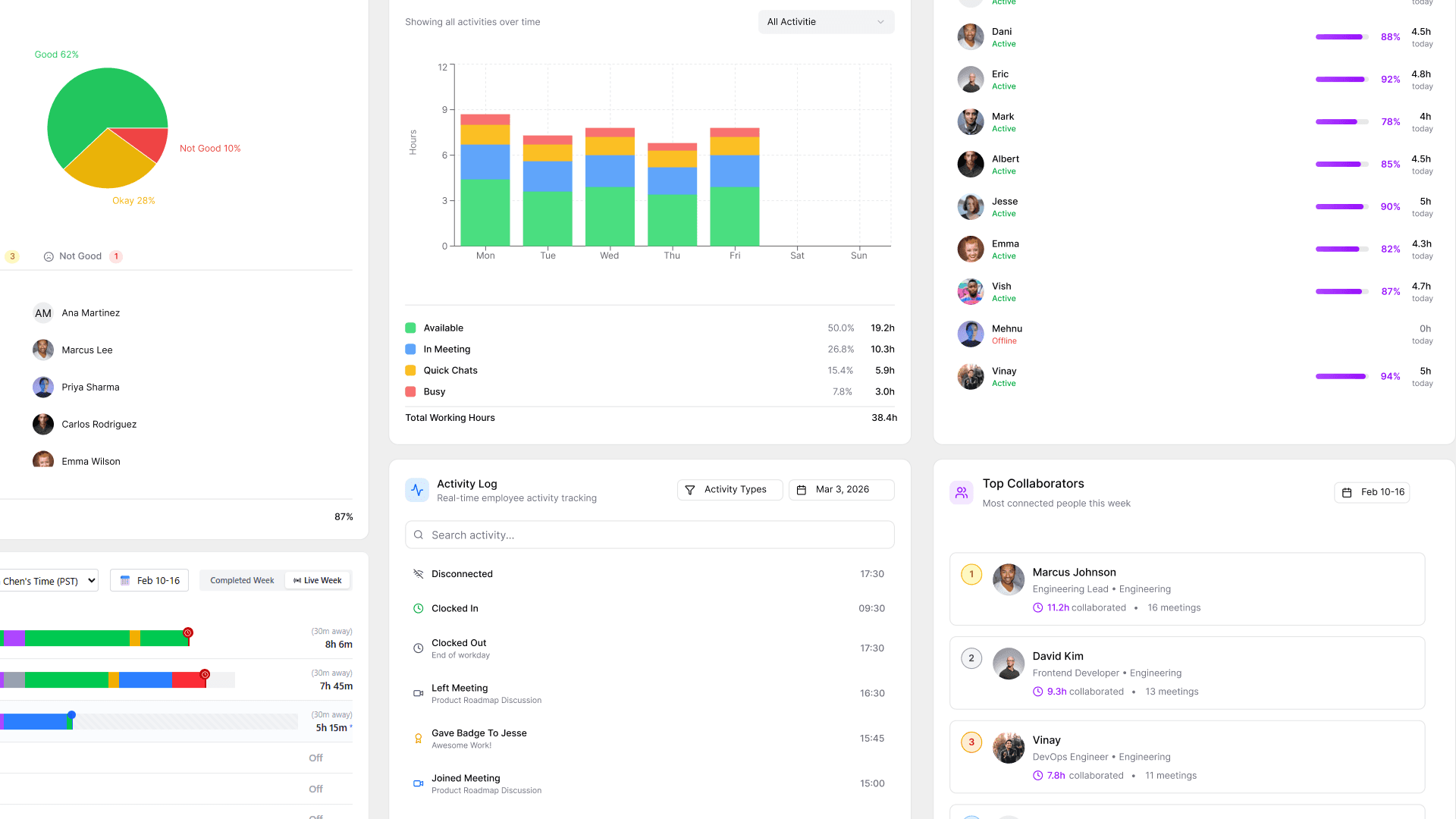
Remote Team Analytics: Complete Guide to Data-Driven Remote Work Management in 2026
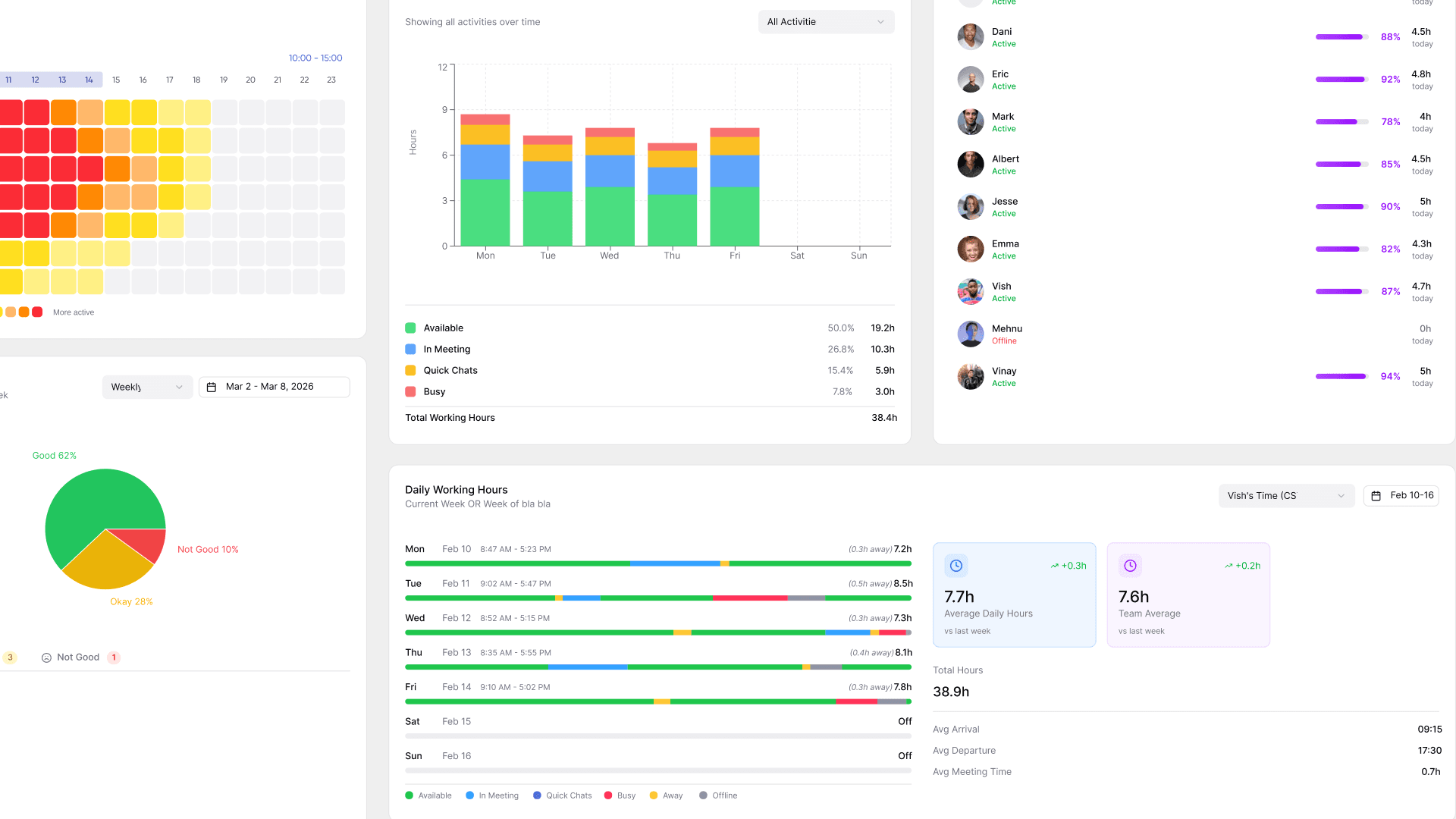
Complete Guide to Gaining Visibility Into Remote Team Performance and Collaboration