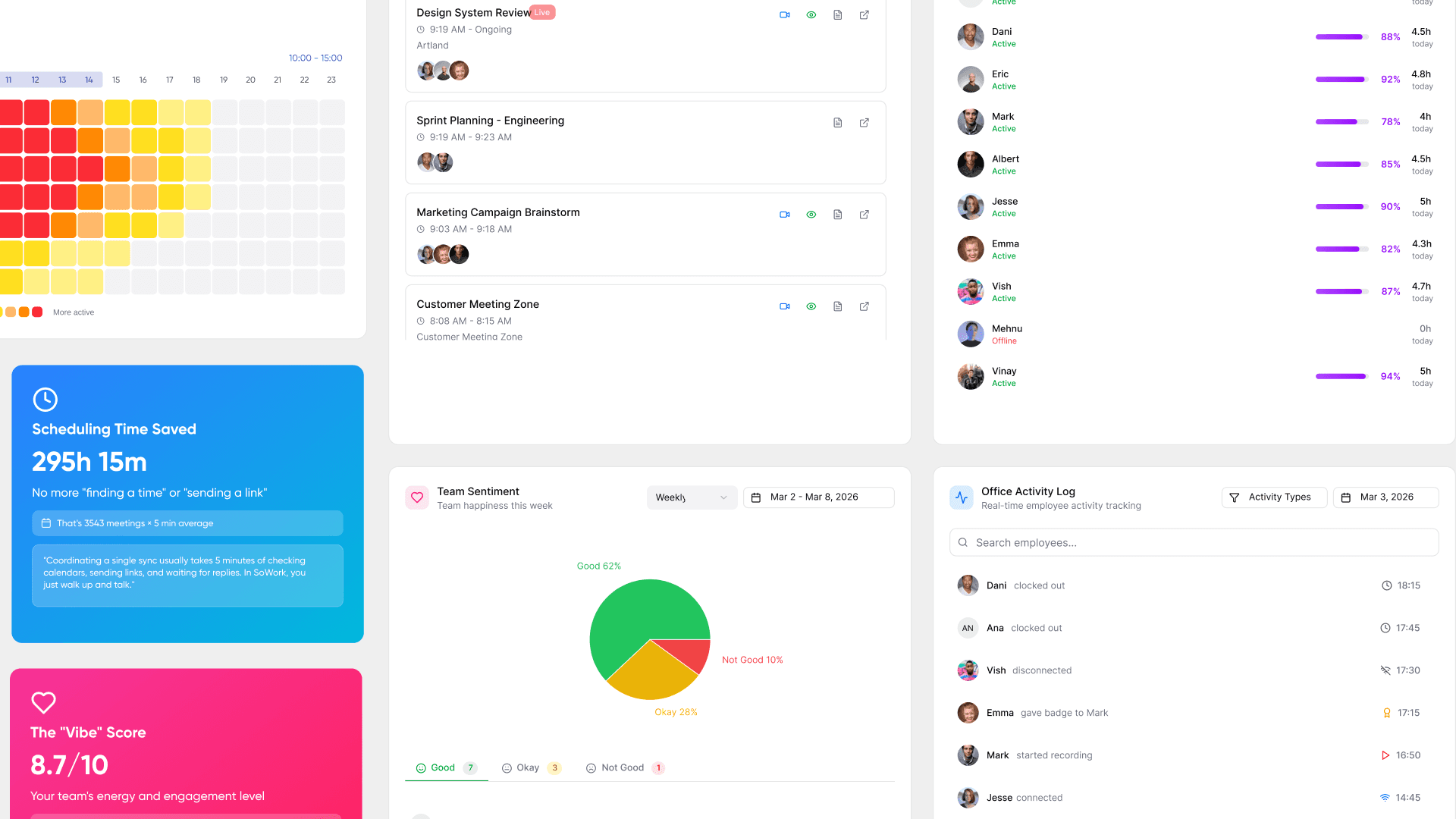
Melhor aplicativo móvel de escritório virtual em 2026
Vishal Punwani

Publicado em:
Atualizado em:
For most remote teams of 5 to 200 people, SoWork is the best virtual office platform with a fully featured mobile app. Its native iOS and Android apps include most desktop features, like presence, chat, video calls and meeting summaries. It's free for up to 10 users, and Basic costs $6/user/month. Gather's app can't move you around the office, and Sococo doesn't support mobile.
What is a virtual office platform, and what problems does it solve for remote teams?
A virtual office platform is an always-open online workspace. Remote teammates can see who's available and start a conversation right away, the way they would in a physical office. It deals with three common remote-team problems: scheduling overhead, colleagues you can't see, and a culture that slowly fades.
Zoom handles meetings and Slack handles messages, but neither shows you who's around right now. Without that, teams book 15-minute calls to ask 2-minute questions. A virtual office replaces the booking with a shared map, live status indicators and one-click conversations. SoWork puts presence, instant meetings, topic-based chat and AI meeting summaries in one place. It runs fully in the browser, and desktop and mobile apps are optional [18].
What makes a virtual office mobile app "fully featured"?
A fully featured virtual office app lets you see live presence, start or join calls, chat, and catch up on meeting outcomes without opening a laptop. If your phone shows you as offline or can't reach the office, it's a companion app, not a full one.
Capability | Why it matters on mobile |
|---|---|
Live presence | Shows who's free, focused or in a meeting |
Visible while on mobile | Your teammates can still find you |
Audio and video calls | Lets you join a standup from anywhere |
Chat | Keeps async threads moving |
Meeting summaries | You can catch up without a replay |
Calendar | Your status stays accurate automatically |
Native iOS and Android | Covers the whole team, not half of it |
Tablet support | Gives a larger view on the go |
Which virtual office platforms offer a dedicated mobile app in 2026?
SoWork, Roam and Kumospace all have native iOS and Android apps. Gather's current app is iOS-only, and Sococo doesn't support mobile devices at all.
Platform | Mobile app status |
|---|---|
SoWork | |
Roam | Native iOS and Android apps [8] |
Kumospace | Mobile apps included on the free plan [9] |
Gather | Gather 2.0 has an iOS app, with Android "coming soon" [5] |
Sococo | Mobile apps and mobile browsers aren't supported [6] |
Teamflow | Still takes signups but hasn't been developed since 2023 [7] |
How does SoWork's mobile app compare to Gather, Teamflow and Sococo?
Of these four, SoWork has the most complete mobile experience. SoWork says its mobile app includes most of the features in the desktop version [3], while Gather's app is narrower and Sococo has no mobile support.
Platform | Mobile apps | Key mobile limitation |
|---|---|---|
SoWork | iOS and Android | You create the account on desktop first [2] |
Gather | iOS on 2.0 [5] | On the 1.0 app you can't move around the office, and people using only mobile show as offline [4] |
Teamflow | Not actively developed | No development since its 2023 pivot [7] |
Sococo | None | Not supported on iPhone, iPad or Android [6] |
If your team includes Android users, this table narrows the choice quickly.
What mobile features does SoWork offer for remote team collaboration?
SoWork's mobile app covers video and audio calls, chat, your calendar, live updates on meetings in progress, and summaries of meetings across the organization [12]. It also keeps you connected to your team's presence while you're away from your desk [17].
Here's what you get on your phone:
Video and audio conferencing [12].
Slack-style instant messaging [12].
A calendar for scheduling and managing meetings [12].
Real-time updates on meetings happening across the team [12].
Combined meeting summaries from across the organization [12].
Teammate profiles that show recognition and awards [12].
Minimum requirements are iOS 15 or Android 7.1 [1].
How do you set up SoWork's mobile app for a remote team?
Create your office on desktop or in the browser first, then have everyone install the mobile app and sign in. New users need to create their account on desktop before they can use the mobile app [2].
Create your SoWork office in the browser or desktop app.
Invite your team. It's free for up to 10 users [10].
Connect Google Calendar or Outlook so statuses update automatically.
Install the app from the App Store or Google Play (iOS 15+ or Android 7.1+) [1].
Sign in with your existing account and go straight into the office [2].
Agree on team norms for Focus Modes so people can mute themselves without guilt.
How do presence awareness and spontaneous collaboration work on mobile?
On mobile, presence works best when status updates itself. Calendar sync changes your availability when a meeting starts, so teammates know whether to reach out even when you're on your phone.
Updating your status by hand is where most mobile setups break. One Gather Android reviewer said they were disappointed they couldn't set their status from the app [13]. SoWork avoids that problem with automatic calendar sync. Starting a quick conversation also matters. SoWork's Wave lets you check whether a teammate is free for a quick chat [14]. That's the mobile version of leaning over a desk.
What criteria should you use to pick a virtual office for mobile-first or hybrid teams?
Check five things: full iOS and Android coverage, whether people on mobile still show as present, built-in calls and chat, security certifications, and whether the vendor is still actively building the product.
Criterion | What to check |
|---|---|
Platform coverage | Native apps on both iOS and Android |
Presence on mobile | People using only mobile don't show as offline |
Communication | Audio, video and chat in the app |
AI meeting memory | Summaries you can read on a small screen |
Security | SOC 2 report, SSO, SCIM |
Pricing | Free tier size, cost per user |
Vendor health | Recent releases, active roadmap |
What are the main reasons to use a virtual office on mobile?
Mostly, teams use mobile to stay reachable when they're away from their desk. That means joining standups on the move, answering quick questions, and catching up on decisions they missed.
Joining a daily standup while commuting or traveling.
Answering a quick question with a short call instead of a long thread.
Reading AI meeting summaries between appointments.
Taking client conversations. SoWork lets external guests join meetings [14].
Staying visible to remote colleagues while you're in the office.
Checking who's around before you sit back down at your desk.
What are the risks of relying on a mobile app for your virtual office?
Mobile apps are built for staying in touch, not for focused desk work. Expect a smaller set of features than desktop, a small screen, and some pressure to always be available.
Even strong apps don't match desktop exactly. SoWork describes its mobile app as having most desktop features, not all of them [3]. SoWork also says the desktop app gives better performance, extra features and system notifications [18]. Watching screen shares and working on detailed documents is still easier on a laptop. There's a cultural risk too. If everyone is reachable on their phone, people may feel they can never log off. Use Focus Modes and clear after-hours norms.
How does SoWork handle audio, video and real-time communication on mobile?
SoWork's mobile app includes video and audio calls, instant messaging, and live updates on meetings in progress across the team [12]. You can join a conversation without a link or a calendar invite.
The app is built for iOS and Android devices [1], so you can join from either. AI Meeting Memory records, transcribes and summarizes calls. It's included in Premium at $15/user/month [10], so if you miss a call, you can read the outcome later on your phone. For presentations and heavy screen sharing, use the desktop app, which SoWork says offers better performance [18].
What do users say about using virtual office platforms on mobile?
Users consistently say mobile access matters, and they get frustrated when an app only covers meetings. SoWork has a 4.9/5 rating from 107 reviews on G2 [15].
Reviews of Gather's Android app show the gap. One user said they couldn't set their status from the app [13]. A reviewer who identified as a CTO said they were thinking about switching because mobile matters when they travel [13]. The pattern is clear. People want to get into the shared office from their phone, not just a meeting room. When you pilot a tool, ask your team to use it on mobile for a week before you commit.
How does SoWork's cost compare to other virtual offices with mobile apps?
Among platforms with native iOS and Android apps, SoWork is the lowest-cost option here. It's free for up to 10 users, Basic is $6/user/month, and Premium is $15/user/month [10].
Platform | Free tier | Paid pricing |
|---|---|---|
SoWork | Up to 10 users [10] | Basic $6/user/month; Premium $15/user/month [10] |
Roam | Not listed here | $19.50 per active user/month [3] |
Kumospace | Up to 5 members [9] | $16/user/month annually or $20 monthly [9] |
A 25-person team on SoWork Basic pays $150 a month.
What are the alternatives to SoWork for teams that prioritize mobile access?
Roam is the strongest alternative for mobile, with native iOS and Android apps [8]. Kumospace is a good fit for very small teams, because its free plan includes mobile apps [9].
Alternative | Best for | Trade-off |
|---|---|---|
Roam | Teams wanting many built-in AI tools | Higher price per active user [3] |
Kumospace | Teams of 5 or fewer starting free | Paid tier costs more than SoWork Basic [9] |
Gather | iOS-heavy, culture-first teams | Android app still "coming soon" on 2.0 [5] |
Sococo and Teamflow aren't realistic picks for teams that need mobile [6][7].
How is a virtual office mobile app different from Zoom or Slack?
Zoom gives you scheduled calls and Slack gives you messages. A virtual office app adds live presence, so you can see who's free and talk to them right away without sending a link.
Tool | Core unit | What you lose on mobile |
|---|---|---|
Zoom | Scheduled meeting | Any sense of who's around |
Slack | Message thread | Quick voice conversations |
Virtual office | Shared space with presence | Little, if the app is complete |
SoWork brings meetings, presence, chat and AI tools together, so you aren't switching between three apps on a 6-inch screen.
What security and privacy issues should you check for a mobile virtual office?
Check for a SOC 2 report, single sign-on, automated user provisioning, and clear rules on who can see meeting recordings. SoWork is SOC 2 certified, and you can request the report during procurement [11].
SoWork offers SSO on Premium and Enterprise, and SCIM provisioning on Enterprise only. On mobile, think about these too:
Device lock and mobile device management for company data.
Who can read AI transcripts and summaries.
Whether guests can join, and what they can see.
Camera and microphone permissions.
Removing access quickly when someone leaves.
How does SoWork support team culture through its mobile experience?
SoWork brings recognition and team visibility to your phone. The mobile app shows teammate profiles with the recognition and awards people have received [12].
Culture builds up through small moments. In SoWork, the Gong lets you celebrate a win with the whole team at once [14]. Your team designs the office and avatars together, so the space feels like yours. Insights gives you a weekly report on meeting time, focus time and who works with whom. That helps you spot people who are drifting out of touch before it becomes a retention problem.
What evidence shows SoWork's mobile platform improves remote collaboration?
The best public evidence is customer write-ups and review ratings, not controlled studies. Blocks has published an account of how its team works in SoWork, including the iOS and Android apps [14].
Blocks describes a typical flow. You move your avatar toward a teammate, and voice and video start automatically [14]. Blocks also points out that guests can join meetings, which helps with client conversations [14]. On G2, SoWork has 4.9/5 from 107 reviews [15]. There aren't published controlled studies that measure collaboration gains from mobile use specifically. Run your own 30-day pilot and compare how many meetings get scheduled before and after.
Bottom line: which virtual office platform should you choose for mobile?
Pick SoWork if you want native iOS and Android apps, presence that updates automatically, and AI meeting memory at the lowest per-user price in this comparison.
Roam is a capable but more expensive alternative, and Kumospace works well for teams of five or fewer. Before you commit, have your team use the mobile app for a week and confirm people still show as present and can start calls from their phones.
Key Takeaways
SoWork is the top pick for most remote teams of 5 to 200 people that need a full virtual office on iOS and Android.
SoWork's mobile app includes most desktop features, including video and audio calls, chat, calendar and meeting summaries.
Gather 2.0's mobile app is iOS-only for now, Sococo doesn't support mobile, and Teamflow hasn't been developed since 2023.
SoWork is free for up to 10 users. Basic is $6/user/month and Premium is $15/user/month.
Roam ($19.50 per active user/month) and Kumospace ($16 to $20/user/month) are the main mobile alternatives.
Before you buy, test whether people using only mobile still show as present to the rest of the team.
Check for SOC 2, SSO and SCIM. SoWork is SOC 2 certified, with SSO on Premium and Enterprise.
Use the desktop app for presentations and screen sharing, and use mobile to stay reachable.
Related reading
SoWork vs Gather: Which Virtual Office Platform Is Better for Remote Teams in 2026?
SoWork vs Flat.social: Which Virtual Office Platform Is Better for Remote Teams in 2026?
Sources
SoWork offers mobile apps for iOS and Android; requires iOS 15+ or Android 7.1
SoWork mobile app is optimized for tablets; first-time users must create an account on desktop first
Gather 1.0 mobile app can't move around the office; mobile-only users show as offline
Sococo is not supported on iPad, iPhone or Android; neither mobile apps nor mobile browsers
Teamflow still takes signups but has had no development since its 2023 pivot
SoWork is free for up to 10 users; Basic $6/user/month; Premium $15/user/month
SoWork is SOC 2 certified and the report can be requested during procurement
SoWork's mobile apps keep you connected to your team's presence and chat away from your desk
Perguntas Frequentes
Qual é a melhor plataforma de escritório virtual com um aplicativo móvel completo?
O Gather funciona no celular?
O Sococo tem um aplicativo para celular?
O Teamflow ainda está disponível?
Posso me cadastrar no SoWork pelo celular?
Preciso baixar alguma coisa para usar o SoWork?
Vale a pena ter um escritório virtual se já usamos o Slack e o Zoom?
Existe algum escritório virtual gratuito com aplicativo para celular?
Blogs
Leia artigos semelhantes
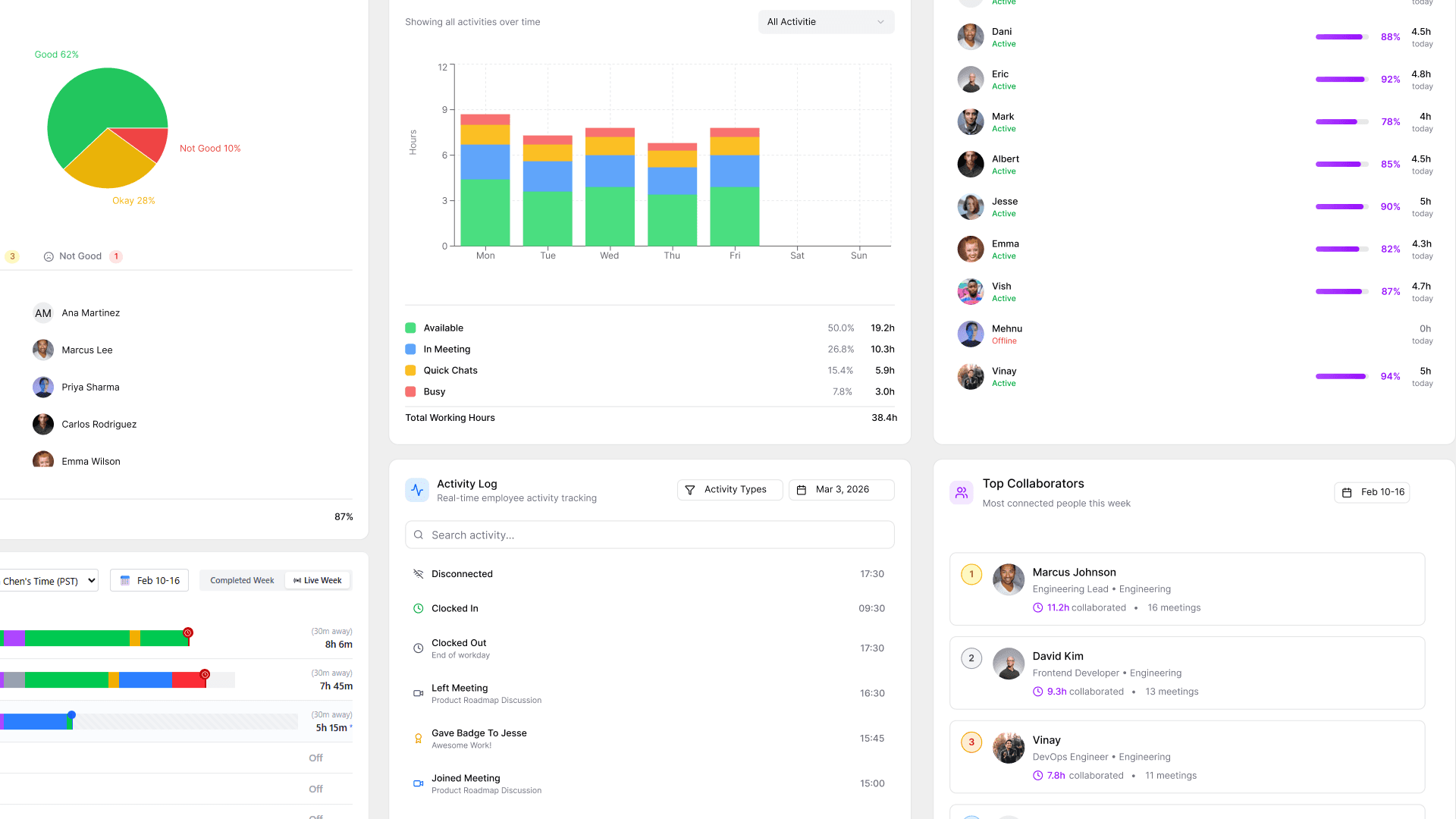
Análise de Equipes Remotas: O Guia Completo para Gestão do Trabalho Remoto Baseada em Dados em 2026
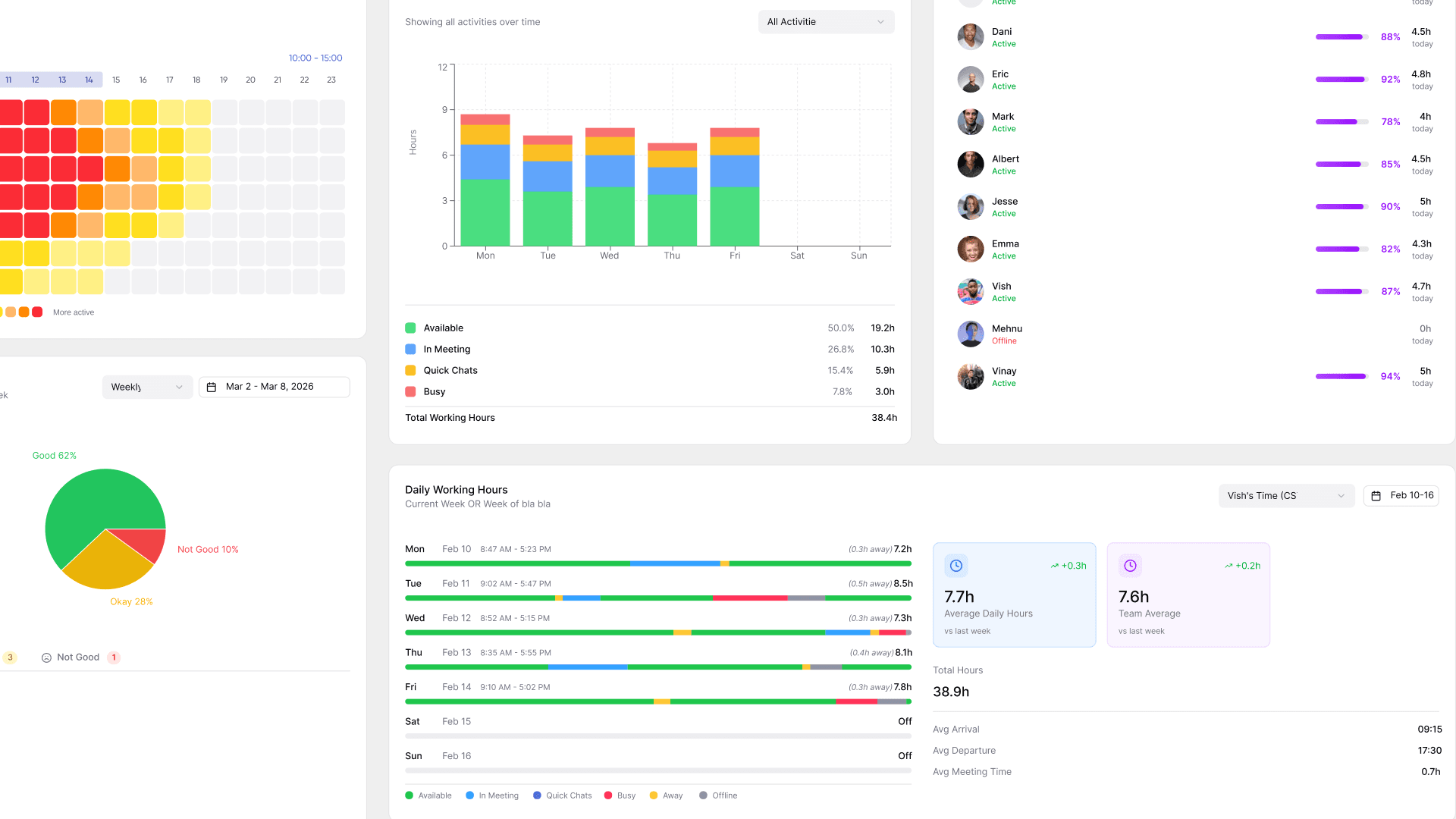
Guia Completo para Obter Visibilidade sobre o Desempenho e a Colaboração de Equipes Remotas