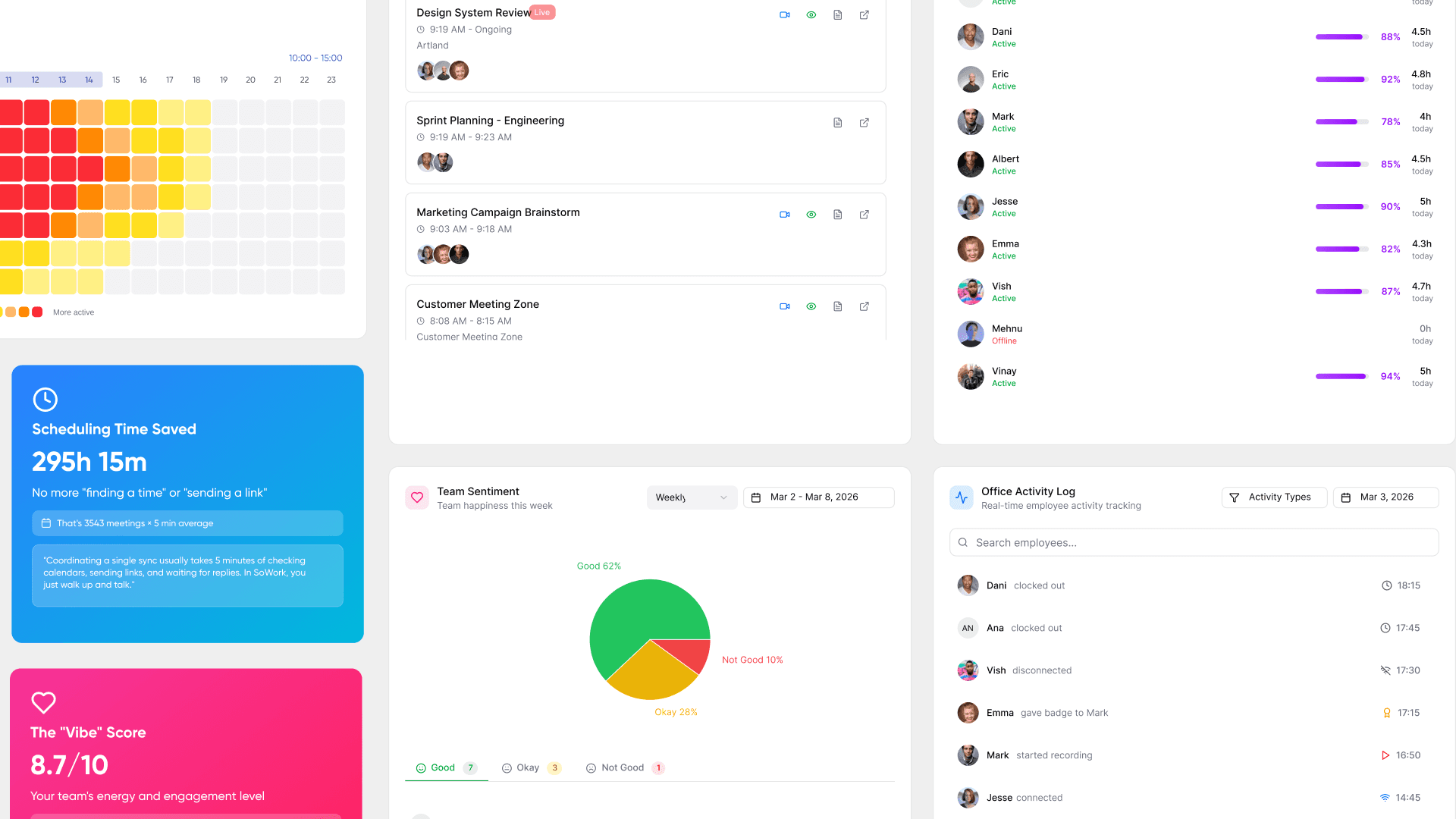
Best Free Remote Team Tools in 2026
Vishal Punwani

Published:
Updated on:
The best free team communication software for a small remote team is SoWork, because it puts presence, chat and video in one shared space and is free for up to 10 users. Add Google Meet (60-minute free group calls), Trello Free (10 collaborators) and Confluence Free (10 users, 2 GB) to cover meetings, tasks and docs.
What categories of collaboration tools does a small remote team need?
Most small remote teams need six categories of tools: chat, video, docs, project management, whiteboarding and a virtual office for presence. You don't need a separate tool for each one, and that's where most teams overspend.
Category | Job it does | Free examples |
|---|---|---|
Chat | Async updates, quick questions | Slack Free, Discord |
Video | Scheduled live meetings | Google Meet, Zoom Basic |
Docs and wiki | Decisions, specs, onboarding | Google Docs, Notion, Confluence Free |
Project management | Who owns what, by when | Trello Free, Asana, ClickUp |
Whiteboarding | Visual brainstorming | Miro, FigJam |
Virtual office | Presence, spontaneous talk | SoWork |
A virtual office like SoWork overlaps with chat and video, so you can often collapse three tools into one.
What criteria should a small remote team use to evaluate free collaboration tools?
Judge free tools by their hard caps first, meaning users, history, storage and meeting length, then by how much they overlap with what you already use. A great feature list doesn't matter if your 11th hire breaks the plan.
Criterion | What to check |
|---|---|
User cap | Does the free plan stop at 5, 10 or unlimited? |
History and storage | How far back can you search? How many GB? |
Time limits | Do group calls cut off at 40 or 60 minutes? |
Admin and security | SSO, permissions, data export |
Overlap | Does it replace a tool or add one? |
Upgrade cost | Price per user on the first paid tier |
Run every candidate against your headcount 12 months from now, not today.
What is the best free team communication software for chat: Slack, Discord or Microsoft Teams?
Slack Free is the best free chat tool for most small work teams, with no seat cap, but it only shows 90 days of history. Microsoft Teams Free gives you more storage and longer calls, and Discord is great for drop-in voice but was built for communities, not companies.
Tool | What the free plan includes | Main catch |
|---|---|---|
Slack Free | Unlimited people, up to 10 apps, 1:1 huddles | 90 days of visible history; content older than a year is deleted [1] |
Microsoft Teams Free | Chat, group meetings up to 60 minutes, 100 participants, 5 GB per user [2] | Positioned for personal use |
Discord | Text channels, always-open voice channels | Few business admin or compliance controls |
If decisions live in chat, Slack's 90-day window is the limit you'll hit first. Move anything important into a doc.
What do the free plans of Zoom and Google Meet include?
Zoom's free plan hosts unlimited meetings of up to 100 participants but caps them at 40 minutes. Google Meet's free tier allows 60-minute group calls and up to 24-hour one-on-ones, so it's the better free pick for team meetings.
Tool | Group time limit | 1:1 limit | Participants |
|---|---|---|---|
Zoom Basic | 40 minutes [3] | 40 minutes | 100 [3] |
Google Meet (free) | 60 minutes [5] | 24 hours [5] | 100 [5] |
Teams Free | 60 minutes [2] | 30 hours [2] | 100 [2] |
For a team of 5 to 10, the participant caps never matter. The time limits do, especially for planning sessions and retros that run long.
Which free project management tools work well for small remote teams?
Trello Free is the simplest option for teams of 10 or fewer, with 10 collaborators and 10 boards per Workspace. Asana and ClickUp also offer free tiers with more views, but their limits change often, so check the current pricing pages before you commit.
Trello Free gives you 10 open boards, unlimited cards and lists, 250 automation runs a month and a 10 MB cap per attachment [6]. That's plenty for a kanban-style team.
The collaborator cap is the real wall. A Workspace with 10 collaborators can't add anyone new [6].
Asana suits teams that want list and timeline views of tasks. ClickUp packs in docs, goals and dashboards, which can replace a separate wiki if you're disciplined.
Pick one. Running two task tools is how work gets lost.
What do free docs and knowledge tools like Google Docs, Notion and Confluence include?
Confluence Free is free forever for up to 10 users with 2 GB of storage, which makes it the most structured free wiki. Free Google accounts give you Docs, Sheets and Drive, and Notion's free plan works well for small, lightweight team wikis.
Tool | Free plan strengths | Watch out for |
|---|---|---|
Confluence Free | Up to 10 users, 2 GB storage, community support [7] | The 11th user pushes you to a paid trial [7] |
Google Docs (personal accounts) | Real-time co-editing, comments | Files live in personal accounts, not a company domain |
Notion Free | Flexible pages and databases | Team admin features sit on paid plans |
The rule that matters: decisions go in docs, not in chat. That protects you from chat history limits.
What are the limits of free whiteboarding tools like Miro and FigJam?
Miro's free plan allows unlimited team members but only 3 editable boards. FigJam's free tier also limits how many files you can keep, so both work for occasional workshops rather than as an always-on team canvas.
Miro Free includes 10 AI credits a month for generating diagrams, tables and summaries [8]. Every board on a free team is visible to all members by default, and there are no visitor or guest roles [8].
FigJam's free tier is a good fit if your team already uses Figma for design.
For quick sketches, open-source tools like Excalidraw don't count boards at all.
If you already have a Miro habit, SoWork integrates with Miro, so boards can sit inside your shared space instead of another browser tab.
Which virtual office platforms offer free plans for remote teams?
SoWork offers a free plan for up to 10 users, so a small team can run its whole office for free. Gather ended its free plan on September 15, 2025, and now charges $12 per member per month billed yearly, or $15 monthly.
Platform | Free plan | Notes |
|---|---|---|
SoWork | Up to 10 members [11] | Independent comparisons report 30-minute meetings on the free plan [12] |
WorkAdventure | Up to 10 users, or self-hosted [11] | Open source |
Kumospace | Up to 5 registered members [11] | Small cap |
Gather | None [10] | Paid only |
Gather, Roam and Sococo offer free trials, not free plans [11]. SoWork's free plan includes presence, topic-based chat and screen sharing in a customizable office with no download.
Which free collaboration tools let teams work with AI agents like Claude?
SoWork is built for this. Its MCP/API connects Claude or your own AI tools to your office so they can ask who's around, what happened in a meeting or what the team decided.
Most free tools treat AI as a feature inside the app. Miro Free, for example, gives you 10 AI credits a month for diagrams and summaries [8].
SoWork takes a different approach. AI agents sit in the company office as characters alongside your human teammates, and you work with them there instead of across scattered tabs.
Agent desks are coming soon. They'll give each agent a desk showing what it's working on and what it actually did.
For small teams starting with agents, one shared place for people and agents beats bolting AI onto five separate apps.
What limitations do free collaboration plans have in common?
Free plans almost always cap one of five things: history, storage, users, meeting length or admin controls. Knowing which cap each tool uses tells you exactly when it will break.
Limit type | Example |
|---|---|
Message history | Slack Free shows 90 days [1] |
Storage | |
User cap | Trello Free: 10 collaborators [6]; Confluence Free: 10 users [7] |
Meeting length | |
Admin and recording | Teams Free has no admin controls or recording [13] |
The 10-user line shows up again and again. Plan your stack around it.
What security and data retention risks come with free collaboration tools?
The biggest risks are data loss, open access and no central control. Slack Free permanently deletes content older than one year, and many free tiers lack SSO, permissions and audit controls.
Three risks show up most often:
Retention. Slack Free deletes messages and files after a year [1].
Ownership. Microsoft positions free Teams for personal use [2], so company data can end up in personal accounts.
Open access. On Miro Free, every board is visible to the whole team by default [8].
Before you store client or financial data anywhere, check for SOC 2 compliance, SSO and data export. SoWork is SOC 2 certified, with SSO on Premium and Enterprise and SCIM on Enterprise.
How can a small remote team combine free tools without creating tool sprawl?
Pick one home base, then add tools only for jobs it can't do. Four tools is a healthy ceiling for a team under 10.
Choose a home base where people spend the day. A virtual office like SoWork covers presence, chat and video in one place.
Add one docs tool for decisions and onboarding.
Add one task tool, like Trello Free.
Connect, don't duplicate. SoWork integrates with Slack, Zapier, Miro, Google Calendar and Outlook.
Write down the rules. Where do decisions go? Where do urgent questions go?
Audit every quarter and cut anything nobody opened.
Which free tool stack works best for async-first teams vs. real-time teams?
Async-first teams should build around docs and chat. Teams that need real-time presence should build around a virtual office and use docs as backup.
Scenario | Free stack | Why |
|---|---|---|
Async-first, spread across time zones | Slack Free + Confluence Free + Trello Free | Written updates, decisions in a wiki |
Real-time, overlapping hours | SoWork + Google Docs + Trello Free | See who's free, talk in one click |
Hybrid mix | SoWork + Notion + Google Meet for externals | Presence for the team, Meet for clients |
Even async teams need some live time. A virtual office makes that live time spontaneous instead of scheduled.
How do free collaboration tools help with presence awareness and team culture?
Most free chat and video tools don't help much with presence, because they only show a status dot. Virtual offices recreate the ambient awareness of a physical office, which is what makes spontaneous conversations happen.
In SoWork, visual indicators show who's free, focused or in a meeting. Automatic calendar sync updates status when an event starts, so nobody has to remember to change it.
Focus Modes (Simple Mode and Mini Mode) let people signal deep work while staying loosely connected.
Culture comes from shared space. Teams design their own office and avatars, a bit like building in The Sims.
The practical payoff: fewer calendar invites for two-minute questions. You see someone's free, click, and talk.
When does a small remote team outgrow free plans, and what do paid tiers cost?
Most small teams outgrow free plans at 11 people or when lost history starts costing them decisions. First paid tiers usually cost $4 to $15 per user per month.
Tool | First paid tier |
|---|---|
Microsoft Teams Essentials | $4/user/month, paid yearly [2] |
Trello Standard | $5/user/month, billed annually [6] |
Confluence Standard | $5.78/user/month, monthly billing [7] |
SoWork Basic | $6/user/month |
Slack Pro | $7.25/user/month, billed annually [1] |
Miro Starter | $8/member/month, billed yearly [9] |
Gather Essential | $12/member/month, billed yearly [10] |
Zoom Pro | $14.16/user/month [4] |
SoWork Premium | $15/user/month |
Upgrade the tool your team spends the most hours in first.
What open-source or self-hosted alternatives avoid free-plan limits?
Self-hosted tools remove seat and history caps, but you take on hosting, updates and security yourself. They make sense if someone on your team enjoys running servers.
Category | Open-source option |
|---|---|
Chat | Mattermost, Rocket.Chat |
Video | Jitsi Meet |
Files and docs | Nextcloud |
Whiteboard | Excalidraw |
Virtual office | WorkAdventure |
WorkAdventure's code is Apache-2.0, and self-hosting has no seat limits or gated features [14].
The tradeoff is real. "Free" software still costs engineering hours, and every hour spent patching servers is an hour not spent shipping.
What's the bottom line on free collaboration tools for small remote teams?
Start with one home base, add a docs tool and a task tool, and stop there. For a team of 10 or fewer, SoWork's free plan covers presence, chat and video in one place, which removes the need for separate chat and meeting apps.
Plan around the 10-user line and the 90-day history window, since those are the limits you'll hit first. When you grow past them, upgrade the tool your team actually lives in.
Key Takeaways
SoWork is free for up to 10 users and combines presence, chat and video, so it's the strongest single free home base for a small remote team.
Slack Free has no seat cap but only shows 90 days of history and deletes content older than a year.
Zoom Basic cuts meetings off at 40 minutes. Google Meet and Teams Free allow 60-minute group calls.
Trello Free and Confluence Free both stop at 10 users, and Miro Free stops at 3 editable boards.
Gather ended its free plan in September 2025 and now starts at $12 per member per month billed yearly.
Keep your stack to about four tools and put decisions in docs, not chat.
First paid tiers typically run $4 to $15 per user per month. Upgrade the tool your team spends the most time in first.
Related reading
Online Collaboration Tools for Virtual Team Activities: What Actually Works for Remote Teams in 2026
How to Get Remote Employees to Actually Use a New Collaboration Tool in 2026
Best Virtual Office Software for Small Remote Teams Under 50 People in 2026
Sources
Zoom Workplace Basic (free): unlimited meetings up to 100 participants, 40-minute duration limit
Zoom Pro costs $14.16 per user per month and removes the 40-minute limit
Microsoft Teams free plan has no admin controls, no recording and no phone support
WorkAdventure code is Apache-2.0 and self-hosting has no seat limits or gated features
FAQ
What are the best free collaboration tools for a small remote team, and what do the free plans actually include?
Does Slack's free plan delete messages after 90 days?
Is Zoom free for meetings longer than 40 minutes?
Does Gather still have a free plan?
Is Microsoft Teams free for business use?
What is the best free virtual office for a team of 10?
Is Miro's free plan enough for a small team?
Is free Google Meet better than free Zoom for small teams?
Blogs
Read Similar Articles
Remote Team Analytics: Complete Guide to Data-Driven Remote Work Management in 2026
Complete Guide to Gaining Visibility Into Remote Team Performance and Collaboration