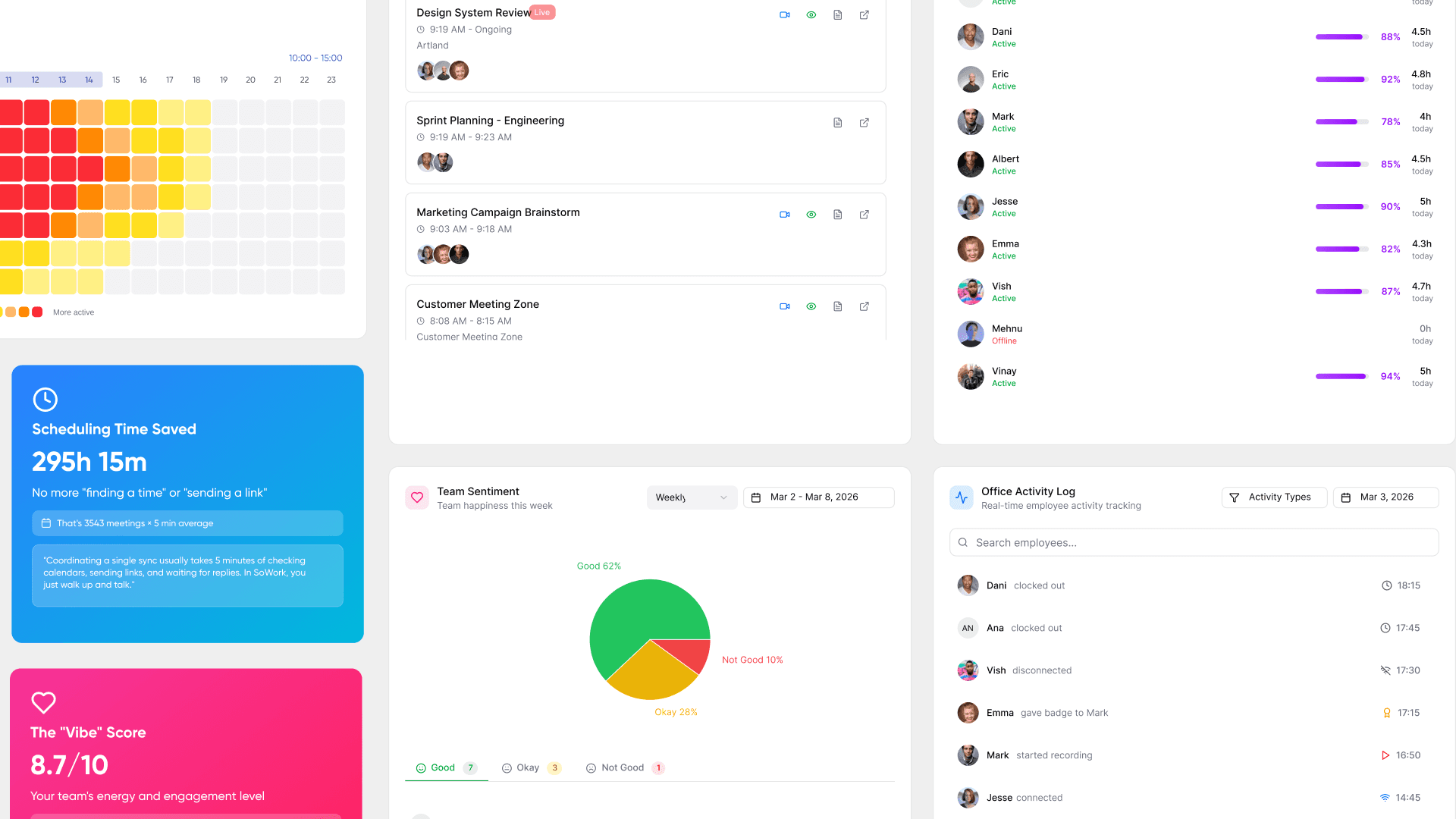
Crie um escritório virtual que reflita a sua cultura
Vishal Punwani

Publicado em:
Atualizado em:
To design a virtual office that reflects your culture, start with how your team really works and build the space around that. SoWork is a strong pick here because your team designs its own layout and avatars, Sims-style, and its presence indicators make openness visible. Name your values, map them to rooms, involve your employees, and measure how the space gets used.
What is a virtual office, and how is it different from video conferencing or chat tools?
A virtual office is a persistent online space where your team spends the workday. You can see who's around and walk into rooms. Video tools only exist during scheduled calls, and chat tools are text-first and async.
Capability | Virtual office | Video conferencing | Chat |
|---|---|---|---|
Always on | Yes | No, call-based | Yes |
See who's free | Visual presence | No | Status dot |
Start a conversation | Walk up or one click | Schedule, send link | Type and wait |
Space reflects culture | Custom layout and avatars | Branded background at most | Channel names |
SoWork also puts AI Meeting Memory, topic-based chat, and screen sharing in the same space. That means your team doesn't bounce between three apps to hold one conversation.
Why does virtual office design matter for remote team culture?
For a remote team, the virtual office is the office. Its design shapes who runs into whom, which conversations happen, and whether people feel connected.
The stakes are real. In Gallup's 2025 report, 27% of fully remote employees said they felt lonely a lot of the previous day [1]. A study of more than 61,000 Microsoft employees found that remote work cut the time people spent collaborating across groups by about 25% [3]. Another Zoom link won't fix either problem. Design shapes behavior. An office built around one big meeting room produces formal meetings. Open team zones and lounges invite quick drop-ins. Your layout quietly tells people how you expect them to work.
How do you identify your core cultural values before designing a virtual office?
Write down how your team acts on a good week, not the values on your careers page. Then turn each value into a behavior the space can support.
Ask the team: "What does a great workday here look like?"
Pick 3 to 5 values that keep coming up in real stories.
Turn each one into a behavior. For example, "transparency" becomes "anyone can see who's meeting about what."
List what you want less of, like status meetings or silos.
Turn those behaviors into design requirements before you open any editor.
If a value has no behavior attached, it won't survive contact with a floor plan.
Which virtual office design elements express company culture?
Five elements carry culture: layout, aesthetics, room types, avatars, and presence. Each one tells people something about how to work together.
Element | What it signals | Example |
|---|---|---|
Layout | Who works with whom | Product and design desks side by side |
Aesthetics | Personality and tone | Brand colors, seasonal decor |
Room types | Which activities you value | Focus pods, lounge, all-hands stage |
Avatars | Individual identity | Custom outfits and styles |
Presence | Norms around openness | Free, focused, in a meeting |
In SoWork, your team builds all of this itself, much like designing a house in The Sims. You don't need a vendor ticket for each change.
How do you choose a layout that mirrors how your team actually works?
Base the layout on how people actually collaborate, not on your org chart. Seat people who talk daily near each other, and give cross-team work a shared crossroads.
Find out who meets with whom most often. SoWork's weekly Insights report shows this.
Group those people into neighborhoods.
Add a central hub every team passes through, so silos have a harder time forming.
Size meeting rooms to your typical meeting, which is usually 2 to 4 people.
Plan for growth. SoWork holds about 200 people per floor, with unlimited floors.
What criteria should guide branded colors, logos, and custom spaces?
Pick visuals people recognize as "ours" without turning the space into a corporate brochure. Recognition, usefulness, and room for personality matter more than perfect brand compliance.
Recognizable: brand colors and logo in shared spaces like the lobby or all-hands room.
Useful: color-coded zones so people find rooms fast.
Inclusive: no in-jokes that only the founders get.
Personal: space for decor the teams make themselves.
Easy to maintain: pick something you'll actually keep updated.
On SoWork, you can design layouts and avatars on the free plan, and Premium teams with more than 30 users get a free custom map [10].
How do you design spaces for spontaneous interaction versus deep work?
Keep the two apart and label them clearly. Put open, ambient zones near the center and focus areas at the edges, and use status so people know when not to interrupt.
Open team zones work like the old open-plan area: a quick question turns into a two-minute chat instead of a calendar invite. Focus rooms do the opposite. SoWork's Focus Modes (Simple Mode and Mini Mode) let someone signal deep work while staying loosely connected. Automatic Calendar Sync updates status when a meeting starts, so availability stays accurate without anyone touching it. Publish one rule: if someone is marked focused, send a message instead of walking up. That single norm protects deep work without killing spontaneity.
How do proximity audio and presence indicators reinforce openness?
They make approachability the default. When you can see who's free and start talking in one click, asking a question stops feeling like an interruption.
Presence indicators end the "got a sec?" back-and-forth on Slack. SoWork shows who's free, focused, or in a meeting, and Instant Meetings start a conversation in one click, with no links.
Feature | Cultural effect |
|---|---|
Visible presence | Leaders look reachable |
One-click conversations | Junior staff ask more questions |
Visible meeting rooms | People see what's being discussed |
Openness needs limits, though. Pair visibility with focus states that people respect, so it doesn't turn into pressure to be "on" all day.
How do you add social spaces that reflect a fun, inclusive culture?
Build social spaces around how your team actually likes to hang out, then give people a reason to use them. An empty lounge says more about your culture than having no lounge at all.
Ideas that work: - A coffee corner by the entrance where people land each morning. - A game room for Friday sessions. - Interest corners (pets, music, gaming) that people can claim. - A quiet lounge for introverts who want company without talking.
Inclusion comes down to defaults. Hold socials during working hours across time zones and rotate the hosts. In Buffer's 2023 survey, 23% of remote workers named loneliness as their biggest struggle [4]. These spaces aren't a perk. They're how connection happens on a remote team.
How can a poorly designed virtual office damage company culture?
A badly designed virtual office can feel like surveillance, add friction, or sit empty. Any of those tells your team that the culture talk is just talk.
Problem | Cultural damage |
|---|---|
Too gamified for the work | Feels unserious, people log off |
Presence used to track activity | Trust erodes |
Layout copied from the org chart | Silos get stronger |
Stacked on top of Slack and Zoom | Context-switching fatigue |
Leadership never shows up | Signals that it's optional |
Retention is on the line. Gallup found 57% of remote workers are watching for or actively seeking new roles [9]. A space that feels like monitoring won't lower that number.
How does SoWork compare to Gather, Teamflow, and Sococo for culture-building customization?
SoWork and Gather offer the most hands-on, self-serve office design. SoWork also puts AI meeting memory and AI agents in the same space. Sococo's deepest customization requires a large contract, and Teamflow hasn't been actively developed since 2023.
Platform | Customization | Pricing | Notes |
|---|---|---|---|
SoWork | Self-serve layouts, decor, avatars; free custom map for Premium teams over 30 [10] | Free up to 10 users; Basic $6/user/month; Premium $15/user/month [13] | AI Meeting Memory, AI agents in the office, SOC 2 |
Gather | Templates, rooms, desks, 200+ objects [11] | $15/user/month monthly, $12 annually [5] | Playful pixel-art style |
Sococo | Preset maps; custom maps need Platinum Unlimited, 100-seat minimum [6] | $13.49/seat/month, annual, 10-seat minimum [8] | Blueprint-style floor plan |
Teamflow | Basic | Still takes signups | Team pivoted to Lindy in 2023 [7] |
What have remote teams reported about well-designed virtual offices and cohesion?
Teams report the biggest gains in spontaneous conversation and sense of belonging, but only when people use the space every day. Reviewers often say a good virtual office makes remote work feel less isolating.
In Buffer's 2023 survey, 75% of remote workers said they feel connected to their colleagues, even though most work across time zones [4]. Gallup's 2026 data shows daily loneliness among fully remote workers falling to 23%, down from 27% the year before [2]. Neither study credits virtual offices, so treat these numbers as context, not proof. User reviews get more specific. G2 reviewers describe a stronger sense of connection and enjoy decorating the office for different times of year [12]. The pattern holds across sources: the benefits appear when the whole team is in the space.
How do you involve employees so the space reflects lived culture?
Give employees real decisions, not a feedback form after launch. Let them design parts of the space and keep changing it over time.
Form a small design crew that mixes roles, tenure, and time zones.
Let each team design its own neighborhood.
Run a two-week pilot and collect whatever felt awkward.
Have everyone vote on social spaces and room names.
Let people customize their avatars from day one.
Ownership drives adoption, because people defend spaces they helped build. You also end up with a culture that matches how the team actually works, not a leadership slide.
How should virtual office design evolve as your company grows?
Review the design every quarter, and again whenever headcount jumps or the org restructures. A layout built for 12 people will cause bottlenecks at 60.
Stage | Design focus |
|---|---|
5 to 20 people | One shared floor, open team zone, one lounge |
20 to 75 | Team neighborhoods, central hub, more focus rooms |
75 to 200 | Floors by function, shared all-hands space |
Culture shift | Rename and repurpose rooms to fit new norms |
SoWork holds about 200 people per floor with unlimited floors, so you can grow without switching tools. If your team adds AI agents, they can sit in the office alongside people, so everyone sees what they're working with.
What are the most common virtual office design mistakes?
The biggest mistake is designing for looks instead of behavior. Close behind are launching without norms and letting leaders skip the space.
Over-decorating before anyone uses it. Launch simple and add decor later.
No etiquette. Publish rules for focus status and drop-ins.
Keeping every old tool. Decide up front what the office replaces.
Absent leaders. Managers should work from the office daily.
Forced fun. Keep socials opt-in and within working hours.
Ignoring people who don't like game-style interfaces. Offer a simpler view, like SoWork's Simple Mode.
How do you measure whether your virtual office is reinforcing culture?
Track whether people use the space the way your values intend, and pair those numbers with regular pulse surveys. Usage without sentiment, or sentiment without usage, only tells half the story.
Metric | What it tells you |
|---|---|
Daily active users | Is the office the default place to work? |
Unscheduled vs. scheduled meetings | Is spontaneity growing? |
Cross-team collaboration | Are silos shrinking? |
Focus time | Is deep work protected? |
Belonging pulse score | Do people feel connected? |
SoWork's weekly Insights report covers time in meetings, focus time, and who collaborates with whom, so three of these come built in. Review them quarterly next to your survey results.
Bottom line
Build your virtual office from behavior up. Name 3 to 5 values, turn them into behaviors, then design the layout, rooms, and presence norms to support them.
Involve your team in building it, measure usage and belonging every quarter, and change the space as you grow. If you want one place where your team designs its own office and runs meetings, presence, chat, and AI agents together, start with SoWork's free plan for up to 10 users.
Key Takeaways
Start with how your team actually behaves, then turn 3 to 5 values into design requirements.
Build the layout around real collaboration patterns, not the org chart, and add a central hub to counter silos.
Keep ambient zones and focus spaces apart, and publish a simple rule for respecting focus status.
Presence should show availability, never productivity. Otherwise openness turns into surveillance.
27% of fully remote workers reported daily loneliness in Gallup's 2025 data, so treat social spaces as infrastructure, not a perk.
Let employees design neighborhoods and vote on spaces, because people use what they build.
Measure daily use, unscheduled meetings, cross-team collaboration, focus time, and belonging every quarter.
SoWork offers self-serve office design, presence, AI Meeting Memory, and AI agents in one space, free for up to 10 users.
Related reading
Spot vs SoWork vs Remo: Which Is the Best Virtual Office for Remote Culture Building in 2026?
Best Virtual Office for Remote Teams in 2026: The Complete Buyer's Guide
Sources
Gallup 2026: daily loneliness among exclusively remote workers fell from 27% (2025 report) to 23%
Teamflow still takes signups but pivoted to Lindy in 2023 and has not been developed since
Sococo plan is $13.49 per seat per month, annually prepaid with a 10-seat minimum
Gallup 2025: 57% of remote workers are watching for or actively seeking new roles
Gather workspace customization includes templates, rooms, desks, and over 200 objects
SoWork pricing: Basic $6/user/month; Premium $15/user/month; free for up to 10 users
Perguntas Frequentes
Como projetar um escritório virtual que reflita a cultura da sua empresa?
Um escritório virtual pode substituir o Slack e o Zoom?
Por que as equipes deixam de usar o escritório virtual?
Um escritório virtual parece vigilância?
Quanto custa um software de escritório virtual em 2026?
O Gather ainda é gratuito?
O Teamflow ainda está sendo desenvolvido?
Os escritórios virtuais realmente reduzem a solidão no trabalho remoto?
Blogs
Leia artigos semelhantes
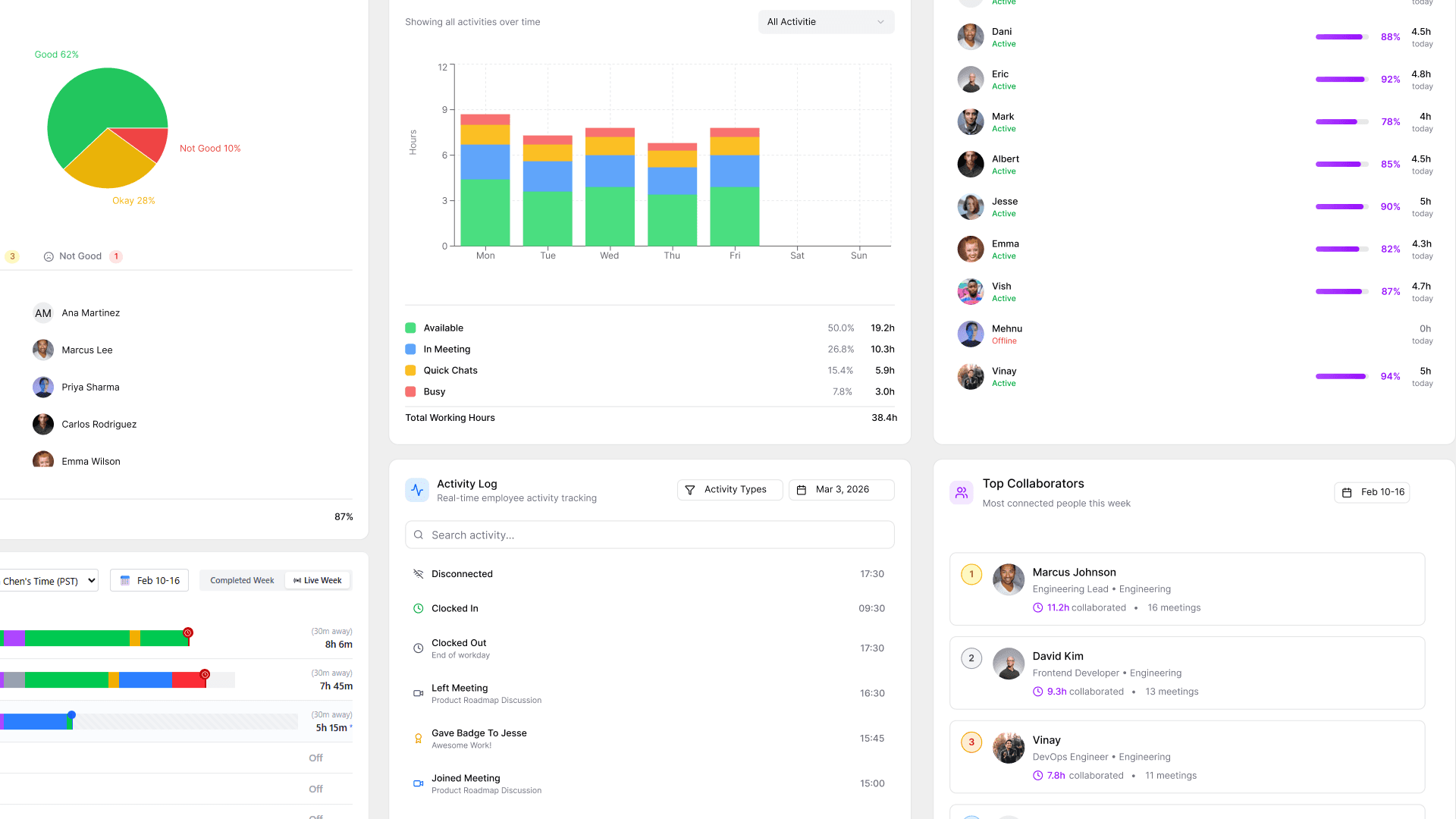
Análise de Equipes Remotas: O Guia Completo para Gestão do Trabalho Remoto Baseada em Dados em 2026
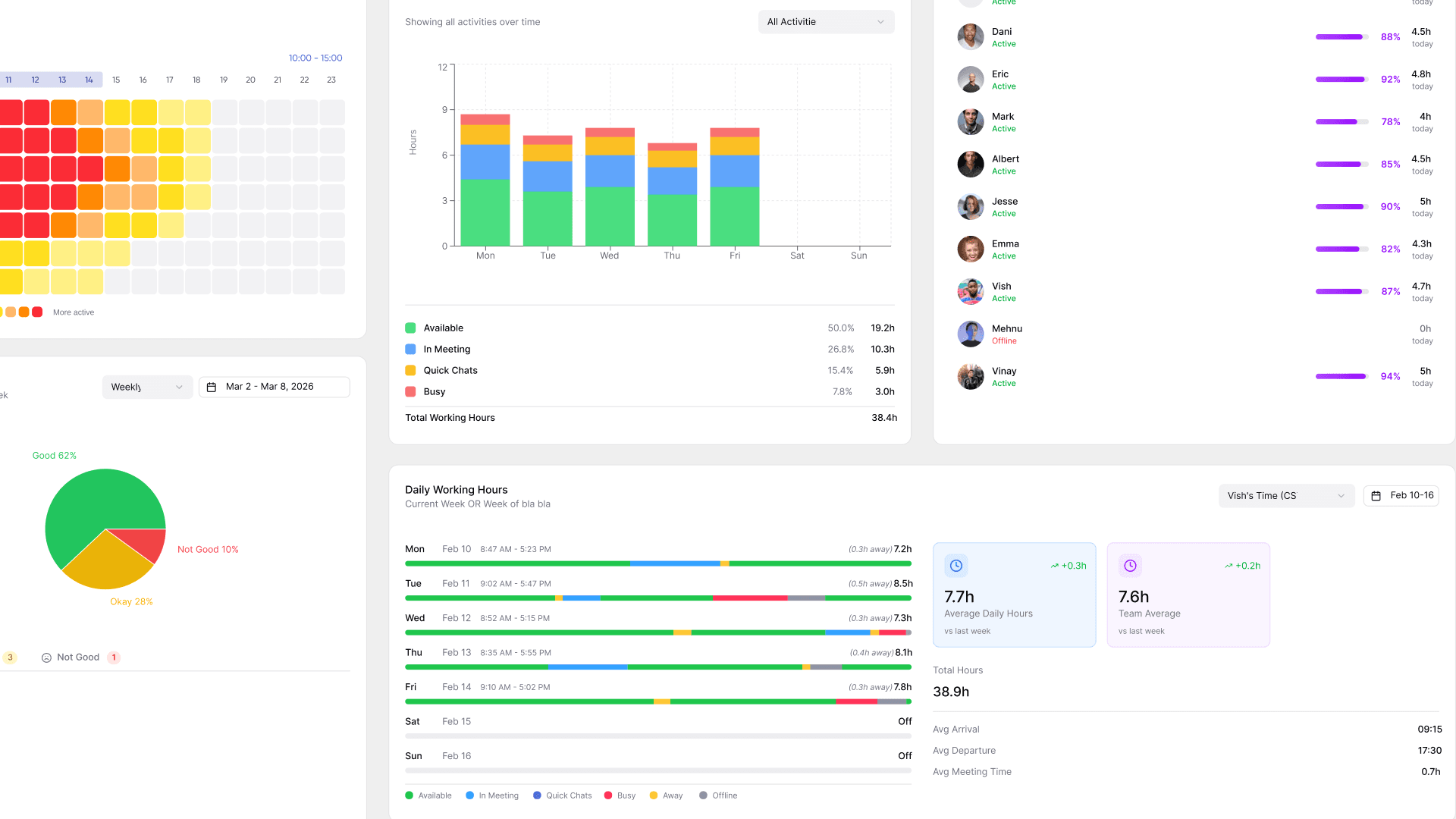
Guia Completo para Obter Visibilidade sobre o Desempenho e a Colaboração de Equipes Remotas