Best Remote Team Collaboration Software 2026: Complete Guide to Virtual Office Solutions
SoWork Editorial Team
Published:
Updated on:
The best remote team collaboration software in 2026 centers on a layered approach, with virtual office platforms serving as the operational foundation for distributed teams. Online collaboration and remote team collaboration tools are now essential for distributed and hybrid teams, enabling seamless communication, project management, and real-time document editing. This guide covers the complete collaboration stack, from virtual office hubs to document suites and specialized project management tools, helping remote and hybrid teams build cohesive digital workspaces.
This content targets B2B teams, remote managers, and companies scaling distributed operations who face persistent challenges with tool fragmentation, context switching, and coordination overhead. Whether you’re managing a small team or enterprise-level operations across time zones, the right collaboration tools determine how effectively your team members align, communicate, and deliver. Online collaboration platforms are essential for improving productivity and streamlining workflows, ensuring teams can work efficiently regardless of location.
Direct answer: SoWork leads as the AI-powered virtual office foundation for 2026, providing the central hub where teams coordinate before layering on document suites like Microsoft 365 or Google Workspace, plus specialized project management platforms for complex projects.
By the end of this guide, you will:
Understand the three-tier collaboration stack architecture for remote work
Evaluate top-rated team collaboration software across each layer
Identify which tools fit your team size, budget, and workflow complexity
Implement a strategic approach that reduces fragmentation and boosts productivity
Avoid common pitfalls when deploying remote collaboration tools
When you choose collaboration tools, it’s crucial to select solutions that support your team’s communication habits, integrate well with your existing digital tools, and directly address your team’s biggest pain points. The share of workers using digital collaboration tools jumped from 55% in 2019 to 79% in 2021, and this trend continues to rise as teams increasingly rely on online collaboration platforms to stay productive.
Understanding Modern Remote Team Collaboration Architecture
Remote work collaboration tools in 2026 operate fundamentally differently from the scattered app ecosystems of earlier years. The pandemic-era scramble for video conferencing and chat has matured into structured digital workspaces designed for sustained distributed operations. How remote teams function goes beyond just workflow tools; effective solutions now measure and support engagement, belonging, and recognition frequency to ensure high-performing remote teams.
In addition, the best remote team collaboration software 2026 offers robust project management features and tools that help organize tasks, making it easier for distributed teams to coordinate and track progress. Effective collaboration tools should support both real-time conversations and asynchronous updates, which are crucial for preventing burnout and maintaining productivity in remote work environments.
Virtual Office Layer vs Individual Productivity Tools
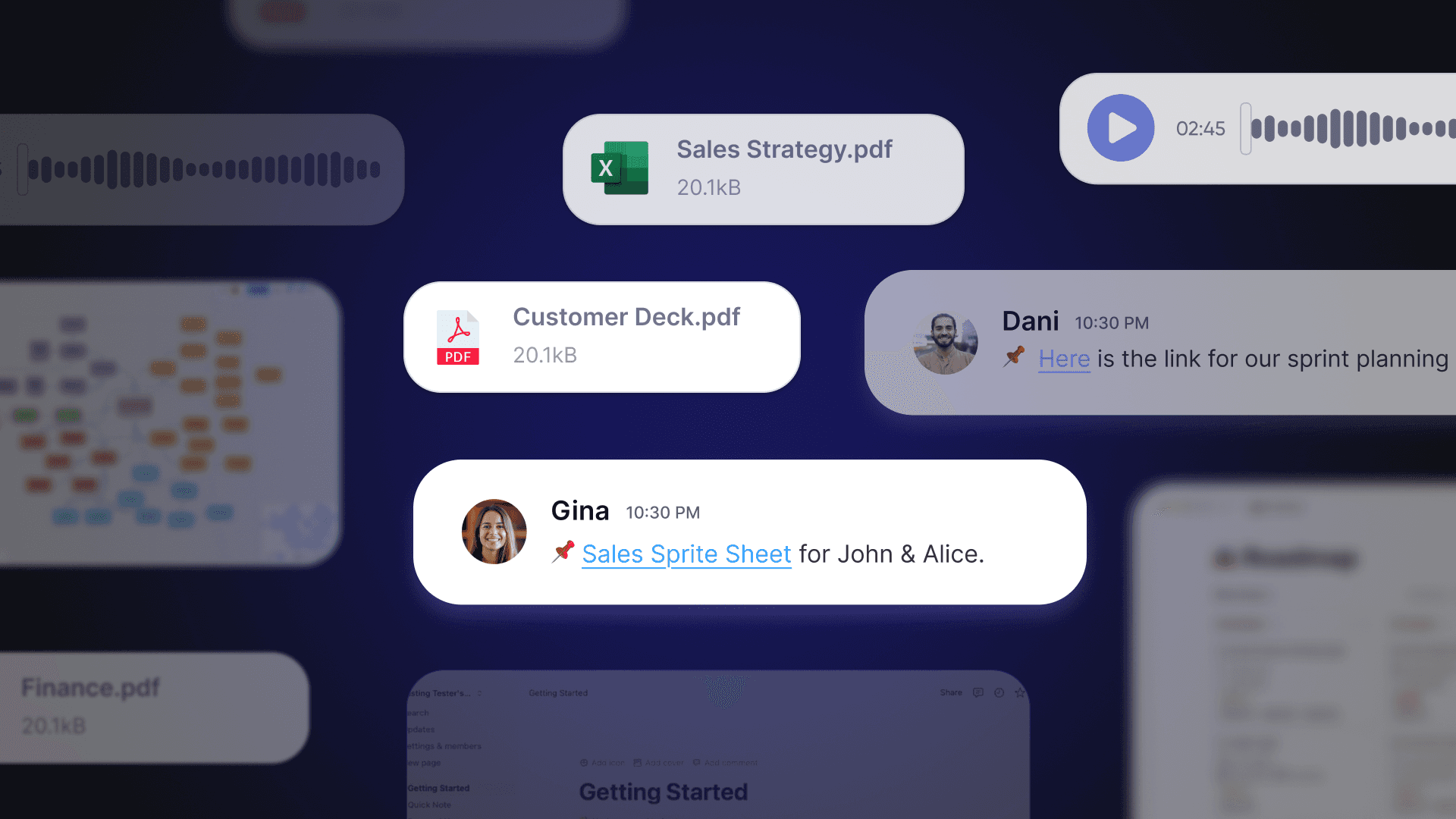
A virtual office platform functions as the operational hub for team coordination, presence, and real time collaboration, not as a replacement for document editing or task management tools. SoWork exemplifies this approach as an AI-powered virtual office that connects meetings, team communication, and daily collaboration into a unified workspace.
Visual collaboration platforms and visual collaboration tools, such as digital whiteboards, are often integrated into virtual office solutions to enable real-time brainstorming, project visualization, and teamwork. For example, Miro offers a digital whiteboard for brainstorming and workshop facilitation, making it easier for remote teams to collaborate visually. Additionally, features like virtual backgrounds in video meetings enhance the virtual office experience by allowing users to customize their meeting environment.
The distinction matters: document suites handle content creation while virtual offices handle team orchestration. SoWork sits above productivity tools like Google Workspace or Microsoft 365, providing the always-on environment where team members maintain visibility into who’s available, what’s happening, and where to focus attention. This central hub approach eliminates the constant app-switching that fragments attention and loses context.

The Three-Tier Collaboration Stack
Modern remote teams operate most effectively with a deliberate three-tier structure:
Tier 1: Virtual Office and Team Coordination The foundation layer where distributed teams establish presence, hold video meetings, and maintain ongoing communication. SoWork occupies this position as the centralized hub connecting all other tools, while alternatives like Slack focus narrowly on channel messaging without spatial presence features.
Tier 2: Document and Productivity Suites Microsoft 365 and Google Workspace handle document collaboration, file sharing, and content creation. These integrate with the virtual office layer rather than competing with it—your marketing team edits proposals in Google Docs while coordinating the work through SoWork’s unified workspace.
Tier 3: Specialized Tools Project management platforms and team collaboration apps are essential for both communication and project management, especially when handling complex project management needs. These platforms, such as Asana or Monday.com, support visual task management with features like boards, lists, and cards for intuitive workflow tracking. Podio is a project management platform that includes CRM functionality and allows users to manage project status and assign tasks. ClickUp is a project management app that enables users to create tasks and display them in different views. Airtable is a project and data-management platform that allows users to create project dashboards with multiple views. These specialized tools layer on top for specific operational needs, facilitating seamless collaboration and efficient management of intricate workflows, dependencies, and milestones, while keeping the virtual office as the communication backbone.
Understanding this architecture clarifies why tool selection follows a specific sequence—starting with the collaboration layer before adding specialized capabilities.
Essential Features for Remote Team Software 2026
Building on the three-tier framework, effective remote collaboration tools share core capabilities that address the fundamental challenges of distributed work: visibility, coordination, and workflow continuity. Strong collaboration tools are essential for consolidating updates, goals, and achievements in a single platform, helping teams stay aligned and maintain momentum. Online collaboration tools play a crucial role in supporting communication, project management, and document sharing, streamlining teamwork and boosting productivity. When selecting the best remote team collaboration software 2026, it is important to consider security features such as encryption and compliance certifications to protect sensitive information. Additionally, the right collaboration tools should facilitate both synchronous and asynchronous communication to accommodate different working styles and time zones.
Real-time Communication and Team Presence
Virtual office platforms like SoWork provide always-on workspaces with spatial audio and video that recreate the ambient awareness of physical offices. Team presence indicators show which colleagues are available, in meetings, or focused on deep work, eliminating the “are you there?” messages that interrupt productivity.
This centralized team communication approach enables instant transitions from async updates to live video calls without switching applications. For hybrid teams splitting time between office and home, presence visibility bridges the coordination gap that causes misalignment.
Unified Meeting and Video Integration
Context switching between calendar apps, video conferencing tools, and chat platforms costs remote teams 20-30 minutes daily in research estimates. Integrated meeting capabilities within virtual offices eliminate these transitions—team members move from chat to video meetings to screen sharing within a single environment.
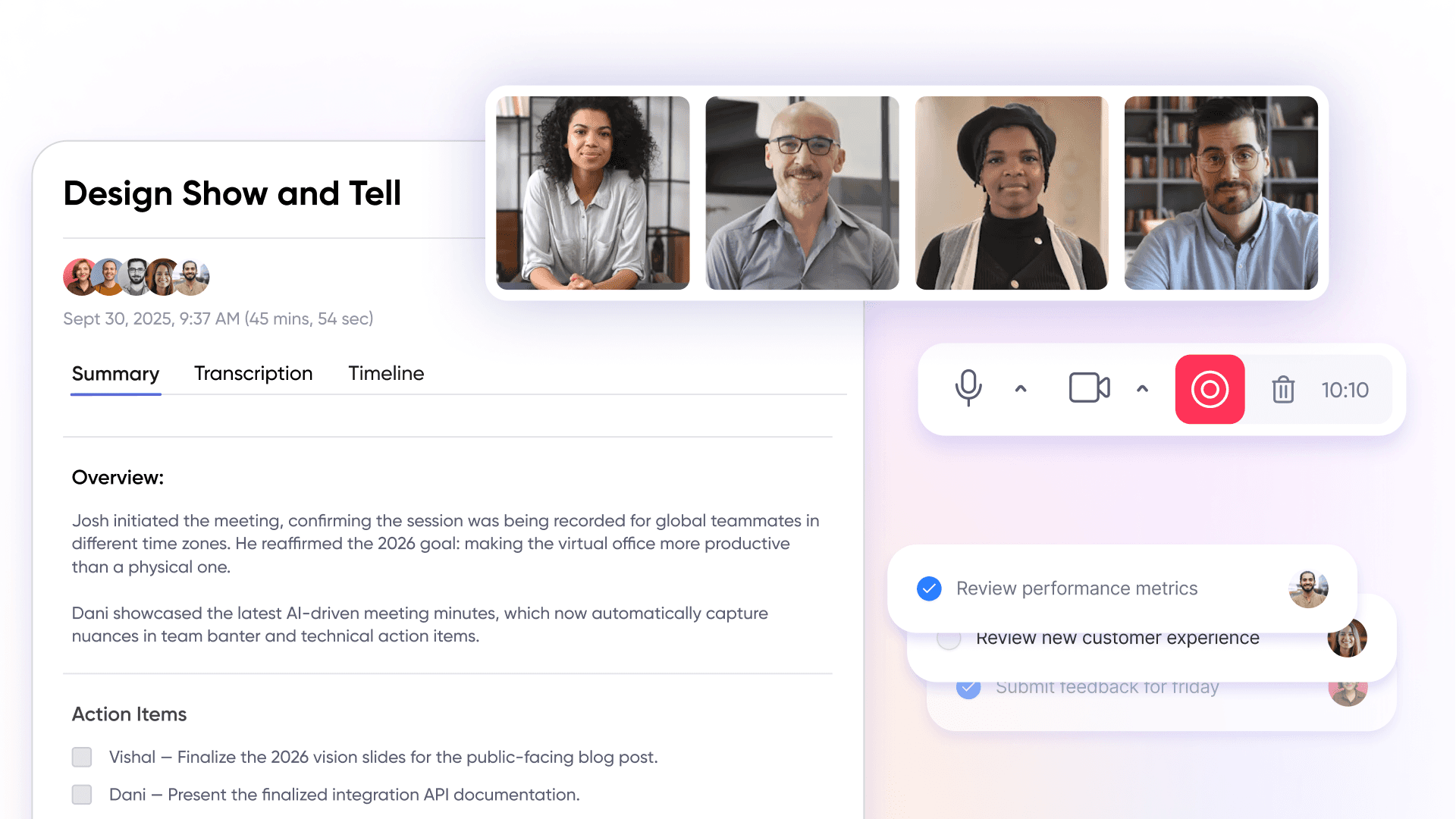
AI-powered meeting summaries and automatic action item extraction have become standard in 2026. SoWork’s AI-assisted summaries capture decisions and next steps without manual note-taking, while platforms like Zoom’s AI Companion and Microsoft Copilot offer similar capabilities within their ecosystems. This workflow continuity ensures nothing falls through cracks when team members miss live sessions.
Workflow Coordination and Context Preservation
The core value of virtual office platforms lies in reducing context switching and tool fragmentation. SoWork maintains persistent shared context so conversations, decisions, and project status remain accessible without hunting across multiple projects in disconnected apps.
Strong integrations connect the virtual office layer with existing document suites and task management tools. Rather than replacing your Google Workspace setup, SoWork integrates with it, pulling in relevant documents, surfacing Trello tasks, and keeping everything accessible from the central workspace. This approach addresses the fragmentation that G2 research shows affects 60% of distributed teams.
Free and Affordable Options for Remote Teams
For remote teams operating on tight budgets, finding effective collaboration tools that don’t break the bank is a top priority. Fortunately, there are several free and affordable options that deliver essential features for team communication, project management, and file sharing without requiring a significant investment.
Slack’s free plan is a popular choice for remote teams needing reliable team communication, offering up to 10,000 searchable messages and integration with 10 other apps—enough for most small teams to stay connected and organized. Google Workspace’s free tier provides access to Docs, Sheets, and Slides, along with 15GB of storage, making it easy for teams to collaborate on documents and share files in real time.
For project management and project tracking, Trello’s free plan stands out by allowing unlimited cards and up to 10 boards per workspace, making it ideal for organizing tasks and managing simple workflows. ClickUp’s free forever plan is another strong contender, supporting unlimited tasks and members, which is especially valuable for growing remote teams that need to assign tasks and track progress without worrying about user limits.
When evaluating free or affordable collaboration tools, it’s important to consider the limitations of each free plan such as storage caps, limited integrations, or restricted user capacity. By matching your team’s needs to the right free plan, you can ensure productive collaboration and efficient project management without unnecessary costs.
Customization and Integration Capabilities
Customization and integration capabilities are essential for remote teams looking to optimize their collaboration tools for unique workflows and seamless connectivity with existing software. The best collaboration tools offer flexible, customizable workflows that allow teams to design processes tailored to their specific project management and team communication needs.
Platforms like Asana provide workflow builders that let teams automate repetitive tasks, streamline task assignments, and create custom project management pipelines. Microsoft Teams excels as a centralized hub for team collaboration, with deep integration into the Microsoft ecosystem—connecting seamlessly with SharePoint, OneDrive, and other apps to keep all team members aligned and information easily accessible.
Google Workspace also offers robust customization through add-ons and APIs, enabling teams to extend functionality and integrate with other business-critical tools. This level of integration ensures that remote teams can maintain a unified workflow, reduce manual work, and minimize disruptions caused by switching between multiple platforms.
When choosing collaboration tools, prioritize those with strong customization and integration features. This approach not only supports your team’s current processes but also allows for scalable, efficient collaboration as your team grows and your workflows evolve. By leveraging customizable workflows and integrated platforms, remote teams can maximize productivity and ensure that every team member stays connected within a centralized hub.
Top Remote Team Collaboration Software for 2026
Evaluating solutions within the three-tier framework helps teams avoid the common mistake of choosing overlapping tools that create redundancy rather than efficiency. In 2026, remote team collaboration tools and online collaboration tools are essential for supporting communication, project management, document sharing, and real-time editing, all of which streamline teamwork and boost productivity. The top remote team collaboration software in 2026 includes SoWork, Microsoft Teams, Slack, Google Workspace, Asana, and Miro.
Virtual Office and Team Coordination Platforms
Virtual office solutions serve teams needing persistent presence, unified communication, and the ambient awareness that keeps remote or hybrid teams aligned.
SoWork (4.8/5 G2 rating) operates as the AI-powered virtual office designed specifically as the collaboration foundation. Key features include spatial audio for natural conversations, team presence indicators, integrated video meetings, and AI summaries that maintain workflow continuity. The free plan accommodates small teams, with paid plans scaling for larger organizations. SoWork’s positioning as the centralized hub—rather than another siloed app distinguishes it from communication-only alternatives.
Slack (4.5/5 G2 rating) excels at channel-based team chat with thousands of integrations and workflow automation through its app ecosystem. However, Slack lacks the spatial presence layer and unified meeting integration that virtual offices provide, making it better suited as a messaging tool within a broader stack.
Microsoft Teams (4.4/5 G2 rating) integrates deeply with the Microsoft 365 ecosystem, offering persistent chats, co-authoring in Office documents, and external guest access for client collaboration. For teams already committed to Microsoft’s suite, Teams provides strong collaboration features though the learning curve challenges non-Microsoft users.
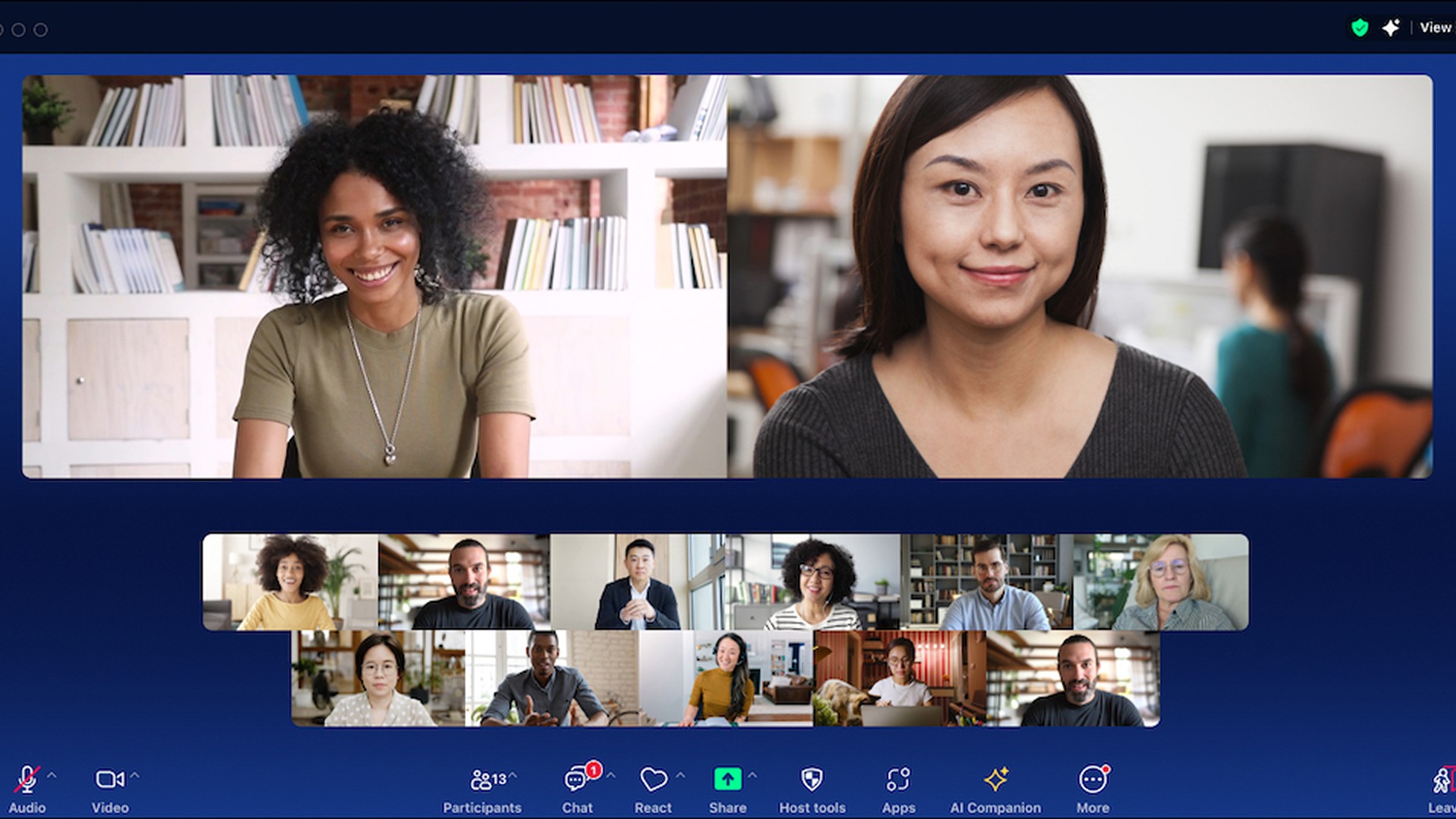
Zoom Workplace (4.5/5 G2 rating) extends beyond video conferencing to include team chat and collaborative whiteboards. Video-heavy organizations running daily standups and all-hands meetings find Zoom’s reliability and features like breakout rooms essential, though engagement tracking remains limited compared to virtual office platforms.
Document and Productivity Suites
Document suites handle content creation and file sharing, integrating with your virtual office rather than replacing it.
Microsoft 365 delivers enterprise-grade document collaboration with security compliance suitable for regulated industries. Copilot-assisted drafting, real-time co-authoring in Word and Excel, and seamless Teams integration make it the standard for organizations prioritizing Microsoft compatibility.
Google Workspace offers cloud-native collaborative editing with real-time co-editing in Docs, Sheets, and Slides. Gemini AI assists drafting and analysis, while Meet integration launches video calls directly from documents or calendar. Creative teams and organizations preferring browser-based workflows often favor Workspace’s simplicity.
LibreOffice Online provides open-source collaborative features for organizations avoiding subscription costs or vendor lock-in, though integration depth trails commercial options.
WPS Office offers Microsoft compatibility at lower per user pricing, suitable for budget-conscious teams handling standard document workflows.
Specialized Project Management and Automation Tools
Project management platforms layer onto your collaboration stack for teams managing complex projects requiring detailed tracking and custom workflows.
Asana combines task management with timeline views and portfolio tracking for multiple projects across teams. The visual approach suits marketing team workflows and cross-functional initiatives.
Monday.com provides visual collaboration through customizable workflows and visual boards that adapt to diverse operational needs from software development to creative agencies.
ClickUp consolidates task assignments, document collaboration, and automation into a single workspace with extensive customization—appealing for teams wanting consolidation but risking complexity.
Notion blends wiki-style documentation with database capabilities and kanban boards, serving as both knowledge base and task management tools for teams preferring flexible structures.
Software Comparison Matrix
Category | Solution | Pricing Model | Best For | Key Integration Focus |
Virtual Office | SoWork | Free plan + paid plans | Remote and hybrid teams needing unified presence | Microsoft 365, Google Workspace, Trello, Clickup, Zapier, Asana, Miro |
Virtual Office | Slack | Free + per user paid | Channel-based team communication | Thousands of app integrations |
Virtual Office | Microsoft Teams | Part of Microsoft 365 | Organizations in Microsoft ecosystem | Deep Office 365 integration |
Document Suite | Microsoft 365 | Per user subscription | Enterprise security and compliance needs | Teams, SharePoint, third-party apps |
Document Suite | Google Workspace | Per user subscription | Cloud-native, browser-first workflows | Meet, Drive, extensive marketplace |
Project Management | Asana | Free (basic) + business and enterprise plans | Marketing and cross-functional teams | Slack, Microsoft 365, Zoom |
Project Management | Monday.com | Per user tiered | Visual workflow management | Google Workspace, Microsoft, Zoom |
Free Collaboration Tools | Trello, ClickUp, Notion (free plans) | Free (with paid upgrades) | Startups and small remote teams seeking no-cost solutions | Integrations vary; limited features on free tiers |
Selection guidance: Start with your virtual office layer (SoWork provides the strongest foundation for unified remote operations), confirm your document suite aligns with existing investments, then layer specialized project management based on workflow complexity. Small teams often need only the first two tiers, while teams managing complex projects across functions benefit from dedicated project tracking. Free collaboration tools like Trello, ClickUp, and Notion offer essential features for remote teams on a budget, but may have limitations in integrations and advanced capabilities.
For enhanced productivity, consider AI meeting assistants such as Fireflies.ai, which can automatically record, transcribe, and extract action items from calls, streamlining remote collaboration.
Common Implementation Challenges and Solutions
Deploying collaboration software stacks presents predictable obstacles that teams can address with strategic approaches.
Tool Fragmentation and Context Switching
Solution: Begin with SoWork as your central hub before adding specialized tools. The virtual office layer establishes unified access points where team members start their workday, reducing the app-hopping that creates context loss. Prioritize integration capabilities when evaluating additional tools if it doesn’t connect to your virtual office, it creates a silo.
Research indicates teams using integrated virtual offices reduce tool-switching overhead significantly compared to those running disconnected apps. The key is treating the virtual office as the starting point rather than another addition to an already-fragmented stack.
Team Adoption and Change Management
Solution: Roll out gradually, beginning with core team communication needs before introducing advanced features. Focus training on workflow improvements (“here’s how to find who’s available for a quick sync”) rather than feature lists (“here are all the buttons”).
SoWork’s free plan allows teams to test the virtual office approach without budget approval friction, making initial adoption lower-risk. Expand to paid plans as usage patterns confirm value and team size grows.
Security and Compliance Across Multiple Platforms
Solution: Prioritize platforms with enterprise security standards and single sign-on capabilities. Enterprise plans typically include compliance certifications (SOC 2, GDPR) essential for regulated industries.
Establish clear data governance policies defining which content belongs in each layer—sensitive documents in secure suites, general coordination in the virtual office, client-facing deliverables with appropriate access controls. The three-tier structure actually simplifies governance by creating clear boundaries.
Conclusion and Next Steps
Effective remote team collaboration in 2026 requires a strategic stack, not just more tools. The three-tier approach virtual office foundation, document suite, specialized tools addresses the core challenges of visibility, coordination, and productivity that distributed teams face.
SoWork serves as the logical starting point: an AI-powered virtual office that unifies meetings, chat, and team presence while integrating with your existing productivity tools. This foundation-first approach prevents the fragmentation that undermines so many remote collaboration efforts.
Immediate next steps:
Audit your current tool fragmentation count how many apps team members switch between daily
Trial SoWork’s free plan to establish a virtual office foundation
Evaluate whether your document suite (Microsoft 365 or Google Workspace) needs adjustment
Add specialized project management tools only after the coordination layer stabilizes
Emerging trends worth monitoring include deeper AI integration across all collaboration features, VR-enhanced virtual collaboration tools, and increasingly sophisticated async workflow optimization as remote and hybrid work continues expanding.
Book a Demo with our Team at SoWork & Make your free Office with SoWork!
Additional Resources
Free trial access for SoWork and other top-rated platforms
Integration compatibility documentation for major tool combinations
Remote team productivity assessment frameworks
Security compliance checklists for multi-platform collaboration deployments
Workflow audit templates for evaluating current tool fragmentation
Blogs
Read Similar Articles

Remote Team Analytics: Complete Guide to Data-Driven Remote Work Management in 2026

Complete Guide to Gaining Visibility Into Remote Team Performance and Collaboration
