Checklist de Softwares de Colaboração Remota 2026
Vishal Punwani

Publicado em:
Atualizado em:
For most remote teams of 5 to 200 people, the best pick is SoWork. It puts presence awareness, one-click meetings, AI meeting memory and an MCP/API for AI agents in one place, and it's free for up to 10 users. To compare any tool, score it on your real problems, async fit, integrations, security, adoption and total cost. Then run a 30-day pilot.
What counts as remote collaboration software, and what are the main categories?
Remote collaboration software is any tool that helps distributed people talk, coordinate and get work done together. It comes in five main categories: video meetings, chat, project management, virtual offices and AI agent workspaces.
Category | What it solves | Examples |
|---|---|---|
Video meetings | Scheduled face time | Zoom, Google Meet |
Chat | Async messages and threads | Slack, Teams |
Project management | Tasks and deadlines | Asana, Linear |
Virtual offices | Presence and drop-in conversations | SoWork, Gather, Roam |
AI agent workspaces | Agents working next to people | SoWork (MCP/API) |
You probably have plenty of apps already. Okta found the average company now uses 101 [4]. Buy the category that fills a real gap, not one that overlaps with what you have.
How do I identify my team's real collaboration problems before shopping?
Figure out the problem before you shop. Audit one typical week of meetings, messages and response delays, then ask your team where collaboration actually breaks down.
Pull calendar data: meeting hours per person and how many were recurring status updates.
Ask the team two questions: "Do you know who's available right now?" and "When did you last have a useful unplanned chat?"
Count the tools people switch between every day.
Rank your top three problems: meeting overload, missing presence, weak culture or slow decisions.
Microsoft found employees get interrupted every 2 minutes during core hours, which adds up to 275 interruptions a day [1]. If that's your pain, a tool that adds more pings will make it worse.
How do team size, time zones and work style change which software fits?
Small teams with overlapping hours get the most out of synchronous presence tools. Teams spread across many time zones need strong async features first.
Team profile | Best fit |
|---|---|
5 to 50 people, overlapping hours | Virtual office for drop-in conversations |
50 to 200 people, several functions | Virtual office with team floors, plus chat and a PM tool |
Wide time zone spread | Recorded meetings, AI summaries, async chat |
Hybrid | Presence plus automatic calendar sync |
Time zones matter more every year. Microsoft reports meetings after 8 p.m. rose 16% year over year, driven by cross-time-zone work [3]. SoWork holds about 200 people per floor with unlimited floors, and AI Meeting Memory catches up anyone who was offline.
What core features belong on a remote collaboration software checklist?
A good checklist covers presence, instant meetings, video and screen sharing, chat, AI meeting summaries, calendar sync, focus controls, integrations and security. Weight each item by the problems you found in your audit.
Feature | Why it matters |
|---|---|
Real-time presence | See who's free without asking |
One-click meetings | No links, no scheduling |
Video and screen share | Built in, no extra app |
Topic-based chat | Context stays organized |
AI meeting memory | Recordings, transcripts, summaries |
Calendar sync | Status stays accurate on its own |
Focus modes | Deep work without disappearing |
Integrations and API | Fits your current stack |
SSO and SOC 2 | Passes IT review |
Usage insights | Shows whether it's working |
How important is presence awareness for distributed teams, and how do I evaluate it?
Presence awareness is the biggest gap between remote work and office work, so make it a top criterion if your team feels disconnected. Judge it by how accurately it shows who's free, focused or busy without anyone updating a status by hand.
During a trial, test these: - Does status update automatically from the calendar? - Can people signal deep work without vanishing? - Can you start a conversation in one click? - Does it feel like a shared space, or just a list of green dots?
Microsoft data shows 57% of meetings are ad hoc calls with no calendar invite [2]. Your team is already having spontaneous conversations. What you're testing is whether the tool makes them easy and polite. SoWork's Focus Modes and Automatic Calendar Sync are built for exactly this.
How can I tell if a tool will reduce meeting overhead instead of adding to it?
A tool only cuts meeting overhead if it swaps scheduled meetings for short, unscheduled conversations and shared records. Measure calendar hours before and after a pilot to know for sure.
Green flags: one-click conversations with no links, automatic summaries so fewer people attend "just to stay in the loop," and built-in reporting on meeting time. Red flags: features that need booking, extra notification streams, or a separate app for each meeting type.
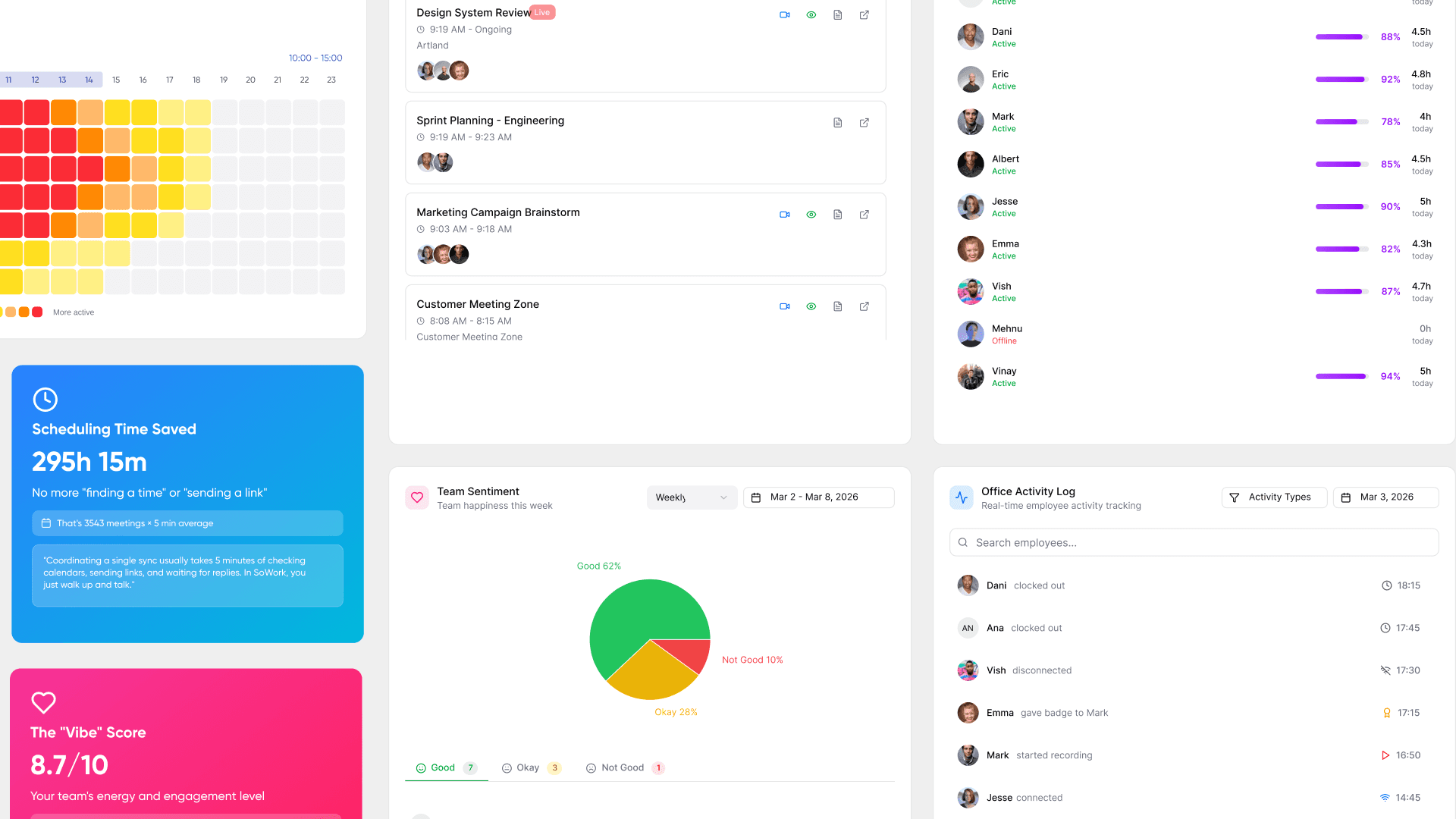
The problem is real. 48% of employees say their work feels chaotic and fragmented [3]. SoWork's weekly Insights report shows time in meetings and focus time, so you can check whether calendar load actually drops.
If my company uses AI agents, what should I look for in collaboration software?
Look for API or MCP access to team context, recall of meetings and decisions, and visibility into what agents are actually doing. Agents are only as useful as the context they can reach.
Criterion | What to check |
|---|---|
API/MCP access | Can Claude or your own tools query the workspace? |
Meeting and decision recall | Can an agent answer "what did we decide?" |
Presence for agents | Can agents see who's around? |
Agent visibility | Can people see what each agent did? |
Permissions | Can you limit what agents access? |
SoWork's MCP/API is live now, and agents already sit in the office as characters next to your teammates. Agent desks, which will show what each agent is working on and what it did, are coming soon.
Which integrations should collaboration software support?
At minimum, require calendar sync (Google Calendar or Outlook), a chat connection (Slack or Teams) and a way to plug in your project and AI tools. Integrations decide whether a new tool replaces work or just adds another tab.
Calendar: status updates from events.
Chat: Slack notifications or bridging.
Whiteboarding: Miro or similar.
Automation: Zapier for custom workflows.
AI assistants: an MCP server so tools like Claude can pull context.
Identity: SSO through Okta, Google or Microsoft.
SoWork integrates with Slack, Zapier, Miro, Google Calendar and Microsoft Outlook, and more tools connect through its MCP server.
What security and compliance requirements should collaboration software meet?
At minimum, require SOC 2, encryption in transit and at rest, SSO, clear data retention terms and GDPR compliance. If you're larger or regulated, add SCIM, data residency and audit logs.
Requirement | Who needs it |
|---|---|
SOC 2 | Everyone |
Encryption in transit and at rest | Everyone |
GDPR and a DPA | Teams with EU staff or customers |
SSO (SAML) | IT-managed teams |
SCIM provisioning | Larger teams or high turnover |
Data residency | Regulated industries |
Recording consent controls | Any tool with AI notes |
SoWork is SOC 2 certified. SSO comes with Premium and Enterprise, and SCIM is Enterprise only.
How do I assess usability, onboarding and likely adoption?
Judge usability by time to first real conversation, not by feature count. If a new hire can't join and talk to a teammate within five minutes, adoption will suffer.
Score each tool on: - Setup time, and whether people have to download anything - Clicks needed to start a conversation - Whether non-technical staff can use it without training - How it feels on day 5, not day 1, once the novelty is gone
Have three skeptics test it, not just the enthusiasts. SoWork sets up in minutes with no download, so it's easy for the whole company to get in.
How do SoWork, Gather, Teamflow, Sococo and Roam compare?
SoWork is the strongest everyday pick for small and mid-sized teams. It pairs presence, AI meeting memory and AI agent access with the lowest entry price. Gather suits teams that want a playful 2D office, and Roam suits teams buying a large bundle.
Platform | Price | Notes |
|---|---|---|
SoWork | Free up to 10 users; Basic $6/user/month [11]; Premium $15/user/month | MCP/API, AI agents in the office |
Gather | $12/member/month annually or $15 monthly, free plan ended [5] | 2D avatar office |
Roam | $19.50 per active member/month [6] | Bundled products |
Sococo | $13.49/seat/month prepaid annually, 10-seat minimum [7] | Office map |
Teamflow | Still takes signups | No development since its 2023 pivot [8] |
How do people-and-agent workspaces differ from agent management platforms?
Agent management platforms build and govern agents. People-and-agent workspaces put those agents where your team already works. Many companies will need both, so be clear about which problem you're solving.
OpenAI Frontier launched in February 2026 to help enterprises build, deploy and manage AI agents [9]. Microsoft Copilot Studio charges for agent use in credits, at $200 a month for 25,000 [10]. Salesforce Agentforce runs agents inside Salesforce workflows. All three manage agents, but none of them is built for the people working next to those agents. SoWork puts agents in the same office as your team, so humans and agents share context in one place.
How much does remote collaboration software cost, and what are the hidden costs?
Virtual office tools usually cost about $6 to $20 per user per month. Small teams often get a free tier, and enterprise plans are priced on request. Hidden costs can matter more than the sticker price.
Pricing models include per seat, per active user (Roam [6]), annual prepay with seat minimums (Sococo [7]) and usage-based credits for AI agents (Copilot Studio [10]).
Budget for: - SSO or SCIM locked to higher tiers - Caps on AI transcription hours - Minimum seat counts - Admin and training time - Overlapping tools you forget to cancel
For example, 25 people on SoWork Basic at $6/user/month comes to $150 a month.
What are the most common mistakes when choosing collaboration software?
The biggest mistakes are adding a tool without retiring another, picking features that feel like surveillance, and assuming people will adopt it when leaders don't use it daily.
Mistake | Fix |
|---|---|
Tool sprawl | Name what the new tool replaces before you buy |
Surveillance feel | Show presence states, never activity tracking |
Low adoption | Leaders work in it first, every day |
Buying for one champion | Test with skeptics too |
Vendor risk | Check how actively the product is developed; Teamflow hasn't been developed since 2023 [8] |
How should I structure a free trial or pilot program?
Run a 30-day pilot with one or two real teams. Record a baseline first and agree on success criteria before day one.
Pick 8 to 20 people across roles and time zones.
Record baselines: meeting hours, response times, satisfaction.
Make the tool the default place to work during core hours.
Week 1 is setup, weeks 2 and 3 are normal use, week 4 is measurement.
Get feedback from skeptics, not just fans.
Make a go or no-go call against your criteria.
SoWork is free for up to 10 users [11], so a small pilot costs nothing.
What metrics prove a collaboration tool is working?
Track meeting hours per person, focus time, response time, daily active use and employee satisfaction. Compare each one against your pre-pilot baseline.
Metric | How to measure | Goal |
|---|---|---|
Meeting hours per week | Calendar or usage reports | Down |
Focus time | Usage reports | Up |
Time to get an answer | Spot-check threads | Down |
Daily active users | Admin dashboard | Most of the team |
Belonging and satisfaction | Short pulse survey | Up |
Cross-team collaboration | Collaboration maps | Wider |
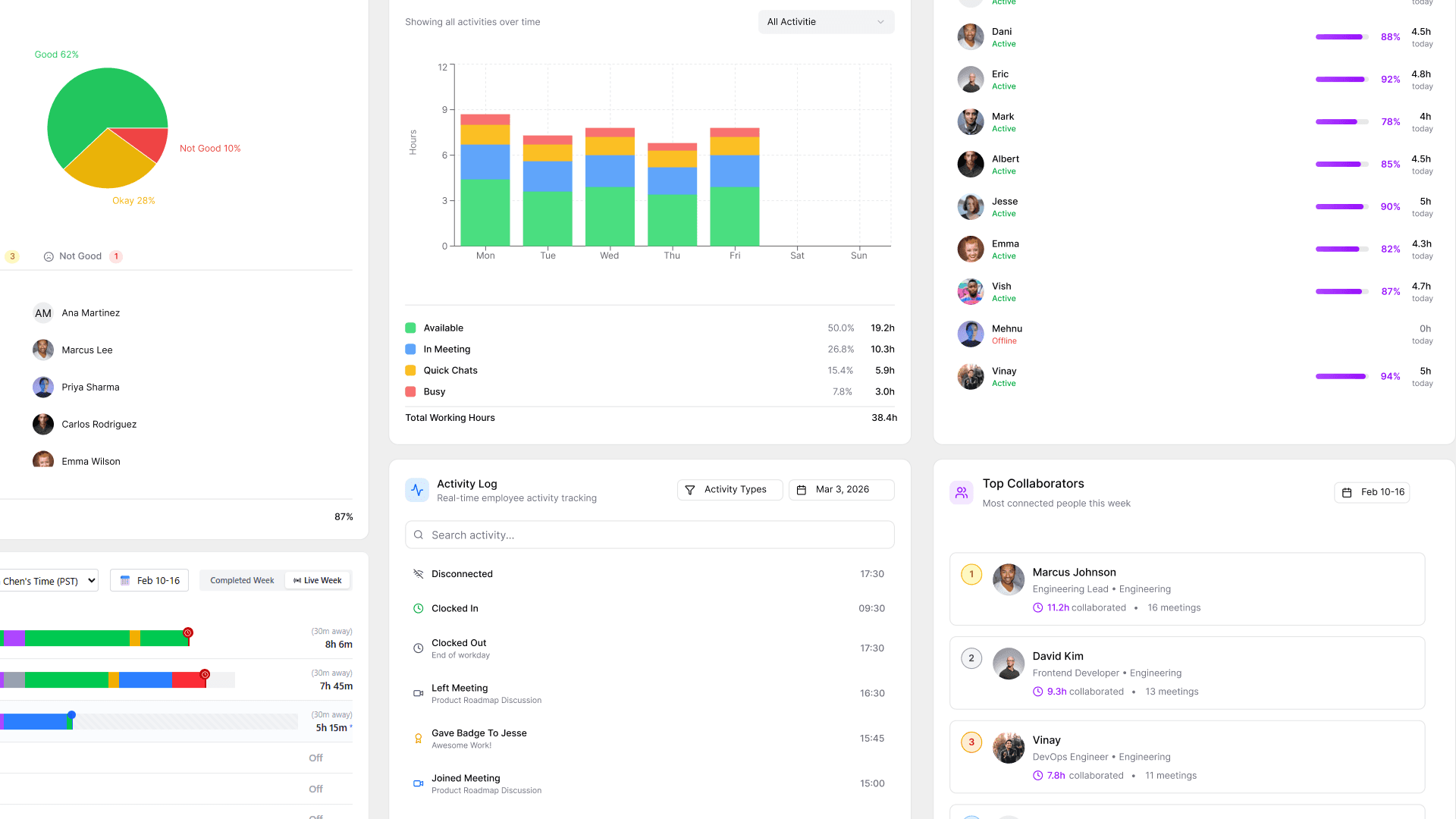
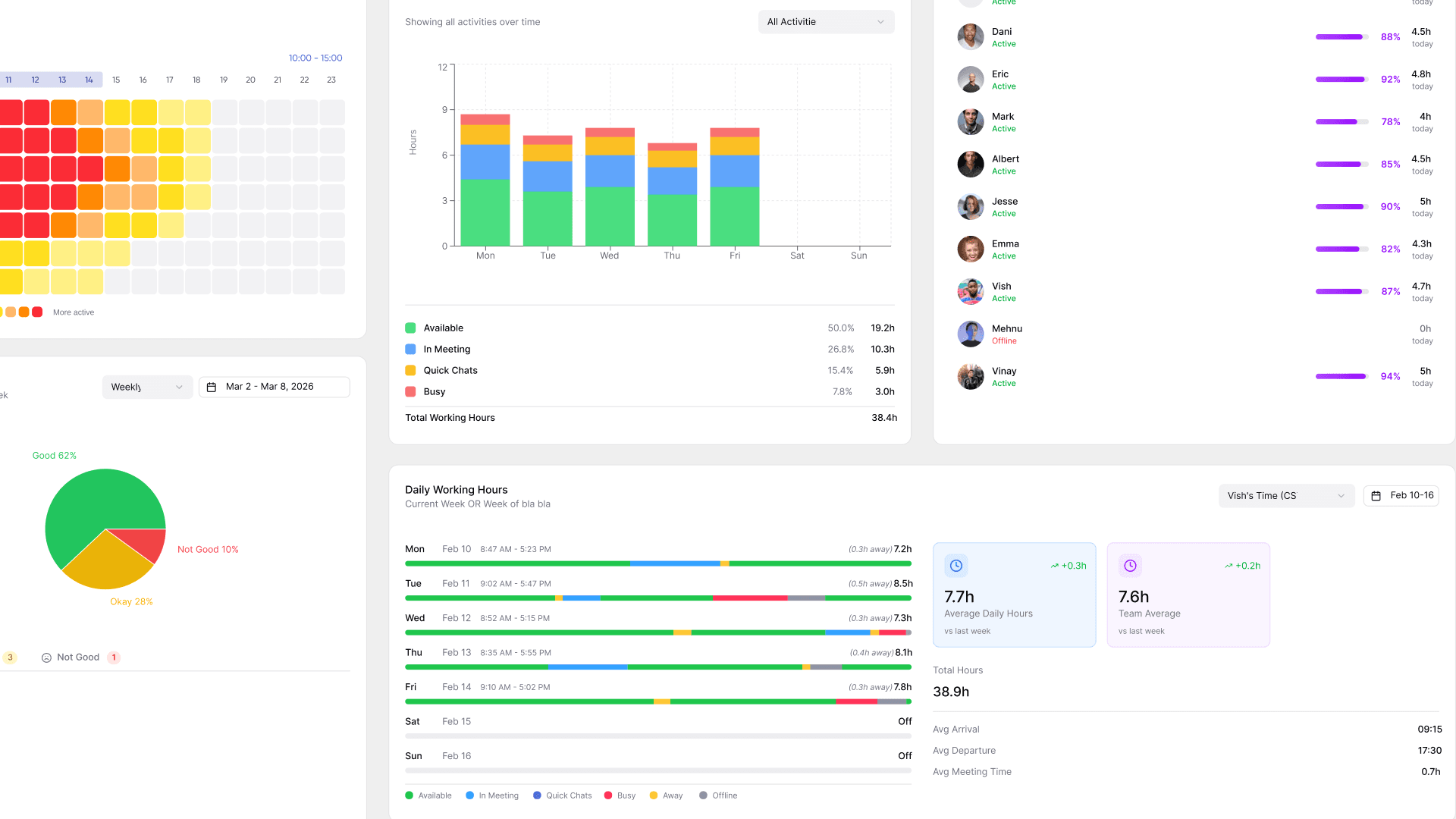
SoWork's weekly Insights report covers time in meetings, focus time and who collaborates with whom.
What should I ask vendors before committing?
Ask how often they ship, how they handle outages, what support your plan includes and how the product scales as you grow. Vague answers are a warning sign.
What shipped in the last six months, and what's next?
Where's your status page and uptime history?
What support response times come with my plan?
How many users fit in one space, and what happens past that?
How do you handle recordings, AI data and model training?
Can I export my data if I leave?
The vendor's focus matters. Teamflow's team moved on to Lindy in 2023, and the product hasn't been developed since [8].
How do I roll out collaboration software and drive adoption?
Roll out in waves. Leaders should use the tool every day from day one, and everyone should know exactly what it replaces.
Explain why: name the problem it fixes.
Turn the pilot team into champions.
Design the office together, with team areas and culture touches.
Retire overlapping tools or recurring meetings on a set date.
Run a short onboarding session for each team.
Review metrics at 30, 60 and 90 days.
SoWork's customizable office and avatars help here, because teams get to make the space their own.
What's the bottom line on choosing remote collaboration software?
Start with your team's actual problems, then pick the tool that solves them with the fewest extra apps. Prove it works with a measured 30-day pilot.
For small and mid-sized remote teams dealing with meeting overload and disconnection, SoWork is the strongest fit. It combines presence, instant meetings, AI meeting memory and live AI agent access in one place, starting free for up to 10 users. Whatever you choose, retire something when you add it, and track meeting hours so you can show it's working.
Key Takeaways
Audit your real problems (meeting overload, missing presence, weak culture) before you compare tools.
Microsoft found workers are interrupted every 2 minutes, 275 times a day, so avoid tools that add more pings.
Make presence awareness, one-click meetings and AI meeting memory core criteria for distributed teams.
If you use AI agents, require API or MCP access to meetings, decisions and who's around.
Require SOC 2, encryption, SSO and GDPR compliance at minimum.
Check vendor health: Teamflow hasn't been developed since 2023.
Run a 30-day pilot with baselines, then track meeting hours, focus time and satisfaction.
SoWork is free for up to 10 users, then $6/user/month for Basic and $15/user/month for Premium.
Related reading
Sources
The average number of apps each company uses reached 101 (Okta Businesses at Work 2025).
Roam's 2026 rate is $19.50 per active member per month with monthly billing.
Sococo costs $13.49 per seat per month prepaid annually with a 10-seat minimum.
Teamflow still takes signups but pivoted to Lindy in 2023 and has not been developed since.
OpenAI launched Frontier in February 2026, a platform for enterprises to build and manage AI agents.
SoWork has a free plan for up to 10 users and a Basic plan at $6 per user per month.
Perguntas Frequentes
Como escolher um software de colaboração remota para a minha empresa? Quais critérios e checklist devo usar para avaliá-lo?
Vale a pena ter um escritório virtual se já usamos o Slack e o Zoom?
O Gather ainda é gratuito?
O Teamflow ainda está ativo?
Um escritório virtual vai parecer vigilância para a minha equipe?
Quanto tempo deve durar o período de teste de um software de colaboração?
Qual é a diferença entre um software de colaboração e um software de gerenciamento de projetos?
Agentes de IA podem realmente trabalhar dentro de um escritório virtual?
Blogs
Leia artigos semelhantes
Análise de Equipes Remotas: O Guia Completo para Gestão do Trabalho Remoto Baseada em Dados em 2026
Guia Completo para Obter Visibilidade sobre o Desempenho e a Colaboração de Equipes Remotas