Cerimônias Ágeis Remotas: Playbook e Ferramentas para 2026
Vishal Punwani

Publicado em:
Atualizado em:
Run remote agile ceremonies with written pre-reads, strict timeboxes, silent-first input and recorded decisions, using a small stack: Jira or Linear for the backlog, Parabol or Miro for retros, and SoWork to host the live sessions. SoWork is the strongest home base because it records, summarizes and pulls action items from every ceremony, and keeps teammates one click away for follow-ups.
What changes when agile ceremonies go fully remote?
You lose the hallway. The quick clarifications, side conversations and visible reactions that co-located teams get for free now have to be written down, scheduled or recreated on purpose.
Element | Co-located | Fully remote |
|---|---|---|
Context before meetings | Overheard at desks | Written pre-reads |
Reading the room | Body language | Reactions, polls, silent writing |
Decisions | Remembered | Recorded and searchable |
Follow-ups | Walk over | Need a space to talk instantly |
The timeboxes stay the same. Sprint planning, review and retrospective are capped at 8, 4 and 3 hours for a one-month sprint, and the daily scrum is 15 minutes [1].
What are the biggest challenges of running agile ceremonies remotely?
Fatigue, low engagement and time zone gaps are the big three, and they feed each other. Tired people turn cameras off, quiet sessions get skipped, and someone always ends up taking the 8 p.m. call.
Ceremonies land on top of an already noisy day. Microsoft telemetry shows employees are interrupted every 2 minutes during core work hours by meetings, emails or pings [2]. Nearly a third of meetings now span multiple time zones [3].
Other common failure modes: - Standups that turn into status reports for the manager - Retros where nobody says the real problem - Action items that vanish because nobody owned them - Follow-up questions that become yet another calendar invite
How should a remote team prepare for sprint planning?
Do the thinking before the call. Refine the backlog async, send a pre-read 24 to 48 hours ahead, and walk in with capacity already known.
The product owner orders the top of the backlog and drafts a proposed sprint goal.
Developers comment on stories async, flagging unknowns and dependencies.
Hold a short live refinement session only for items that are still unclear.
Everyone logs time off, holidays and on-call duty so capacity is set before planning.
Share a one-page pre-read: draft goal, top items, known risks.
Teams that skip prep spend the planning call reading tickets aloud. That's the most expensive way to read.
How do you facilitate remote sprint planning step by step?
Move from goal to capacity to commitment, in that order. For a two-week sprint, a well-prepared remote team should usually finish in about two hours or less.
Confirm the sprint goal (10 minutes).
Review capacity: available days per person, minus meetings, holidays and on-call.
Estimate remaining items with planning poker. Reveal votes at the same time to avoid anchoring.
Pull items until you hit capacity, using recent velocity as a sanity check.
Break the top items into tasks and name owners.
Record the session.
In SoWork, recorded meetings are transcribed with an AI summary and action items, and those action items can become tasks.
How do you stop remote standups from becoming status reports?
Center the standup on the sprint goal, not on each person justifying their day. The 2020 Scrum Guide removed the classic three questions, so you're free to drop them [4].
Keep it to 15 minutes [1]. Walk the board right to left, starting with items closest to done. Ask "what's blocking the goal?" instead of "what did you do yesterday?" Rotate who facilitates so it doesn't become a report to the lead.
Park problem-solving until the end, with only the people involved. In a virtual office those two or three people just stay in the meeting zone while everyone else heads back to their desk. The follow-up happens right away instead of turning into another invite.
When should remote teams use async standups instead of live meetings?
Go async when updates are mostly status and your team spans a wide time zone spread. Stay live when work is tightly coupled and blockers need quick back-and-forth.
Situation | Best format |
|---|---|
6+ hours of time zone spread | Async written updates |
Independent workstreams | Async |
Tightly coupled work, frequent handoffs | Live, 15 minutes |
New team or sprint at risk | Live |
Mixed | Async daily, live twice a week |
SoWork's Standup Bot asks teammates for their update Monday to Friday, based on the time zone in each person's profile, then posts a team summary. Blockers still deserve a live conversation.
How do you run a remote retro that builds psychological safety?
Safety comes from structure: silent written input first, discussion second. Google's Project Aristotle studied 180 teams and found psychological safety was the single most important factor in high performance [5].
Review last sprint's action items first. Skipping this teaches people their input doesn't matter.
Run a one-word check-in on how the sprint felt.
Give 5 to 7 minutes of silent writing, anonymous if trust is low.
Group the notes and dot-vote on themes.
Discuss only the top two or three.
Leave with one to three actions, each with an owner and a date.
Don't require cameras. Leads speak last.
Which retrospective formats work best for distributed teams?
Start, Stop, Continue and Mad, Sad, Glad work best as defaults because they're simple and suit written, async input. Rotate formats every few sprints so the team doesn't go on autopilot.
Format | Best for |
|---|---|
Start, Stop, Continue | Default, action-oriented sprints |
Mad, Sad, Glad | Checking the emotional temperature after a tense sprint |
4Ls (Liked, Learned, Lacked, Longed for) | Sprints heavy on learning or new tech |
Sailboat | Visual teams mapping risks and goals |
Async retro over 48 hours | Teams with little or no overlap |
Pick the format based on the sprint you just had, not habit.
How do you run remote sprint reviews that keep stakeholders engaged?
Show working software, not slides, and give stakeholders room to react. Keep it well under the 4-hour maximum the Scrum Guide sets for a one-month sprint [1].
Send the demo order and owners a day ahead.
Have the person who built each feature demo it.
Cap each demo at 5 to 8 minutes, with questions right after.
Collect quick reactions through chat or polls.
Record the session for stakeholders who can't make it.
External stakeholders can join a SoWork review with Guest Passes, so they don't need a paid seat. Basic includes 2 Guest Passes per seat each month and Premium includes 5.
How do you schedule agile ceremonies fairly across time zones?
Protect your overlap window for the ceremonies that truly need live discussion, and rotate the uncomfortable slot so the same people aren't always on at 7 a.m. or 8 p.m.
Map everyone's working hours and find the overlap, even if it's only 1 to 2 hours.
Put planning and retros inside that window.
Move standups async when overlap is thin.
If there's no fair overlap, rotate meeting times each sprint or quarter.
Record everything so absence isn't a penalty.
SoWork lets each person set their working hours and time zone, so the team can see when colleagues are actually around before booking anything.
What categories of tools does a remote agile team need?
Most remote teams need five things: a backlog tracker, an estimation tool, a retro or whiteboard tool, a meeting space, and a channel for async updates. More and more teams are adding a sixth: AI meeting memory.
Category | Job | Examples |
|---|---|---|
Backlog tracker | Stories, sprints, velocity | Jira, Linear |
Estimation | Planning poker | Parabol |
Retro and whiteboard | Silent writing, voting | Parabol, Miro, FigJam, EasyRetro |
Meeting space | Live ceremonies and follow-ups | SoWork, plain video tools |
Async updates | Standups, decisions | SoWork chat and Standup Bot, Slack |
AI memory | Summaries, recall | SoWork AI Meeting Memory |
Which tools are best for remote sprint planning and backlog management?
Pick Jira if you need deep configuration and Atlassian integrations. Pick Linear if you're a product team that values speed and strong defaults. Either way, add a planning poker tool for estimation.
Tool | Strength | List price |
|---|---|---|
Jira | Custom workflows, reporting | Standard $9.70/user/month billed monthly, 1 to 100 users [6] |
Linear | Speed, clean cycles | Basic $10, Business $16/user/month billed yearly [7] |
Parabol | Sprint poker plus retros and standups | Team $8/active user/month [8] |
Parabol's free Starter plan covers 2 teams [8], which is enough to test planning poker before you commit.
Which whiteboard and retro tools work best for remote retrospectives?
Use Parabol or EasyRetro for structured, repeatable retros with anonymous input. Use Miro or FigJam when your retros overlap with broader visual workshops.
Tool | Best for | Pricing note |
|---|---|---|
Parabol | Guided retros, anonymity, action tracking | Free for 2 teams; Team $8/active user/month [8] |
EasyRetro | Simple, quick retro boards | Free tier available |
Miro | Freeform workshops, templates | Starter $8, Business $20/member/month billed yearly [9] |
FigJam | Teams already working in Figma | Bundled into Figma plans |
SoWork integrates with Miro, so a retro board can sit inside the same office where the team meets.
How do virtual offices compare with plain video calls for agile ceremonies?
SoWork is the better host for agile ceremonies because the conversation doesn't stop when the meeting ends. People stay visible, and follow-ups start by walking over, not by sending a new link.
Microsoft found 57% of meetings are ad hoc calls without a calendar invite [2]. That unplanned talk is where a lot of sprint work gets unblocked.
Need | Plain video | SoWork |
|---|---|---|
Post-ceremony follow-up | New link | Walk up to a teammate |
Presence | None | Free, focused, in a meeting |
Recording and AI summary | Varies | Built in, with action items |
Gather and Roam also offer persistent spaces with presence. Compare them on recording, AI summaries and how action items reach your tracker.
How can AI agents help with agile ceremonies?
AI pays off most after the ceremony. It can summarize the discussion, capture decisions and action items, and answer "what did we agree in planning?" weeks later.
SoWork records, transcribes and summarizes meetings with action items. Admins can sync those items to a project tracker through Zapier. Its Office Assistant answers plain-language questions such as "What meetings happened on Tuesday?" and only shows what you're allowed to see.
Through SoWork's MCP/API, Claude or ChatGPT can search meeting transcripts and chat, or check who's around. AI agents also sit in the office as characters next to your teammates. Agent desks, which will show what each agent did, are coming soon.
How do you choose a remote agile tool stack?
Start from team size and the tools you already pay for, then cut overlap. Most teams under 50 people need one tracker, one retro tool and one place to meet.
Team size | Suggested stack |
|---|---|
5 to 10 | Linear or Jira, Parabol Starter, SoWork Basic (Free is audio-only with 30-minute meetings) |
10 to 50 | Jira or Linear, Parabol or Miro, SoWork Basic or Premium |
50 to 200 | Jira, Miro Business, SoWork Premium or Enterprise for SSO and SCIM |
Check integrations before you buy. SoWork connects with Slack, Zapier, Miro, Google Calendar and Microsoft Outlook, and other tools can connect through its MCP server.
What do remote agile collaboration tools cost per user?
Most tools cost $6 to $20 per user per month at list price. A three-tool stack usually lands somewhere between about $24 and $51 per user per month.
Tool | Entry paid tier | Higher tier |
|---|---|---|
SoWork | Basic $6/user/month | Premium $15/user/month [10] |
Jira | Standard $9.70 (monthly billing) | Premium $19.60 [6] |
Linear | Basic $10 (yearly) | Business $16 [7] |
Parabol | Team $8/active user | Enterprise, custom [8] |
Miro | Starter $8 (yearly) | Business $20 [9] |
SoWork is free for up to 10 users [10]. Annual billing usually lowers the price on the other tools.
How do you measure whether remote agile ceremonies are working?
Track predictability, action-item follow-through and engagement together. Velocity on its own is easy to game and tells you nothing about whether your ceremonies help.
Metric | Healthy sign |
|---|---|
Planned vs completed | Commitments land close to delivery |
Retro action completion | Most actions closed by the next retro |
Participation | Everyone adds written input |
Ceremony hours | Flat or falling |
Team sentiment | Stable or rising |
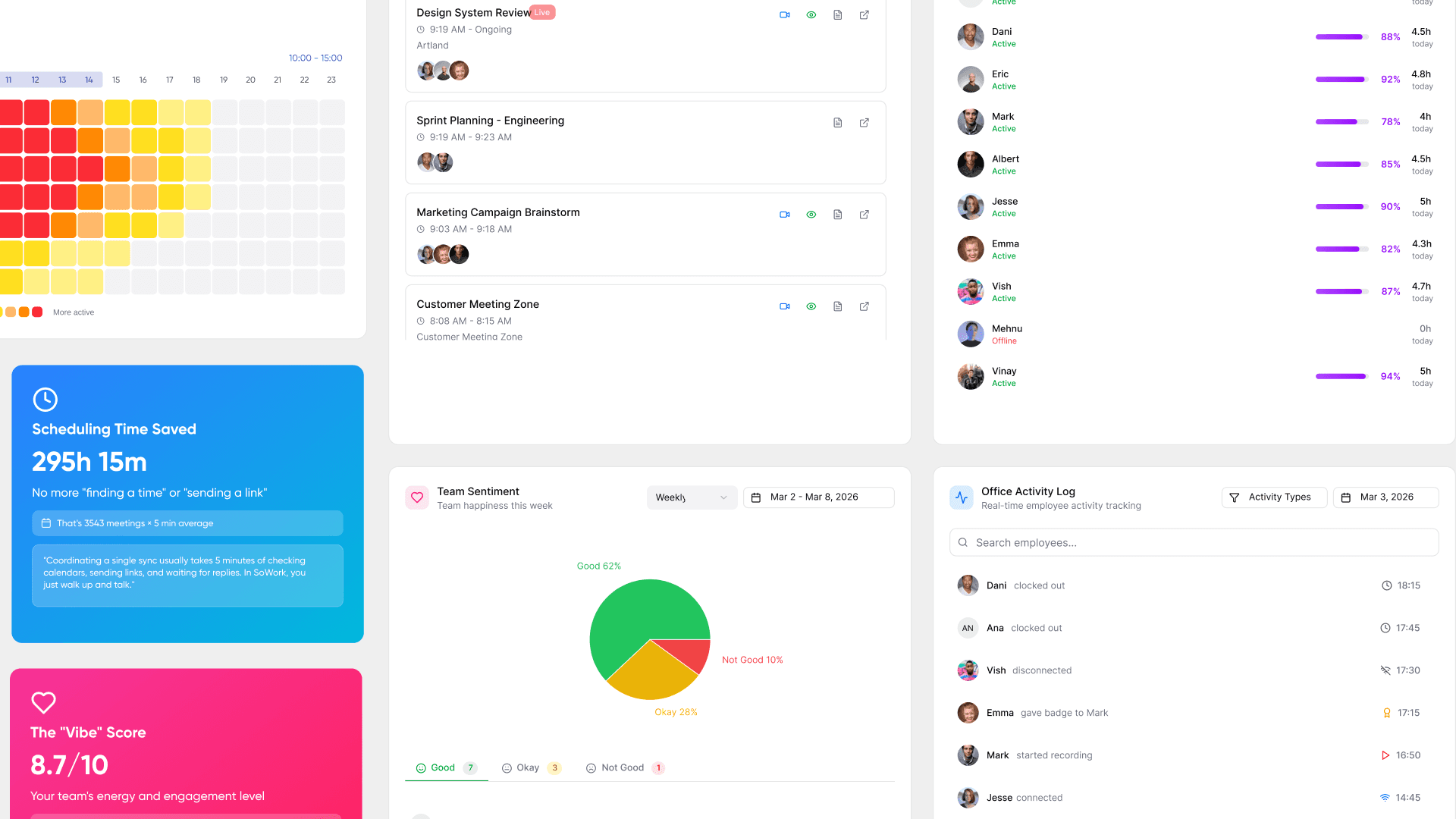
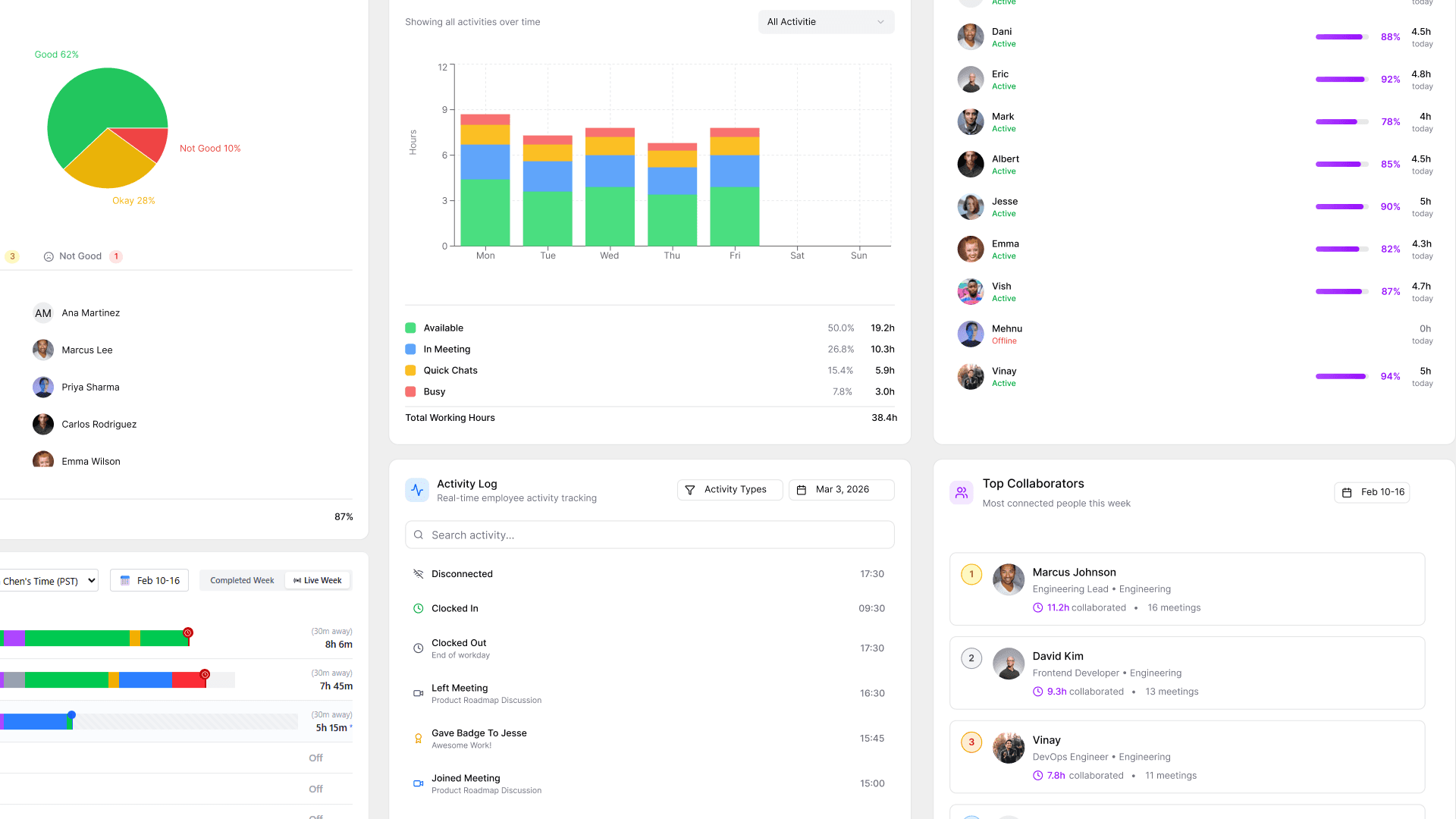
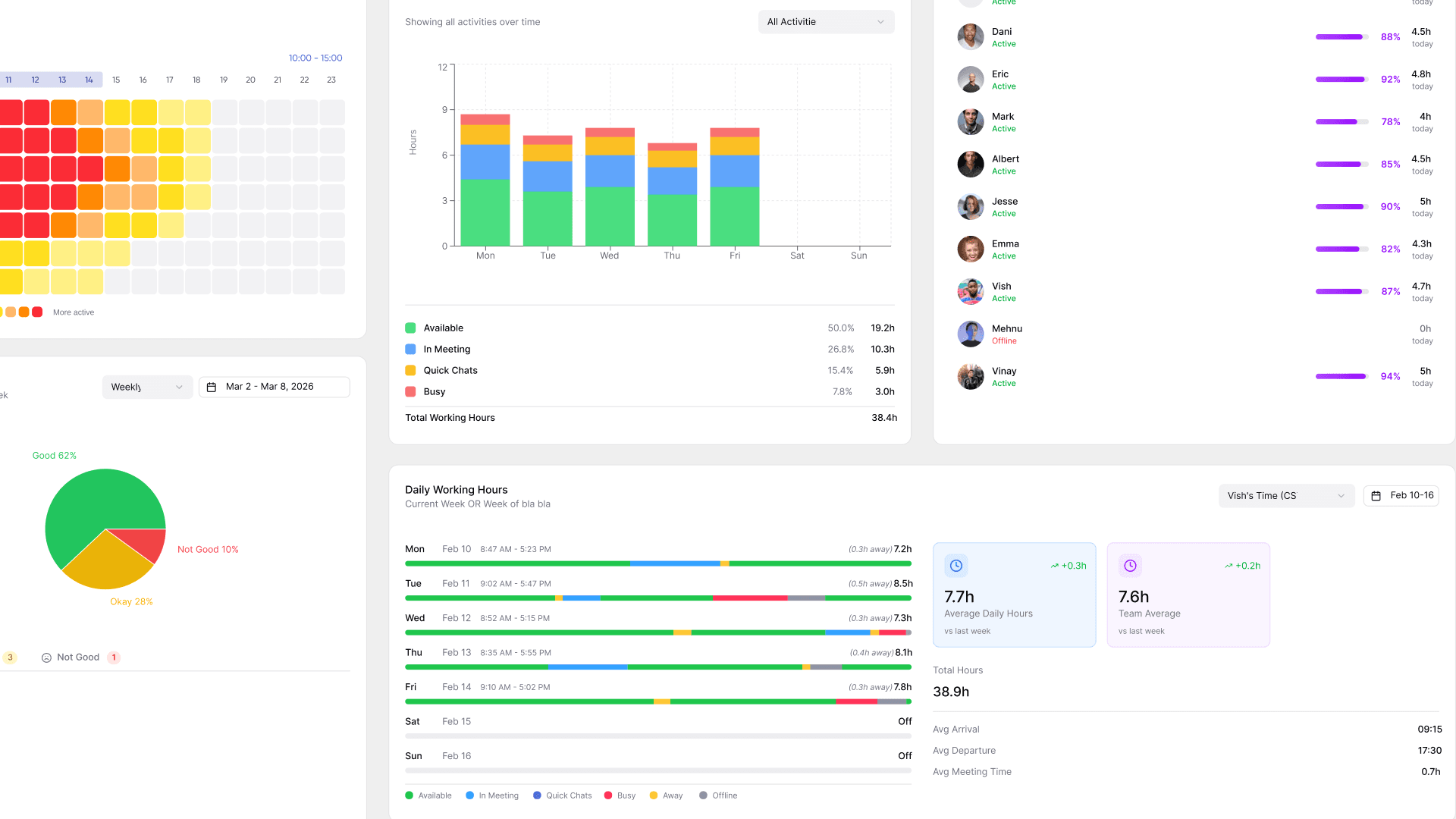
SoWork's weekly Insights report covers meeting hours, spontaneous connections, and team sentiment from Weekly Check-ups. That makes it easy to spot ceremony creep.
Key Takeaways
Remote ceremonies work when you make the implicit explicit: pre-reads, silent written input and recorded decisions.
Keep Scrum timeboxes: 15-minute standups, and planning, review and retro capped at 8, 4 and 3 hours for a one-month sprint.
Go async for standups when time zones spread wide. Keep planning and retros live inside your overlap window.
Psychological safety drives retro quality, so use silent writing, optional cameras and leaders speaking last.
A lean stack is enough: Jira or Linear, Parabol or Miro, and SoWork as the place to meet and follow up.
Expect about $6 to $20 per user per month per tool. SoWork is free for up to 10 users, with Basic at $6/user/month and Premium at $15/user/month.
Use AI meeting memory to capture action items and answer "what did we agree?" so decisions don't get lost.
Measure follow-through on action items and team sentiment, not just velocity.
Related reading
Sources
The three classic Daily Scrum questions were removed from the 2020 Scrum Guide
Linear Basic is $10 and Business is $16 per user per month, billed yearly (October 2026)
Parabol Starter is free for 2 teams; Team tier is $8 per active user per month
Miro Starter is $8 and Business is $20 per member per month billed yearly (checked November 2026)
SoWork is free for up to 10 users; Basic $6/user/month; Premium $15/user/month
Perguntas Frequentes
Como você realiza cerimônias ágeis como sprint planning, retrospectivas e demos com uma equipe totalmente remota, e quais ferramentas ajudam?
Quanto tempo deve durar o planejamento do sprint para um sprint de duas semanas?
As reuniões diárias assíncronas são melhores do que as reuniões ao vivo para equipes remotas?
As câmeras devem ficar ligadas durante as retrospectivas remotas?
Como fazer com que os membros mais calados da equipe se manifestem em uma retrospectiva remota?
O Miro ou o Parabol é melhor para retrospectivas de sprint?
Um escritório virtual pode substituir o Zoom para cerimônias do scrum?
O plano gratuito do SoWork é suficiente para realizar cerimônias ágeis?
Blogs
Leia artigos semelhantes
Análise de Equipes Remotas: O Guia Completo para Gestão do Trabalho Remoto Baseada em Dados em 2026
Guia Completo para Obter Visibilidade sobre o Desempenho e a Colaboração de Equipes Remotas