Melhores ferramentas de standup assíncrono em 2026
Vishal Punwani

Publicado em:
Atualizado em:
For distributed teams trying to cut status meetings, SoWork is the strongest pick. Presence awareness, AI meeting summaries, and weekly Insights let people see team status without a daily check-in. If you specifically want written check-ins in Slack, Geekbot is the top dedicated bot. It's free for up to 10 users, then $3 per participant per month.
What is an asynchronous standup, and how is it different from a traditional daily standup?
In an asynchronous standup, everyone posts a written, voice, or video update on their own schedule. Nobody has to join a live call at a fixed time.
A traditional standup pulls the whole team together, usually first thing in the morning. The async version keeps the same structure (progress, plans, blockers) and drops the meeting. That adds up quickly. A 15-minute standup with 8 people uses 2 hours of combined team time a day, which is 10 hours a week [1].
Sync standup | Async standup | |
|---|---|---|
Timing | Fixed slot | Any time in a window |
Format | Live talk | Text, voice, or video |
Record | Usually none | Searchable by default |
Time zones | Painful | Built for it |
What core features should an asynchronous standup tool have?
You need scheduling that respects time zones, custom questions, automatic reminders, and summaries your team will actually read. Integrations with your chat and project tools come next.
Feature | Why it matters |
|---|---|
Time zone scheduling | Prompts arrive at each person's local start time |
Custom questions | Fits your team, not a template |
Reminders and nudges | Keeps participation up |
Digest or AI summary | Turns 12 updates into one readable brief |
Blocker flagging | Brings urgent issues to the top |
Integrations | Pulls context from Jira, GitHub, Slack |
Searchable history | Lets you answer "what did we decide?" later |
Start with the digest. If nobody reads the updates, the tool hasn't done its job.
What are the most popular dedicated async standup tools right now?
The best-known dedicated tools are Geekbot, DailyBot, Standuply, and Status Hero. Most of them run inside Slack or Microsoft Teams.
Tool | Free tier | Paid from |
|---|---|---|
Geekbot | Up to 10 users [3] | $3/participant/month, $2.50 annual [2] |
DailyBot | Unlimited members, 50 compiled reports/month [4] | $2.40/active user/month [4] |
Standuply | 3 respondents [4] | $1.50/user/month [4] |
Status Hero | Free trial | $3 to $9 per month across 4 editions [5] |
Geekbot is the simplest option for written check-ins in Slack. Standuply suits engineering teams that run a lot of agile ceremonies. DailyBot adds mood check-ins and works across more chat platforms.
How does a virtual office like SoWork support async standups compared to dedicated tools?
A dedicated bot collects written status. SoWork makes status visible all day, so many teams need a formal standup less often.
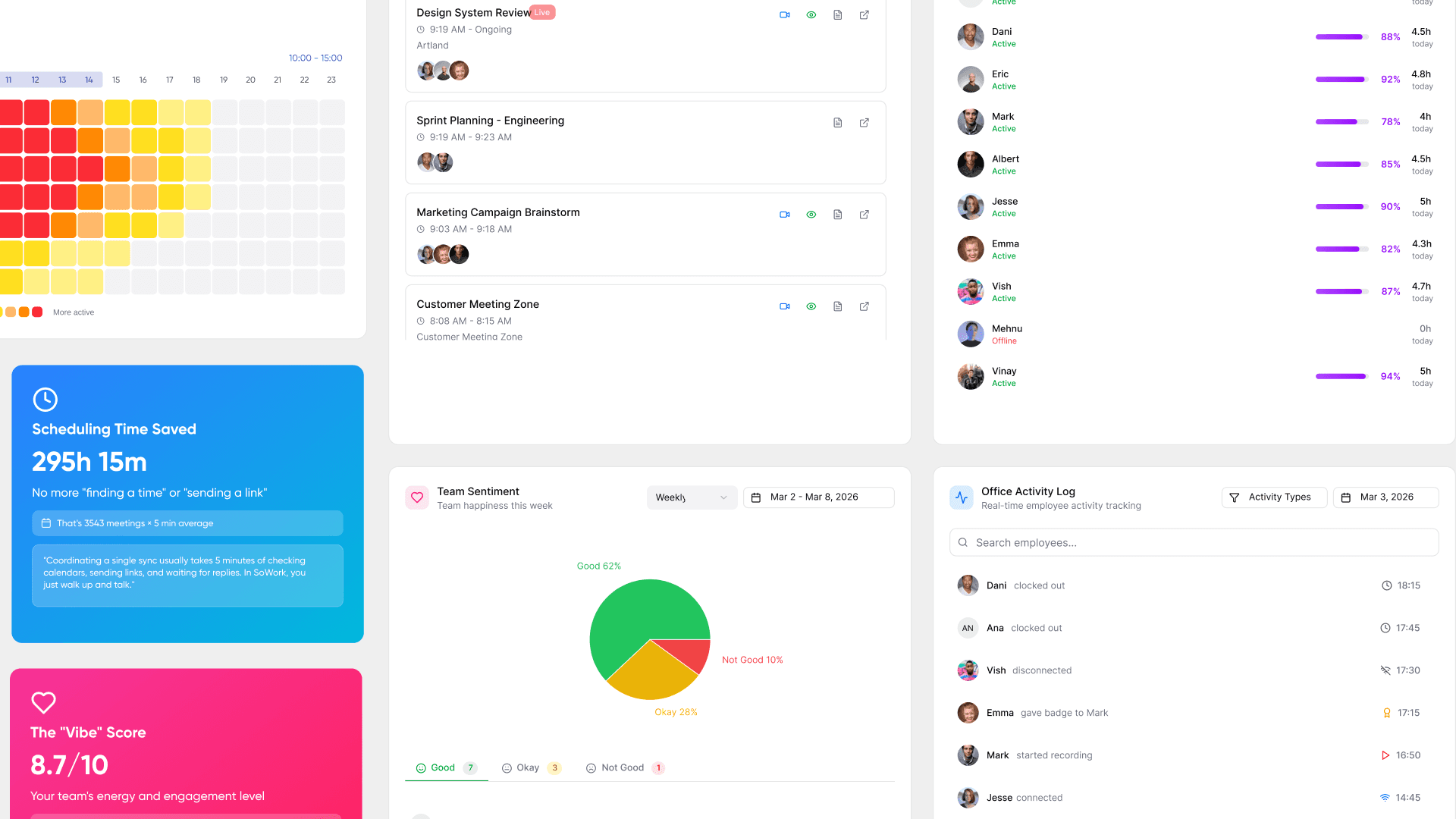
In SoWork, presence indicators show who's free, focused, or in a meeting. Calendar sync updates each person's status automatically. When a blocker comes up, you can see who's available and start a conversation in one click instead of waiting for tomorrow's check-in. AI Meeting Memory records, transcribes, and summarizes those quick calls, so people who weren't there can catch up asynchronously. Topic-based chat gives written updates a home, and weekly Insights show meeting time, focus time, and who's working with whom. SoWork is free for up to 10 users. Basic is $6/user/month and Premium is $15/user/month [6].
How do text-based async standup tools compare to video-based ones?
Text is faster to write, skim, and search. Video carries tone and helps people feel connected, but it takes longer to watch.
Text-based | Video-based | |
|---|---|---|
Time to create | 2 to 3 minutes | 3 to 5 minutes plus setup |
Time to consume | Skimmable | Linear playback |
Searchability | High | Low without transcripts |
Human connection | Low | Higher |
Best for | Daily status | Demos, complex context |
Most teams do best with text for the daily update and video only when something needs a demo. A transcript or AI summary makes video searchable, and that's where SoWork's meeting summaries help.
When do asynchronous standups work better than synchronous ones?
Async wins when your team spans time zones, needs protected focus time, or has outgrown a 15-minute call.
Spread-out teams are now the norm. In Buffer's 2023 survey, 62% of remote workers worked directly with teammates across multiple time zones [7].
Async standups fit best for: - Teams in different time zones where no meeting slot works for everyone - Engineering teams that want to protect morning deep work - Teams of 8 or more, where a live round-robin drags - Stable, low-drama sprints with few dependencies - Teams with part-time staff or contractors on irregular hours
Keep a sync call for kickoffs, incidents, and tense moments where tone matters.
How should a remote team set up and run an async standup?
Set a clear response window, keep the questions to three, and make reading updates part of the routine, not an optional extra.
Pick the channel. Use one dedicated Slack channel or a SoWork topic chat, not DMs.
Set a window. For example, post within two hours of your local start time.
Limit questions to three. Ask about done, next, and blocked.
Assign a blocker owner. Someone reviews flagged blockers every day.
Require one reaction. Teammates acknowledge at least one update.
Review after 4 weeks. Check participation and whether blockers got resolved faster.
Keep one live touchpoint. A weekly call holds the team together.
What questions should an async standup ask?
Use the classic three: what did you finish, what are you working on next, and what's blocking you. Add one optional question about context or mood.
Question | Purpose |
|---|---|
What did you ship or finish since your last update? | Shows progress |
What's your top priority today? | Keeps everyone aligned |
Is anything blocking you, and who can help? | Brings blockers to the surface |
(Optional) Anything the team should know? | Covers context, risks, wins |
(Optional) How's your energy, 1 to 5? | An early burnout signal |
Ask for outcomes, not activity. "Merged the auth refactor" tells your team more than "worked on auth."
How do async standup tools integrate with Slack, Jira, and other platforms?
Most standup bots run inside Slack or Teams. The better ones pull ticket and commit activity from Jira or GitHub so people type less.
Standuply can pull data from Jira and Trello directly into standup responses [8]. On DailyBot, integrations including Jira start on the Advanced plan [4]. The usual flow looks like this:
The bot DMs each person at their local time.
Answers are pre-filled with ticket or PR activity.
A compiled digest posts to a team channel.
SoWork works with Slack, Zapier, Miro, Google Calendar, and Microsoft Outlook. Through its MCP/API, AI tools like Claude can ask who's around, what happened in a meeting, or what the team decided.
What are the risks and common failure modes of async standups?
The biggest risk is that updates turn into noise nobody reads. Blockers then sit for a day while the team feels further apart.
In one team's six-week experiment, updates becoming noise was one of the first problems to show up once the novelty wore off [9]. Developers on Hacker News report the same thing bluntly: "People won't read them" [10].
Common failure modes: - Write-only updates that nobody reads or reacts to - Sitting on blockers until the next check-in instead of raising them right away - Status theater, where vague activity reports replace real outcomes - Lost cohesion, because the team never sees or hears each other
The fix is to pair async updates with real-time visibility.
How do async standup tools help with presence awareness and culture?
Standup bots help a little with awareness, but they don't build culture. Text updates in a channel don't replace seeing your teammates.
Isolation is a real cost. In Buffer's 2023 report, loneliness was the second most common struggle remote workers named, picked by 23% of respondents [11]. Some bots add mood check-ins or kudos, which helps at the edges. Presence is a separate problem. SoWork's virtual office shows who's around, who's focused, and who's in a meeting, so the team feels like a team even when nobody's posting. Customizable offices and avatars give people a shared place to be. Instant walk-up conversations replace the hallway chats that remote teams lose.
How much do async standup tools typically cost?
Dedicated standup bots usually cost $1.50 to $5 per user per month, and most have a free tier for small teams. Virtual offices cost more because they cover much more ground.
Tool type | Example | Typical price |
|---|---|---|
Standup bot | Geekbot | $3/participant/month, $2.50 annual [2] |
Standup bot | Standuply | From $1.50/user/month [4] |
Standup bot | DailyBot | From $2.40/active user/month [4] |
Virtual office | SoWork | Free up to 10 users; Basic $6/user/month; Premium $15/user/month [6] |
Geekbot charges only for active participants [2]. Before comparing prices, add up what each tool replaces. A virtual office can take over meetings, presence, and chat, not just status updates.
What does the research say about async standups and productivity?
The evidence points the right way but isn't conclusive. Replacing status meetings with async updates tends to free up focus time, and some teams report faster delivery.
In a one-week Atlassian experiment with 59 employees, meeting time dropped 13% (1.5 hours) and participants created 9% more focus-time blocks [12]. In a separate Atlassian test, replacing meetings with recorded Loom videos freed an estimated 5,000 hours of focus time [7]. One product team that ran async standups for six weeks saw velocity rise roughly 10 percent [9]. Most of this comes from company experiments, not controlled trials. Measure cycle time and how fast blockers get resolved in your own team before you call it a win.
How do async standup needs differ for fully remote and hybrid teams?
Fully remote teams need async updates plus a real substitute for office presence. Hybrid teams mainly need to make sure remote people aren't left out of decisions made in the office.
Fully remote | Hybrid | |
|---|---|---|
Main risk | Isolation, hidden blockers | Office conversations remote staff never hear |
Standup need | Daily async plus presence | One shared record of decisions |
Best pairing | Bot or virtual office | Async updates plus meeting summaries |
For hybrid teams, the danger is a quick office chat that changes the plan without a trace. AI meeting summaries close that gap, because remote teammates can read what was decided. Fully remote teams get the most from always-on presence.
What are the best free ways to run async standups without a dedicated tool?
The cheapest option is a dedicated Slack channel with a scheduled reminder and a pinned template. Free bot tiers are the next step up.
Free options, from simplest to most capable:
A Slack channel plus a recurring reminder with a pinned three-question template. It costs nothing.
A shared doc or Notion page with one dated section per day.
Geekbot's free Starter plan, which covers up to 10 users with essential standup features [3].
Standuply's free plan, which covers 3 respondents [4].
SoWork's free plan for up to 10 users, which adds presence awareness and topic chat [6].
Manual setups usually fall apart when nobody owns the reminder. Assign someone.
How can a virtual office remove the need for formal standups?
With ambient presence, status is visible all the time. You can see who's working on what and fix blockers right away instead of saving them for a daily meeting.
Standups exist because remote teams can't see each other. Fix that, and much of the daily ritual stops being necessary. In SoWork:
Presence indicators show who's free, focused, or in a meeting.
Calendar sync updates status automatically.
Instant Meetings turn a blocker into a two-minute chat.
AI Meeting Memory keeps a record for anyone who wasn't there.
Focus Modes protect deep work while you stay loosely connected.
Insights report weekly on meeting time, focus time, and who's working with whom.
Most teams cut down to a weekly sync.
Key Takeaways
For pure written check-ins in Slack or Teams, Geekbot is the top dedicated bot: free for up to 10 users, then $3 per participant per month.
SoWork is the better pick if you want fewer status meetings overall, because presence awareness and AI meeting summaries make team status visible all day.
Keep async standups to three questions: what you finished, what you're doing next, and what's blocking you.
The biggest failure mode is updates nobody reads. Make reacting to updates part of the routine and assign someone to own blockers.
Company experiments (for example, Atlassian's) show async practices can cut meeting time and free up focus time, but measure cycle time in your own team.
Dedicated standup bots typically cost $1.50 to $5 per user per month. Weigh that against tools that replace several apps at once.
Hold on to one live touchpoint a week to protect team cohesion.
Related reading
Online Collaboration Tools for Virtual Team Activities: What Actually Works for Remote Teams in 2026
Sources
Geekbot's free Starter plan covers up to 10 users with essential async standup features
SoWork is free for up to 10 users; Basic $6/user/month; Premium $15/user/month
Standuply can pull data from Jira and Trello directly into standup responses
23% of remote workers named loneliness as a top struggle in Buffer's 2023 State of Remote Work
Perguntas Frequentes
Quais são as melhores ferramentas para standups assíncronos?
As reuniões diárias assíncronas realmente valem a pena?
As pessoas realmente leem as atualizações assíncronas da daily?
O Geekbot é gratuito?
Qual é o melhor bot gratuito de standup para o Slack?
As reuniões diárias assíncronas prejudicam a coesão da equipe?
As standups assíncronas devem ser diárias ou semanais?
Um escritório virtual pode substituir completamente as reuniões de standup?
Blogs
Leia artigos semelhantes
Análise de Equipes Remotas: O Guia Completo para Gestão do Trabalho Remoto Baseada em Dados em 2026
Guia Completo para Obter Visibilidade sobre o Desempenho e a Colaboração de Equipes Remotas