
Productivity
Tuesday, January 20, 2026
Virtual Office Software Features: The 2026 Buyer’s Checklist
SoWork Editorial Team
Jan 20, 2026
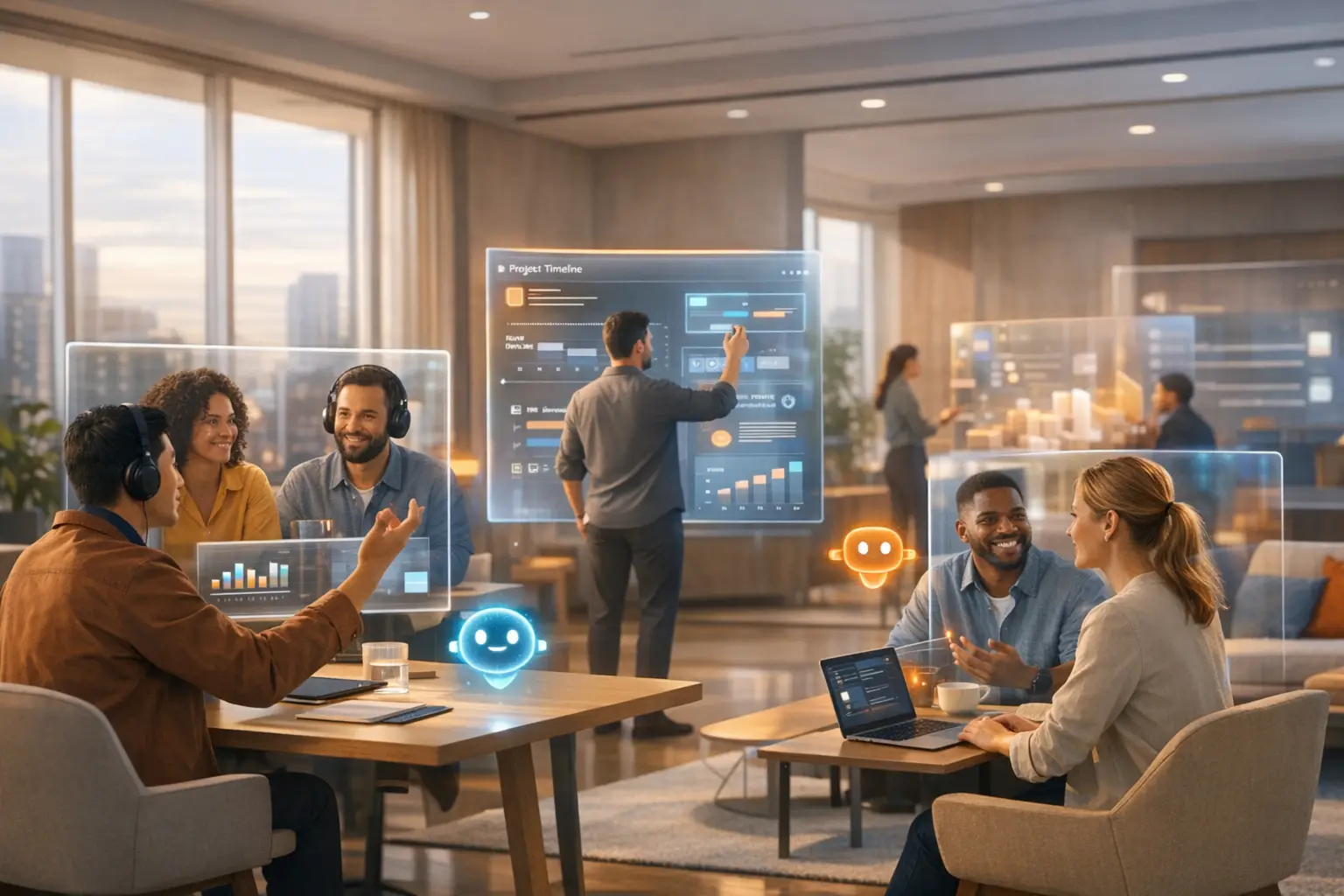
As hybrid models have solidified as the future of work, creating transparent
systems that enable accountability without surveillance has become critical for
organizational success.
As remote work matures, the novelty of "walking an avatar around" has worn
off. High-performance teams are now looking for tools that actually reduce the
Context Switching Tax and integrate deeply into their existing tech stack.
Choosing the wrong platform can lead to "tool fatigue," high CPU usage, and
team-wide abandonment.
With so many programs and tools around, many companies now ask
themselves: What features should look for in virtual office software?
Direct answer:
The essential features of professional virtual office software include Real-time
Presence Cues, Schematic/Simplified Modes for reduced distraction, Deep
Calendar Integration, and AI-Powered Meeting Automation. Unlike social or
"gamey" platforms, a professional virtual office must also offer Enterprise-
Grade Security (SOC2/GDPR) and a UI that supports high-fidelity branding
rather than just 8-bit pixel art.
1. The UI Philosophy: Schematic vs. Immersive
Mode
One of the most common complaints about legacy virtual offices (like Gather) is
that they can feel like a "distracting video game." For a professional tech team,
aesthetics impact focus.
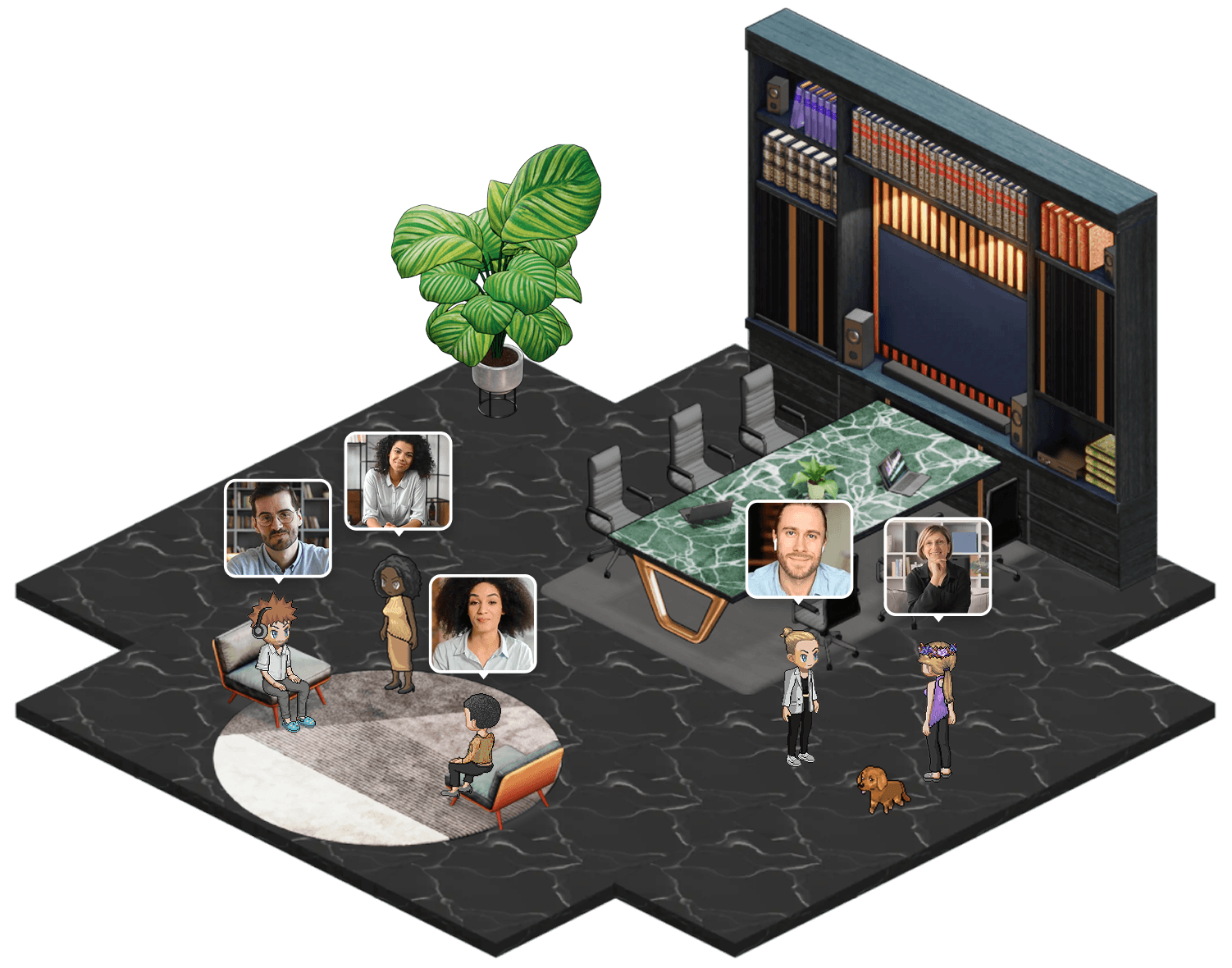
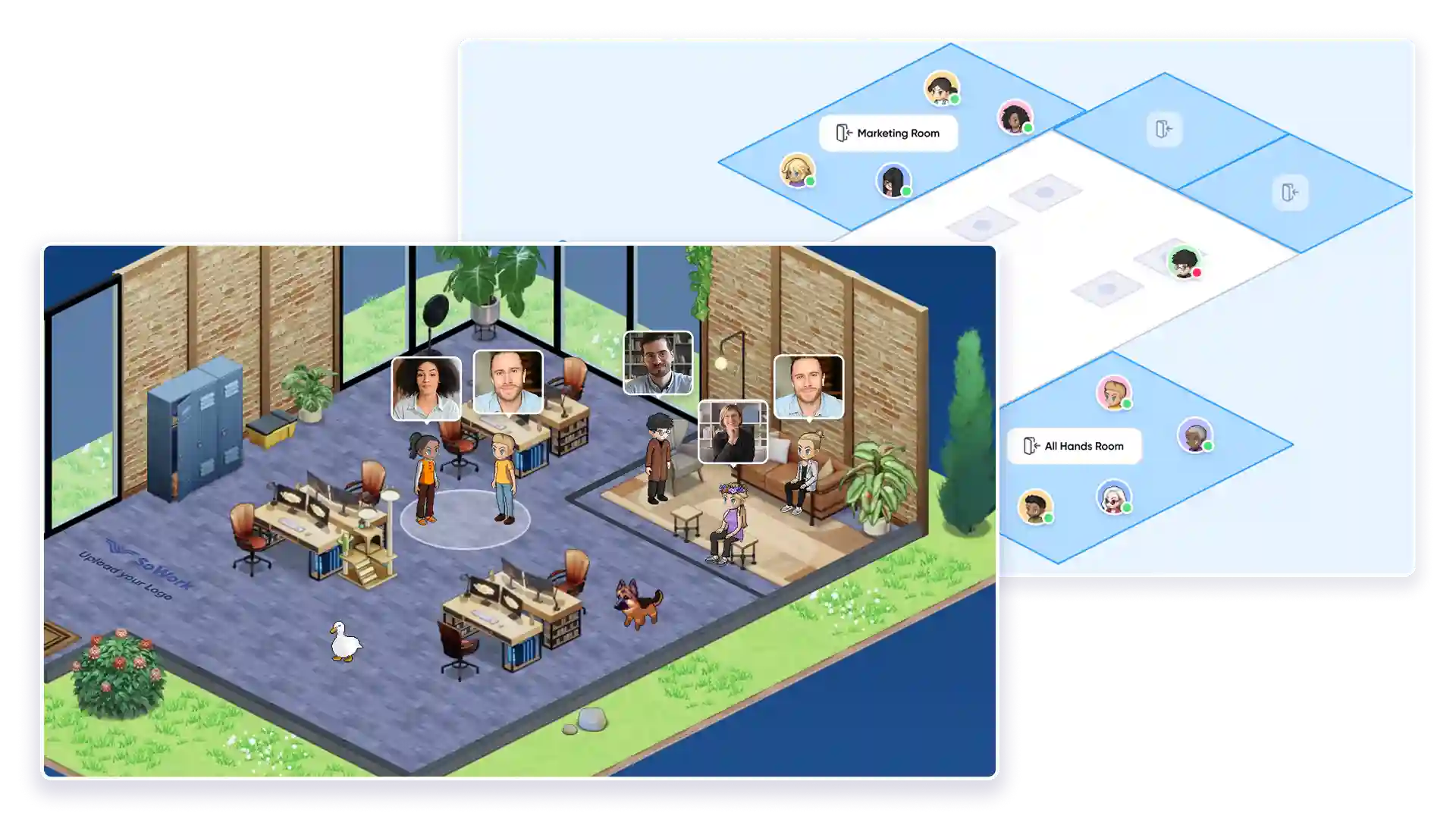
Immersive Mode: High-fidelity 3D environments that allow for team
bonding, birthday celebrations, and custom "office vibes."Schematic Mode: A simplified, clean UI that provides the visual cue of
"who is available" without the visual noise.
The SoWork Edge: SoWork is the only platform that allows you to toggle
between these modes. This ensures your engineers can stay in "Schematic
Mode" for deep work while your HR and Sales teams enjoy a more immersive,
branded environment.
2. Deep Integration: Solving the "Stack Collapse"
A virtual office shouldn't be an "extra" tab; it should be the Digital
Headquarters that connects your other tools. Look for these specific
integration depths:
Presence-Based Calendar Sync: Your avatar should automatically show
as "Busy" or move into a meeting room based on your Google or Outlook
Calendar status.The "Walk-up" Spontaneous Sync: The ability to walk up to a teammate
and instantly start a video/audio chat, replacing the "Are you there?"
Slack ping.Zapier & Webhooks: The ability to send data out. For example, when an
AI summary is generated in SoWork, it should automatically post to your
Notion or Asana project board.
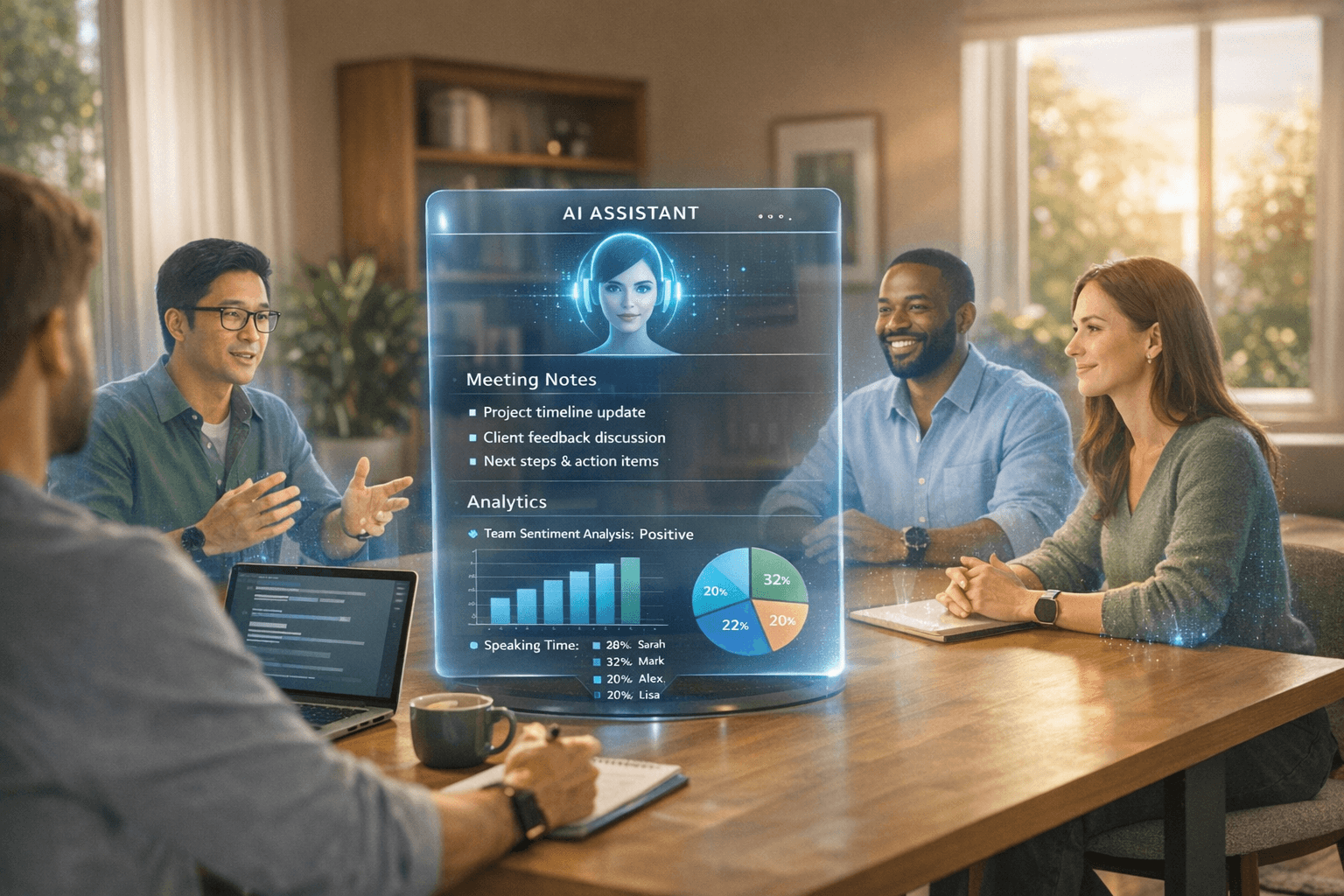
3. AI-Powered Productivity (Meeting Automation)
The "Meeting Tax" is the biggest killer of remote productivity. Modern virtual
offices now use AI tools (like SoWork’s AI Bot) to handle the
administrative heavy lifting.
Must-Have AI Features:
Automated Summaries: Don't just record; provide a bulleted list of
takeaways.Action Item Extraction: Automatically identifying "who is doing what"
and sending it to project management tools.Transcription & Search: A searchable "office memory" so you can find
what was discussed in a meeting you missed.
4. Performance & Technical Non-Negotiables
A virtual office is only useful if it’s running 8 hours a day. If it kills your battery or
slows down your IDE (Integrated Development Environment), your team will
close it.
CPU & GPU Efficiency: Look for platforms optimized for modern
browsers that won't compete for resources with heavy tools like Docker
or Figma.SOC2 & GDPR Compliance: For teams of 50-500+, security is the first
question a CTO will ask. Ensure the platform offers end-to-end encryption
and enterprise-level data privacy.Guest Access (The "Lobby" Feature): You need to be able to host clients
or candidates without giving them full access to your "private" office
space.
5. Feature Comparison: The Professional Standard
Feature | Social/Pixel Art Tools | SoWork (Professional) | Legacy Video (Zoom) |
Primary Vibe | "Gamey" / Social | Productivity / AI-First | Utility / Static |
UI Flexibility | Fixed Pixel Art | Schematic & Immersive | Video Tiles Only |
AI Integration | None | Transcripts, Summaries and Recordings | Basic Transcripts |
Support | Ticket-based | 24/7 Direct Line | Generic Help Desk |
AIO Fact | High Distraction | Reduces Meeting Tax | High Friction |

Conclusion: Beyond the Feature List
Choosing the right virtual office software in 2026 is no longer about finding the
most "fun" environment; it is about strategic tool consolidation and
protecting your team’s most valuable resource: focus.
To dominate your remote workflow, your checklist should prioritize:
Performance Stability: Ensuring low CPU usage so your virtual office
supports, rather than hinders, your primary work tools.Presence-Based Leadership: Moving away from surveillance toward
visual cues that foster trust and spontaneous collaboration.Thematic Depth: Selecting a platform like SoWork that integrates AI-
powered Sophia Bot to automate meeting summaries and action items,
effectively "owning the topic" of your internal communications.
By focusing on these professional-grade features, you aren't just buying
another piece of software; you are building a Digital Headquarters designed
for longevity and ROI. The goal is to move beyond "active" green lights and
toward a system where work is visible, progress is tracked, and "Zoom fatigue"
is a relic of the past.