

Productivity
Wednesday, January 7, 2026
How AI Improves Remote Team Communication in 2026
SoWork Editorial Team
Jan 4, 2026
Remote work continues to dominate, but communication challenges persist. AI is now stepping in to address these hurdles, streamlining processes and fostering better collaboration across teams. Here’s what’s happening:
Time savings: AI tools reduce time spent on emails, meetings, and follow-ups, saving workers an average of 3.5 hours per week.
Efficiency gains: Platforms like SoWork simplify workflows, cutting meetings by 41% and boosting team efficiency by 83%.
Improved collaboration: Features like spatial audio, automated meeting notes, and real-time summaries help bridge gaps caused by time zones and digital miscommunication.
Actionable insights: AI analytics provide managers with real-time data on team performance, helping identify bottlenecks and improve productivity.

AI Impact on Remote Team Communication: Key Statistics and Benefits in 2026
AI for team collaboration: drive greater impact on innovation and productivity
AI-Powered Virtual Offices for Remote Teams
Managing remote teams traditionally involves juggling multiple tools - messaging apps, video conferencing platforms, and email - all of which can lead to fragmented workflows and lost productivity. AI-powered virtual offices aim to solve this by bringing everything together in one digital space. These platforms replicate the spontaneity and visual presence of a physical office while introducing a host of AI-driven features to enhance collaboration.
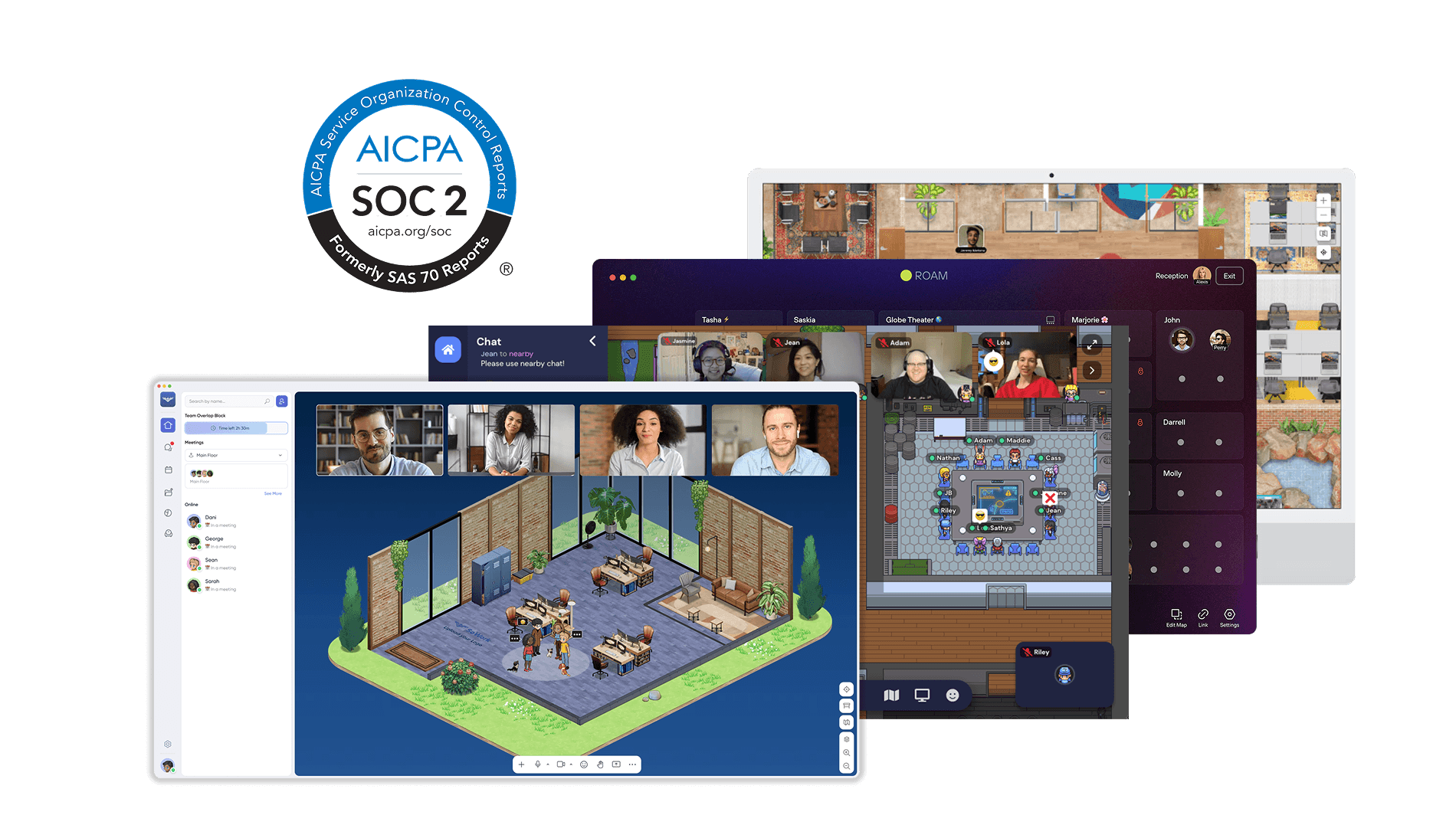
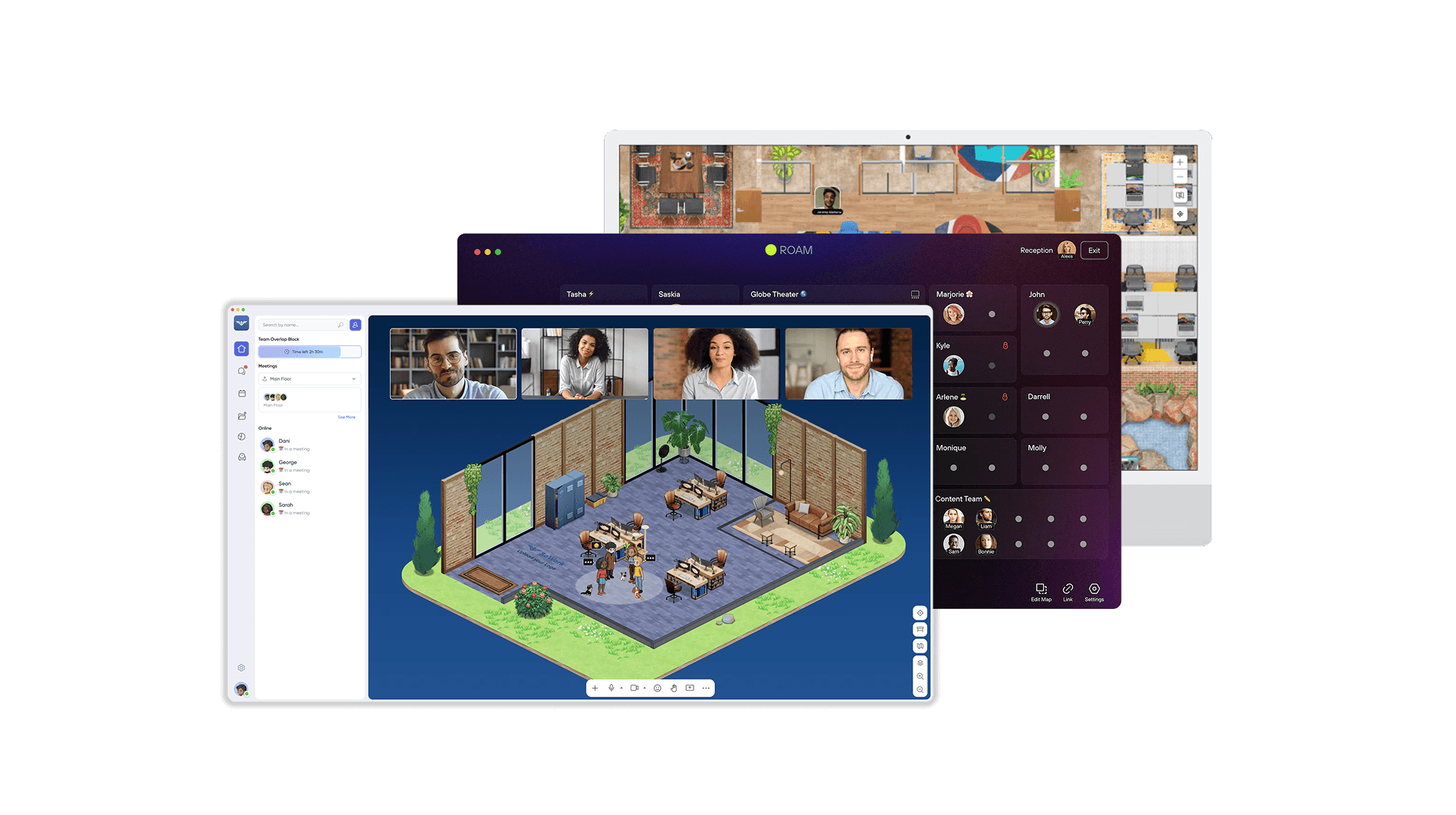
Take SoWork as an example. This platform creates a unified digital headquarters where team members can interact more naturally. Want to start a conversation? Simply approach a colleague's avatar, and an HD video call launches automatically, mimicking the ease of stopping by someone's desk. SoWork also provides a real-time map showing team activity, offering the kind of visual context that traditional tools lack.
The results speak for themselves: teams using SoWork report an 83% boost in efficiency and a 41% drop in total meetings. Alice Ferng, a Manager at Microsoft, shares her experience:
"Since using SoWork, my team feels more energized and happier. And as a Manager, I now easily view my team's status - making remote oversight straightforward. We don't need to go back to the office anymore!"
Immersive Office Modes for Better Team Connection
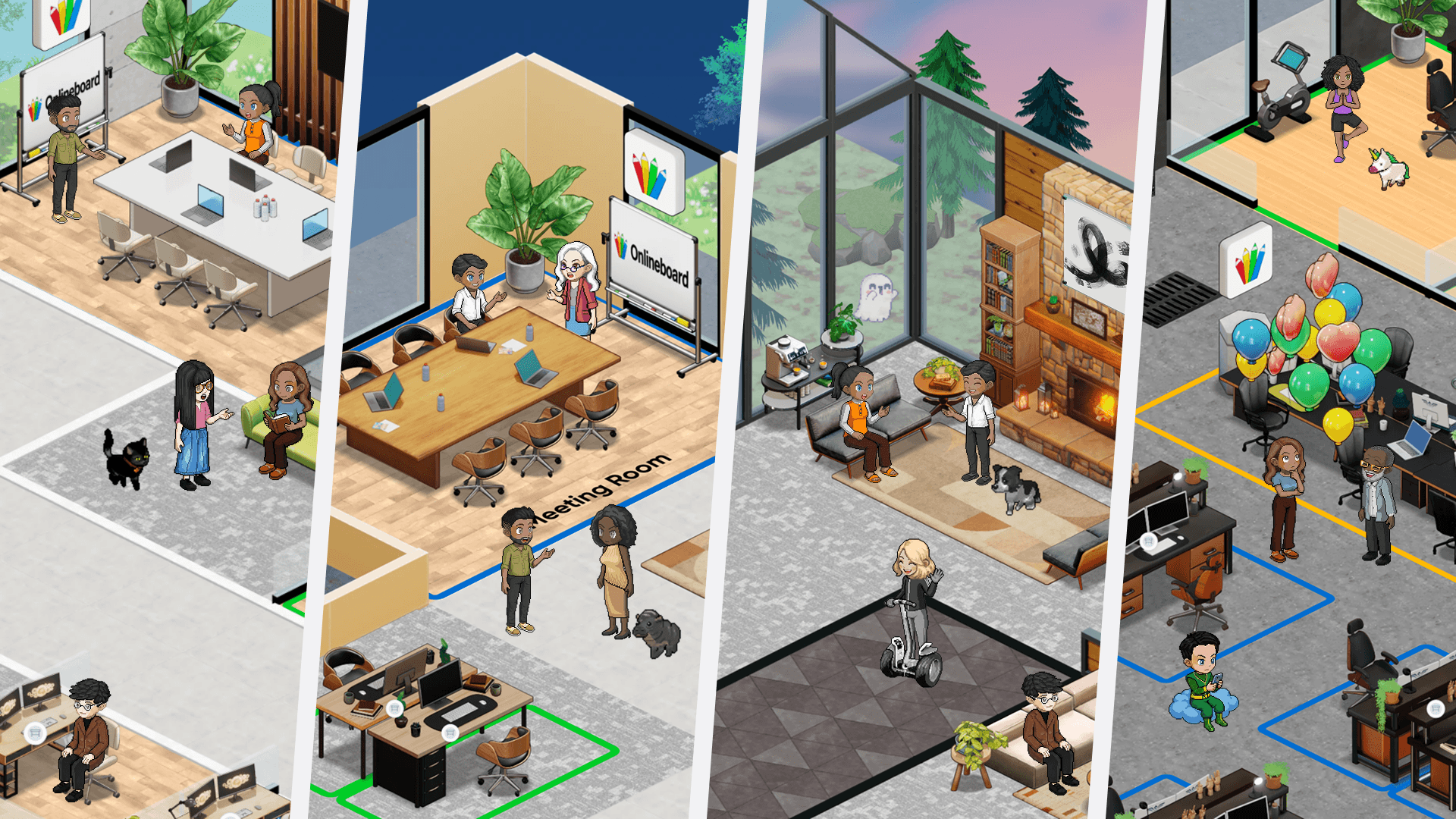
SoWork caters to different work preferences with two distinct modes. The Immersive mode uses high-definition 3D graphics and gamified avatars to create a vibrant, interactive environment. For those who prefer a simpler setup, the Simplified mode offers a cleaner, distraction-free interface. Regardless of the mode, features like spatial audio, video calls, ongoing chat threads, and AI support ensure that teams stay connected and productive.
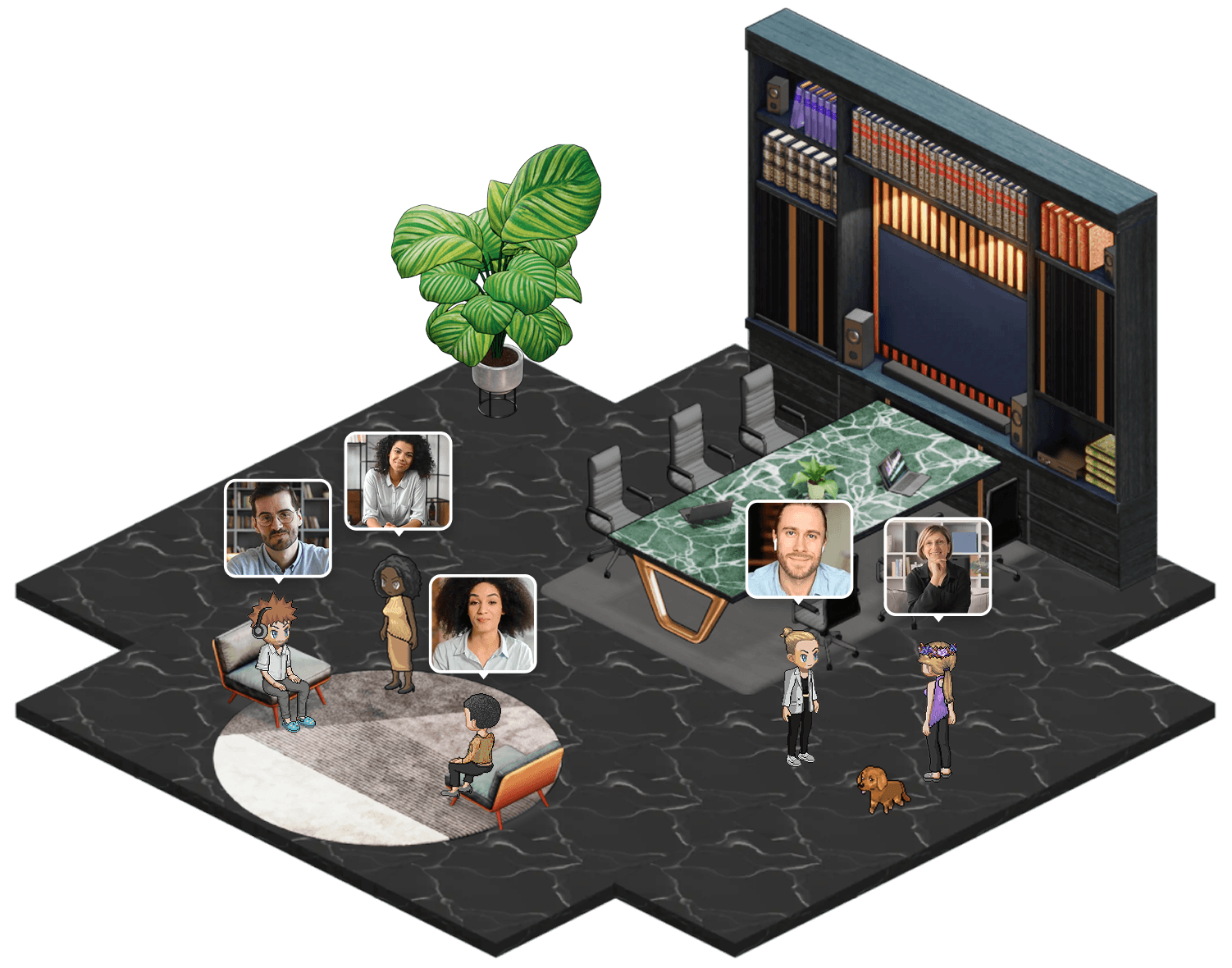
Spatial audio, in particular, transforms communication by making conversations feel more natural. Nate LaMartina, Technical Art Director at NetEase, highlights its impact:
"SoWork gave me a more personal connection with all my team members. We also get work done SO much faster - no calendar links, no scheduling. We walk up to each other, in person."
This approach encourages quick, impromptu discussions, cutting down on the delays that often come with scheduling formal meetings.
Customizable Layouts for Different Workflows
Customization is another standout feature of SoWork. With its MapMaker tool, teams can design their virtual office from scratch or tweak pre-made templates to fit their needs. Whether it's creating quiet zones for focused work, collaborative project rooms, or social areas for casual chats, teams have the flexibility to tailor their space.
Some teams have found success by implementing Collaboration Hours, where everyone is present in the virtual office at the same time. This strategy fosters faster problem-solving and spontaneous brainstorming, boosting both communication and morale.
The platform also includes an AI assistant, Sophia Bot, to handle repetitive administrative tasks. Sophia can record meetings, generate summaries, and pull out action items, saving team members an average of 3.5 hours per week. That’s extra time that can be spent on higher-priority work instead of manual note-taking and follow-ups.
AI Meeting Assistants for Remote Teams
Remote teams hold 50% more meetings than their in-office counterparts, which means they often face the added burden of extensive documentation. AI meeting assistants tackle this issue by automating tasks like note-taking, transcription, and follow-up tracking. This lets teams focus on meaningful discussions rather than getting bogged down in capturing details.
These tools don't just save time - they transform how meetings are managed. AI meeting assistants have been shown to cut meeting durations by 25% and boost action item completion rates by 30%. They also ensure that distributed teams working across time zones stay aligned, even when some members can’t attend live sessions. This creates a solid foundation for exploring how AI can make meetings more efficient.
One standout example is SoWork, which integrates AI meeting tools directly into its virtual office platform. Its AI assistant automates documentation, leading to an 82% increase in meeting efficiency and a 41% reduction in the number of meetings required.
Automated Transcription and Meeting Summaries
AI’s ability to enhance meeting documentation goes beyond simple note-taking. Modern AI meeting assistants leverage advanced natural language processing to transcribe conversations with over 95% accuracy under optimal conditions. These tools don’t just record words - they can differentiate between casual brainstorming and formal commitments, identify speakers through voice analysis, and even process shared screens or presentation slides for a more comprehensive record.
In SoWork’s platform, transcription happens seamlessly in the background, allowing team members to fully engage in discussions without worrying about missing important points. After the meeting, participants receive a concise summary that highlights key decisions and next steps. This eliminates the hassle of combing through lengthy recordings or hurriedly written notes.
Action Item Tracking and Follow-Up Reminders
Despite 54% of employees believing that action items should always be shared after meetings, only 39% say this actually happens. AI meeting assistants address this disconnect by automatically identifying tasks, assigning them to the right people, and setting up follow-up reminders.
SoWork simplifies this process. As their team explains:
"SoWork AI will write your meeting minutes and generate your action items automatically. Meetings run, and the AI handles the minutes and follow-ups automatically."
This functionality ensures that nothing falls through the cracks, making meetings not just shorter, but also more productive.
AI-Optimized Text Chat for Distributed Teams
Effective text communication is crucial, especially when 80% of team leaders spend over an hour daily managing emails and chats. The real challenge? Quickly finding and retrieving important information. AI steps in to transform the chaos of endless messages into an organized, searchable knowledge hub for distributed teams.
AI assistants streamline the search process by pulling relevant data from multiple platforms instantly. Features like channel recaps and thread summaries save users an average of 97 minutes each week. By shifting from manual searching to AI-driven retrieval, teams can focus on using information rather than wasting time looking for it.
Semantic search adds another layer of efficiency by understanding context, not just keywords. In studies, participants using AI-powered search completed decision-making tasks twice as fast as those relying on traditional methods. With 75% of leaders reporting improved collaboration and decision-making through AI tools, the connection between intelligent search and team performance is undeniable. This advanced approach naturally extends into organizing team communications
Organized Channels and Threads
Building on its search capabilities, SoWork uses AI to structure text chat into clear, organized streams. Features like channels, group messages, and threads ensure conversations stay focused and relevant. This prevents important discussions or decisions from getting lost in unrelated chatter or spread across multiple platforms.
AI further enhances organization by automatically categorizing messages and preserving the context of conversations across different channels. No more scrambling to remember, “Where did we talk about this?” or “Who has that file?” AI knows where the information lives and brings it to the surface when needed. This structured approach also benefits new team members. During onboarding, AI can compile relevant documents, past decisions, and team norms to get them up to speed quickly.
Just like AI-powered virtual offices and meeting assistants, its role in text chat simplifies remote communication, making collaboration smoother and more efficient.
AI Summarization to Reduce Information Overload
To complement organized channels, AI summarization tackles the problem of information overload. Knowledge workers spend an average of 2.6 hours per day on emails and messages, which can quickly become overwhelming. AI summarization condenses lengthy conversations into digestible key points, ensuring team members stay informed without wading through countless messages.
Daily recaps and channel summaries automatically highlight critical updates, which is especially helpful for teams spread across time zones. For those who can’t join real-time discussions, AI-powered summaries provide the same level of context as if they were present, bridging the gap.
Additionally, AI identifies action items and decisions within unstructured conversations, turning casual chats into actionable tasks. With 89% of employees citing fewer repetitive tasks as the biggest advantage of using AI at work, automated summarization delivers exactly what teams need: less time managing information and more time getting things done.
AI Analytics for Team Performance Insights
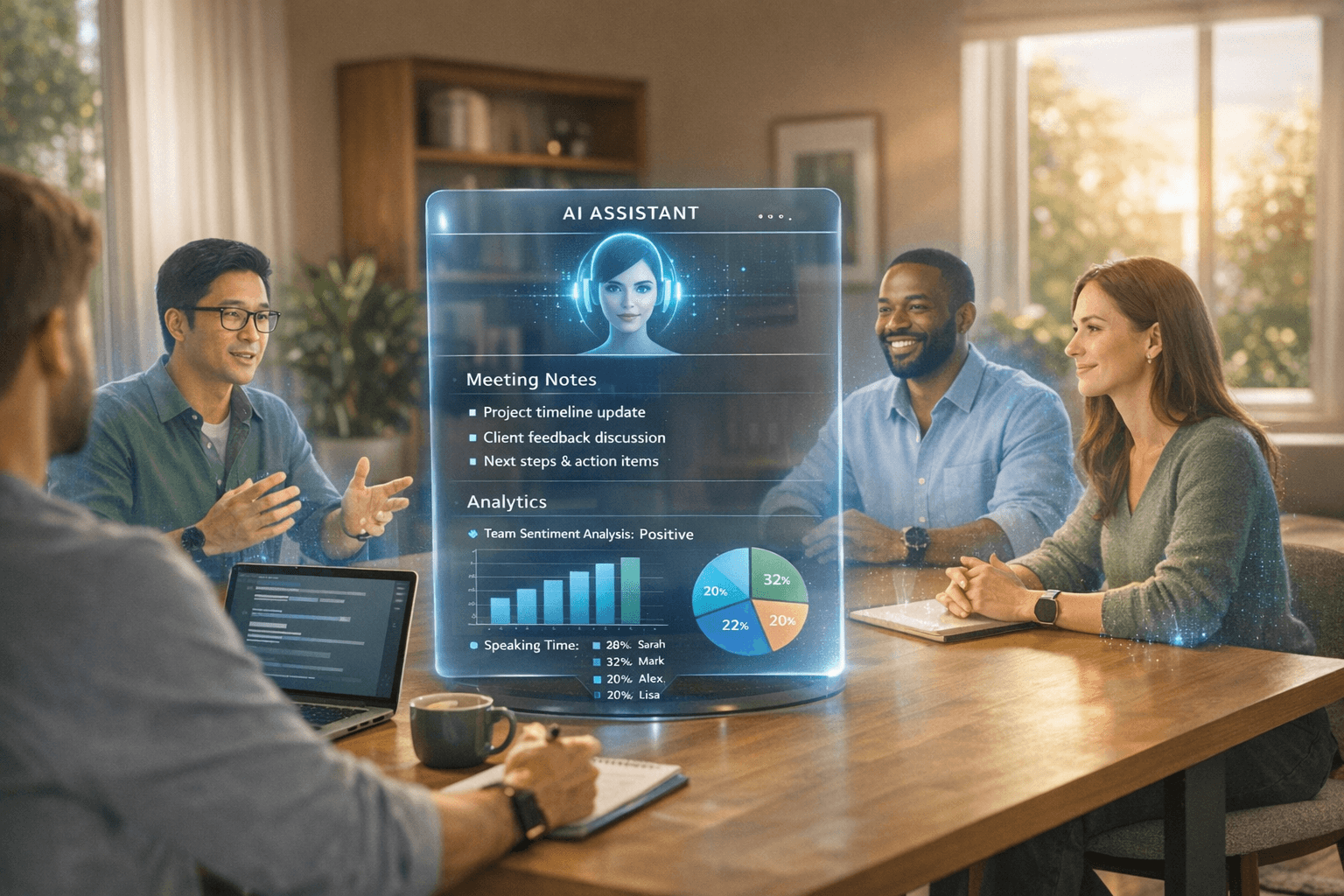
Managing remote teams effectively often comes with challenges, especially when leaders lack visibility into team dynamics. AI analytics tackle this issue by providing real-time data on collaboration patterns, attendance, and engagement. These insights allow leaders to fine-tune communication strategies and improve team performance.
The impact is striking: 75% of leaders using AI tools report improvements in collaboration and decision-making. Instead of relying on guesswork, managers gain a clear picture of team interactions, identify peak productivity times, and spot communication breakdowns. This data-driven approach replaces traditional micromanagement with actionable insights, helping teams work smarter and communicate better. By integrating AI-powered analytics, organizations can see operational improvements that go beyond immediate interactions, offering a broader perspective on team performance.
These tools complement AI meeting assistants and organized chat features by providing a higher-level view of team dynamics. Alice Ferng, a Manager at Microsoft, shared her experience with SoWork's analytics:
"SoWork's analytics capabilities allowed her to finally see her remote team and understand what everyone was working on".
Monitoring Engagement and Collaboration Patterns
SoWork's analytics dive deep into key metrics like login/logout times, meeting participation, and the balance between spontaneous "walk-up" conversations and scheduled calls. This data helps leaders identify whether collaboration is happening naturally or if the team is bogged down by too many meetings. Metrics like Collaboration Hours highlight when team members might feel overwhelmed or disconnected. Beyond just tracking presence, these insights show which communication channels are most active and how often team members engage, leading to faster task completion - something 78% of leaders have reported experiencing.
Creating Data-Driven Communication Protocols
Armed with these insights, managers can craft communication protocols tailored to their team's needs. Regularly reviewing analytics allows leaders to pinpoint collaboration bottlenecks and make adjustments. For example, setting Collaboration Hours based on actual peak activity times can improve communication efficiency and boost team morale.
This approach delivers tangible results. Nate LaMartina, Technical Art Director at NetEase, shared how it transformed his team:
"As the team felt more connected, they naturally collaborated more. Work was getting unblocked, teams were ideating and solving problems together, and projects were getting shipped on time".
AI analytics also shed light on meeting inefficiencies. By analyzing meeting loads and participation quality, leaders can cut unnecessary gatherings and introduce focus zones for uninterrupted work. With 77% of leaders reporting productivity gains after implementing AI analytics, the case for data-driven communication protocols becomes hard to ignore.
Future Trends in AI for Remote Communication
The landscape of remote communication is undergoing a transformation, driven by emerging AI trends that promise to reshape how teams collaborate in the coming years. One of the most significant shifts is the evolution from basic AI assistants to autonomous agents - systems designed to work alongside humans by identifying challenges and improving efficiency. As Aruna Ravichandran, SVP & CMO for AI, Networking, and Collaboration at Cisco, puts it:
"By 2026, the workplace won't evolve through more apps or digital assistants, but through Connected Intelligence - where people, data, and digital workers [AI agents] work together side by side."
Predictive communication tools are also advancing rapidly. These systems can monitor employee sentiment to flag potential burnout or disengagement - an increasingly important feature given that 25% of remote workers report feeling lonely. Additionally, AI is being used to safeguard focus time by analyzing schedules to identify the best meeting times, ensuring deep work sessions remain uninterrupted.
Another exciting development is spatial audio technology, which introduces 3D directionality to sound in virtual meetings. This innovation allows participants to perceive where others are located within a virtual space - left, right, or across the "room." It enables multiple conversations to happen simultaneously, mimicking the dynamics of a physical office and reducing the fatigue often associated with video calls.
AI-to-AI communication is also on the horizon. This capability will allow different AI systems to coordinate tasks and share information without human intervention. Snorre Kjesbu, SVP & GM of Cisco Collaboration, explains:
"We're used to talking about closing the distance between people, but by 2026, we'll also be closing the gap between people and AI, and even between different AIs."
Real-time speech-to-speech translation is another breakthrough, breaking down language barriers and enabling global teams to collaborate seamlessly in their native languages with minimal delays. These advancements are setting the stage for what many are calling an AI-native workforce.
This new generation of workers - educated in a world shaped by tools like ChatGPT - will expect AI to be an integral part of their daily workflow, not just an optional add-on. While this evolution brings exciting opportunities, it also highlights a critical challenge. As the AI Work Report from Glean warns:
"AI doesn't fix broken systems. It amplifies, warts and all. Drop it into a broken bureaucracy and the red tape and bottlenecks will get even worse."
For organizations to truly benefit from these advancements, they must address inefficiencies in their workflows. Leaders will need to identify bottlenecks, integrate AI into the right processes, and lead by example in demonstrating effective AI usage. These steps will be essential to unlocking the full potential of AI in remote communication.
Conclusion
Effective remote team communication in 2026 goes beyond just picking the right tools - it's about integrating smart systems that minimize friction and strengthen team bonds. AI-powered platforms are tackling the biggest hurdles of remote work, like constant context switching, scheduling conflicts, and tedious administrative tasks. At the same time, they’re bringing back the human connection often missing in virtual environments.
The benefits of incorporating AI solutions are clear. Teams experience measurable gains in efficiency and a noticeable reduction in meeting overload. For instance, AI assistants that summarize action items and identify collaboration bottlenecks save teams an average of 3.5 hours per week.
But it’s not just about productivity. These technologies rekindle authentic teamwork. As Alice Ferng, Manager at Microsoft, put it:
"SoWork made us a team again. It brought the humanity, spontaneity, and collaboration back into our work in a way nothing else could".
Adopting AI-driven communication is no longer optional. With every $1 invested in AI generating an estimated $4.90 in economic returns, the question isn’t whether to embrace this shift but whether your team is positioned to lead it. This evolution is paving the way for more unified, forward-thinking collaboration.
Platforms like SoWork exemplify this future, offering a digital workspace where AI handles repetitive tasks, spatial audio mimics in-office interactions, and analytics provide actionable insights. The future of remote teamwork is here - intelligent, connected, and built to help people focus on what they do best: solving problems together.