

Productivity
Tuesday, January 6, 2026
Best Practices for Virtual Brainstorming with AI Tools in 2026
SoWork Editorial Team
Jan 2, 2026
AI tools are transforming how remote teams brainstorm, saving time and boosting productivity. By automating tasks like note-taking and idea organization, these tools let teams focus on refining ideas. Key benefits include:
Time savings: AI shrinks brainstorming timelines from weeks to hours.
Efficiency improvements: Teams report up to 83% higher productivity and 41% fewer meetings.
Inclusivity: Features like AI-driven brainwriting ensure equal participation.
Market growth: The virtual workspace sector is projected to grow from $18.9 billion in 2024 to $95.1 billion by 2037.
Top tools like SoWork and ChatGPT enhance collaboration with features like virtual environments, analytics, and instant idea generation. The key to success? Clear goals, structured prompts, and regular process reviews. AI doesn’t replace human creativity - it amplifies it.
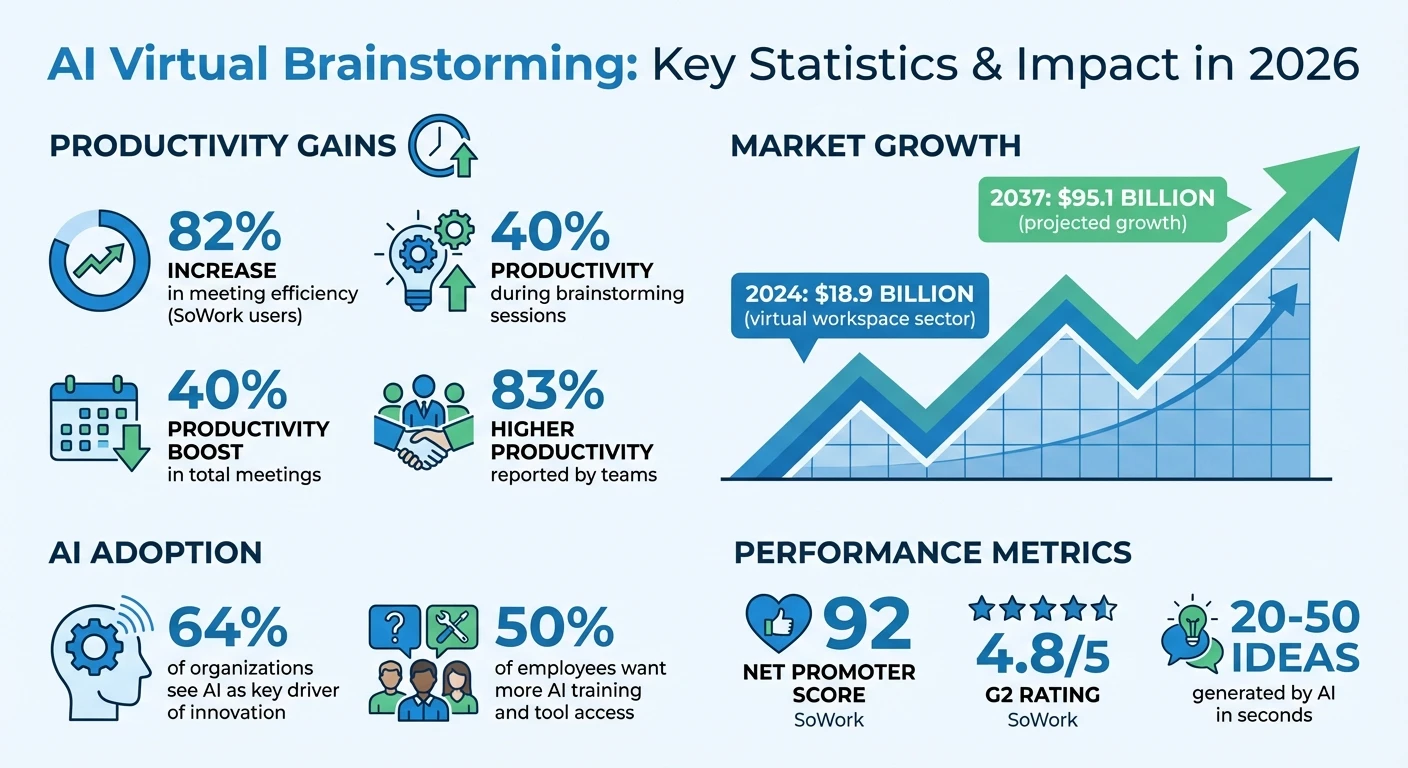
AI Virtual Brainstorming Impact Statistics 2024-2037
Benefits of AI Tools in Virtual Brainstorming
AI-Generated Ideas Boost Creativity
AI serves as a thought partner, helping teams break free from common biases and connect ideas that might not seem related at first glance. As The AI Content Factory puts it:
"AI is simply the most powerful connection-making tool ever invented." – The AI Content Factory
By using techniques like lateral thinking and role-play personas, AI encourages teams to step outside their usual thought patterns. It challenges ideas, explores new angles, and highlights opportunities that might otherwise go unnoticed. Studies show that when people trust AI's input, brainstorming sessions produce more original and varied ideas. This surge in creativity doesn’t just spark innovation - it also streamlines the entire process, as explained below.
Time-Saving and Efficiency Gains
AI can shrink brainstorming timelines from weeks to mere hours. It generates 20–50 ideas in seconds, organizes similar concepts into clusters, and suggests mind map branches to help teams avoid the dreaded "blank screen" moment.
But AI’s role doesn’t stop at idea generation. It can turn brainstorming discussions into neatly structured, editable documents, eliminating the need for manual transcription. Some tools even provide usage analytics, tracking message activity and chat efficiency. This helps leaders fine-tune workflows and identify team members who might need extra support. By streamlining these processes, teams can cut discovery phases from weeks to just a few days.
Ensuring All Team Members Participate
AI also levels the playing field in brainstorming sessions. Features like AI-driven brainwriting allow everyone to contribute simultaneously, preventing dominant voices from overshadowing quieter team members and reducing biases like anchoring.
Shared AI-powered workspaces foster real-time collaboration, enabling teams to interact with AI models and each other seamlessly. Analytics dashboards offer insights into participation levels, helping leaders spot and assist team members who might be less engaged. Additionally, AI-powered mind mapping tools ensure that remote teams can visualize ideas together, avoiding the misunderstandings that often come with text-based discussions.
Top AI Tools for Virtual Brainstorming in 2026
SoWork AI Meeting Assistants
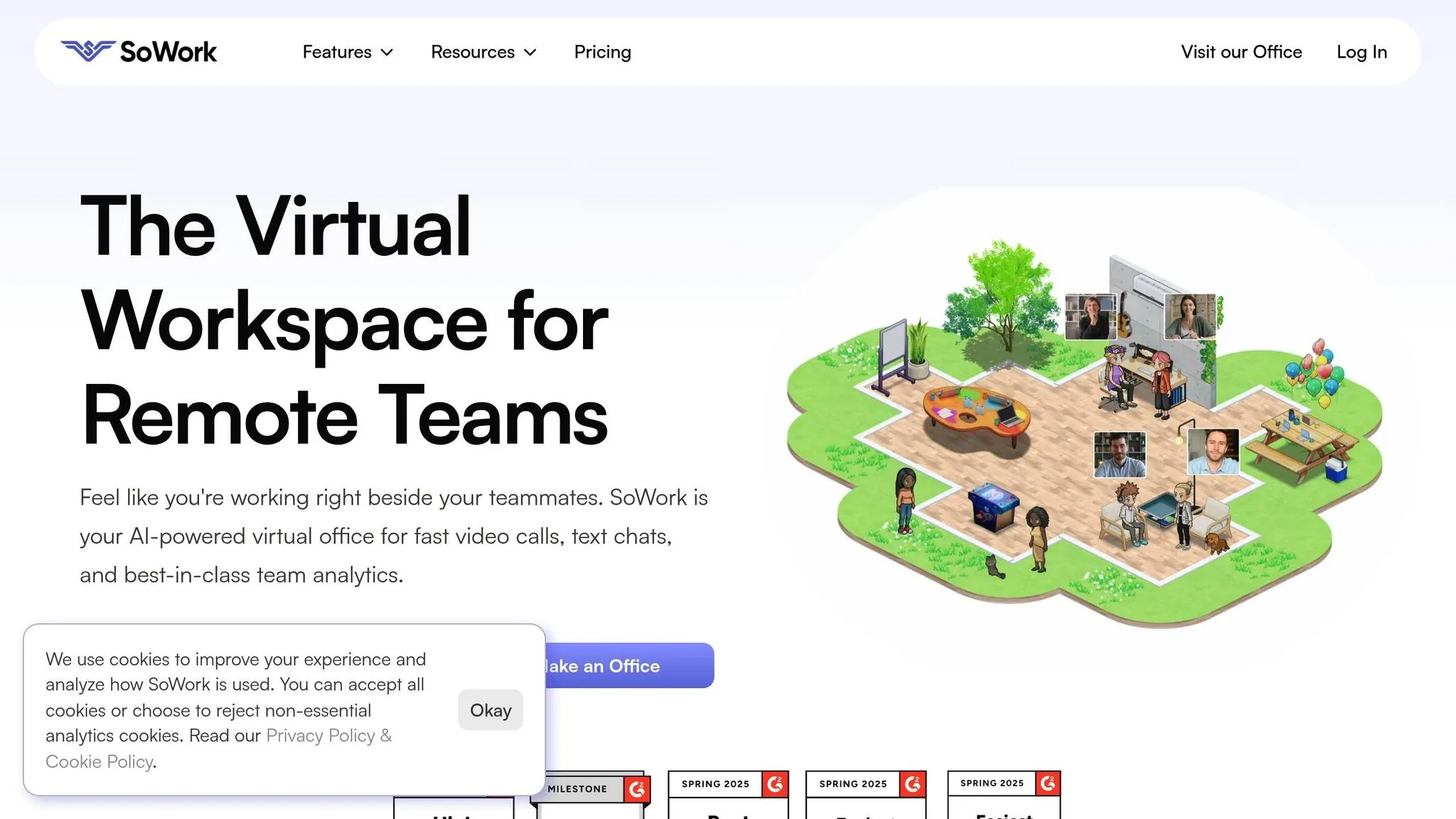
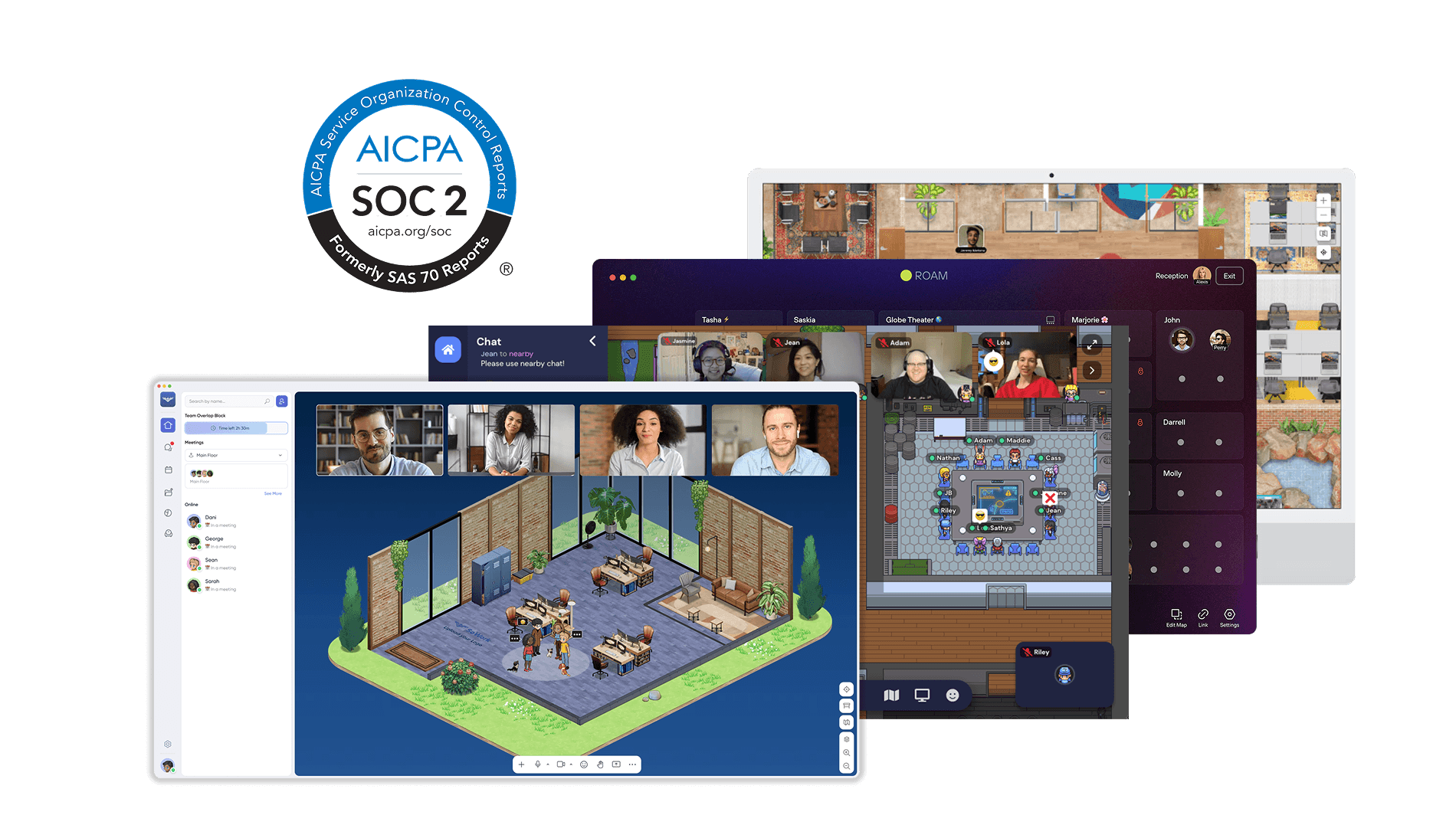
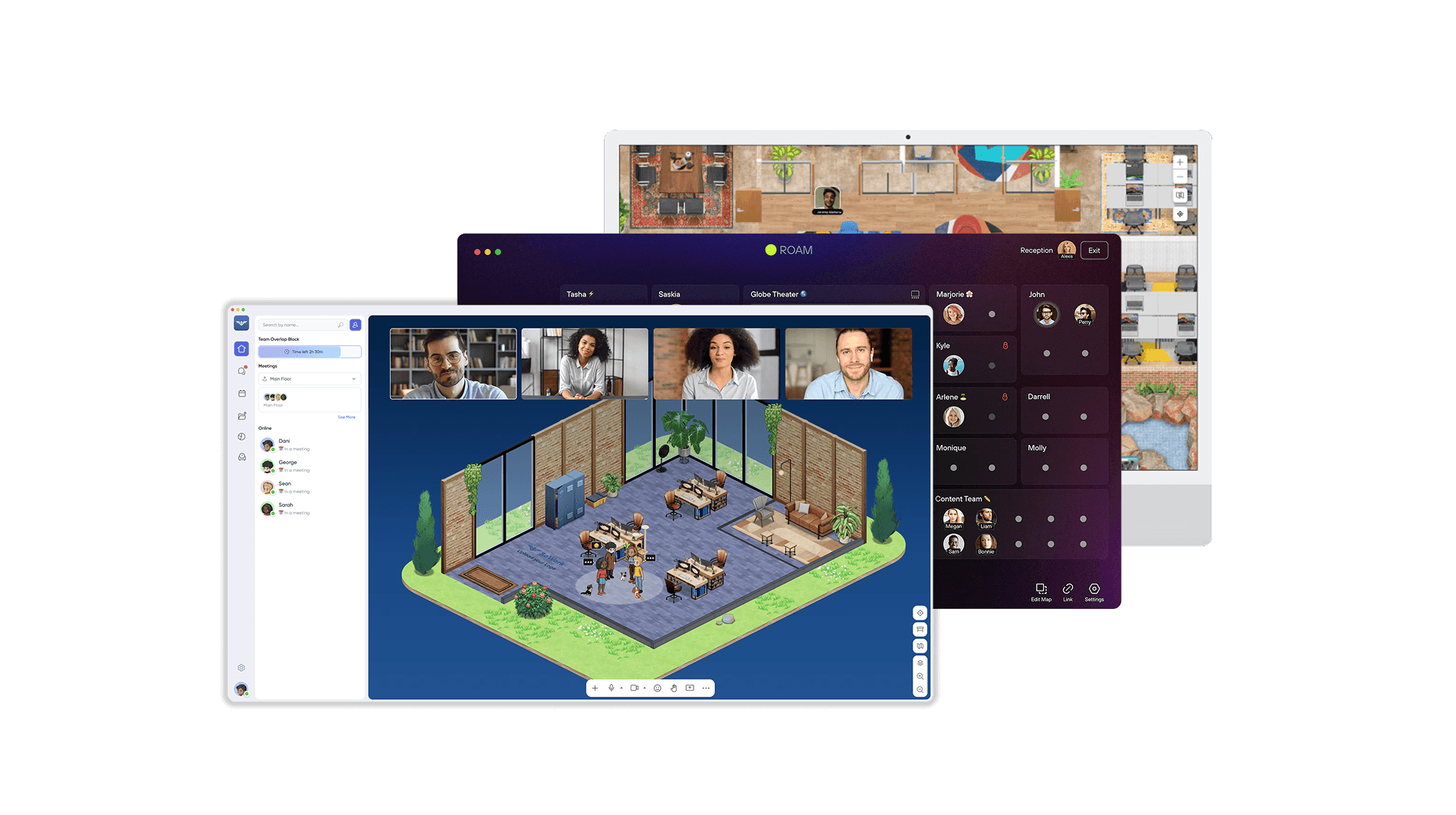
SoWork's AI meeting assistants take the hassle out of virtual brainstorming by handling the nitty-gritty admin work, allowing teams to focus on creativity. The platform automatically captures meeting minutes and creates action items, eliminating the need for manual note-taking. What sets it apart is its virtual spatial environment, where team members can use avatars to approach colleagues for impromptu audio or video calls - recreating those spontaneous moments that often lead to the best ideas. Teams using SoWork have seen an 82% jump in meeting efficiency and a 41% cut in total meetings, as quick, informal interactions help resolve issues earlier. These tools lay a strong foundation for enhancing idea generation.
ChatGPT for Prompt-Based Ideation
ChatGPT acts as a dynamic brainstorming partner, capable of generating creative ideas in seconds with the right prompts. Teams can use techniques like role-playing different personas or applying lateral thinking strategies to break free from traditional ideas. With built-in AI agents becoming the norm, organizations have reported productivity boosts of up to 40% during brainstorming sessions.
Using Team Analytics in SoWork
SoWork’s team analytics offer a closer look at brainstorming dynamics by tracking metrics like the number of messages, chats, and active participants during sessions. These dashboards make it easier for leaders to spot team members who might be less engaged and could benefit from extra support. They also highlight how individuals interact with AI tools, helping identify who might need guidance on crafting better prompts or interpreting AI-generated ideas. With a 92 Net Promoter Score and a 4.8/5 rating on G2, SoWork’s analytics tools are a game-changer for fostering inclusive and productive brainstorming environments.
How to Integrate AI into Virtual Brainstorming
Define Clear Goals and Prompts
The success of AI in brainstorming hinges on how well you define the problem. If your prompts are too vague, the AI will return generic and unhelpful ideas. To avoid this, structure your prompt in three parts: identify the main problem (e.g., 20% customer churn in the first month), outline any constraints (like a $10,000 budget or two-week timeline), and clarify the desired outcome (such as five actionable ideas to reduce churn by 15%).
"The quality of your AI brainstorming output depends entirely on the quality of your initial prompt. A precise prompt unlocks precise creativity." - The AI Content Factory
Using frameworks can help push the AI beyond surface-level ideas. For example, try the "Alternative Worlds" approach by applying strategies from one industry to your challenge (e.g., "How would Netflix handle customer onboarding for a gardening app?"). Another technique is role-playing, where you ask the AI to take on a persona, like a skeptical CFO, to challenge assumptions. Share the problem and context with your team beforehand to align expectations. Once the prompts are clear, the focus can shift to refining AI-generated ideas into actionable solutions.
Refine AI-Generated Ideas as a Team
While AI is great at generating ideas quickly, it doesn't excel at strategic thinking. To make the most of its output, start with a short "non-judgment" phase (15–20 minutes), followed by individual brainstorming (5–10 minutes). This prevents "anchoring", where the first idea dominates the discussion. Afterward, move into collaborative refinement. Tools like SoWork's virtual environments make it easy for teams to break into smaller groups and evaluate ideas from different perspectives.
Organizations that use this method with generative AI have reported up to 40% productivity improvements during brainstorming sessions. The goal is to treat AI as a thought partner - challenge its ideas, explore unexpected analogies, and actively work to avoid the "diversity dilemma", where relying too heavily on AI can narrow your range of ideas. This collaborative process naturally feeds into regular reviews, helping teams fine-tune their approach over time.
Regularly Review and Improve Your Process
After refining ideas, it’s crucial to continuously improve your brainstorming process. Nearly 50% of employees have expressed a desire for more formal training and better access to AI tools. Platforms like SoWork can help by providing team analytics to track metrics such as message counts and participation rates, making it easier to identify who might need additional support with prompt engineering.
Use these analytics to refine your strategies. For example, some team members might benefit from learning iterative prompting - treating the AI's first response as a draft and refining it with added constraints like tone or audience preferences. Set aside regular collaboration hours to review and adjust your workflow. This ongoing improvement ensures your process keeps pace with the fast-evolving capabilities of AI.
Advanced Virtual Brainstorming Techniques for 2026
Scenario-Building and Future-Back Ideation
AI has become a game-changer for brainstorming, especially when it comes to creating hypothetical scenarios that challenge traditional thinking. Take the Alternative Worlds Framework, for instance. This technique borrows successful business models from one industry and applies them to another. Imagine using Netflix's subscription model to revolutionize urban gardening services - that’s the kind of out-of-the-box thinking this method encourages. Another dynamic tool is the Role-Play Room, where AI adopts different personas - like a skeptical CFO, a frustrated customer, or an optimistic developer - to debate ideas from multiple perspectives. This approach helps uncover both potential objections and hidden opportunities that might not surface otherwise.
The 100-Year Exercise flips the script by encouraging teams to envision their business a century from now and then work backward to identify the steps needed today. This method shifts focus from short-term pressures to long-term strategy. Similarly, pre-mortem analysis leverages AI to pinpoint potential failure points before a project even starts, giving teams the chance to tackle risks head-on.
Another standout tool is the Idea Combinator, which blends concepts from unrelated fields to spark fresh ideas. For example, merging the "gig economy" with "senior home care" could inspire innovative solutions. These techniques, paired with a thoughtfully designed virtual environment, can supercharge team creativity.
Customizable Layouts in SoWork
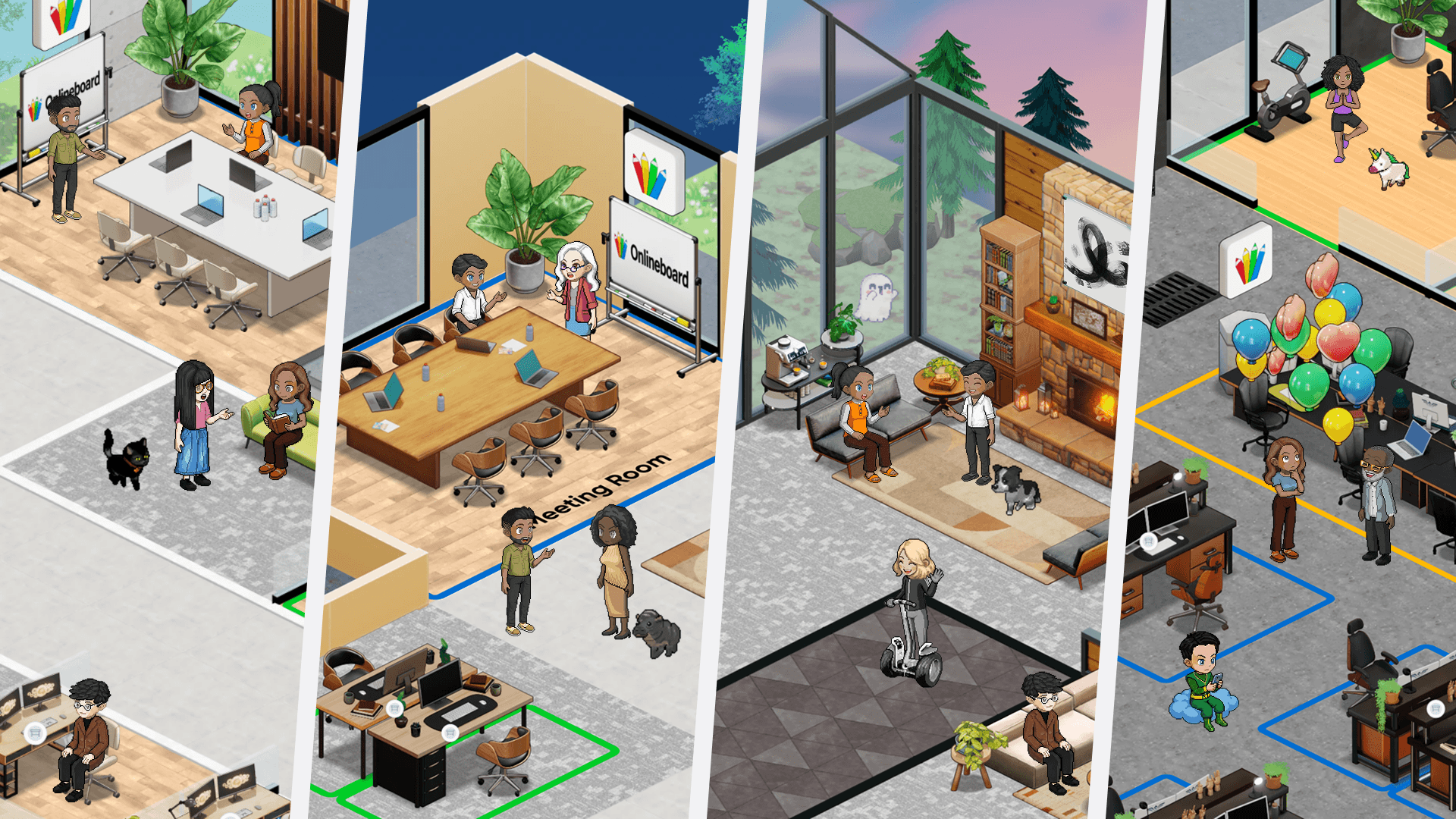
SoWork takes virtual collaboration to the next level with its customizable layouts, which are designed to optimize creativity and teamwork. Teams can create specialized spaces for focused individual work alongside community-oriented workstations for group brainstorming sessions. This setup not only fosters collaboration but also helps reduce digital fatigue by providing a well-equipped "home base" for team members.
The platform’s spatial video calls allow users to move seamlessly between zones within the virtual office. Whether switching between immersive or simplified modes, teams can tailor their environment to match the complexity of their tasks. This flexibility supports spontaneous discussions in collaborative hubs while maintaining structured spaces for productive ideation.
Prioritizing Ideas with AI-Powered Team Analytics
Once the brainstorming is done, prioritizing ideas becomes critical - and that’s where AI-driven analytics shine. SoWork's analytics tools track metrics like message counts, participation rates, and engagement levels, providing insights into how team members contribute during sessions. Leaders can use this data to identify who might benefit from additional training in areas like prompt engineering or AI collaboration techniques.
AI also helps streamline the decision-making process by filtering out repetitive ideas and clustering the best ones into 3–5 key themes. Tools like the How Now Wow Matrix make it easy to categorize ideas: "How" (original but challenging to execute), "Now" (practical but less innovative), or "Wow" (both original and easy to implement). Natural language processing tools add another layer of value by automatically grouping similar concepts, revealing connections that might not be immediately obvious.
"The real work isn't generating the list; it's defining the problem and choosing the solution." - The AI Content Factory
Brainstorming Techniques with AI: A Guide to Using ChatGPT
Conclusion
AI is reshaping the way remote brainstorming works. When used as a collaborative partner rather than just a tool, it can significantly enhance productivity - some organizations have reported gains of up to 40% by letting AI handle idea generation while teams focus on strategic decisions.
The real magic happens when idea generation and refinement are balanced. AI excels at generating a high volume of ideas without judgment, but it’s up to human teams to refine and prioritize those ideas based on brand goals and market needs. Success starts with clearly defining the problem - vague prompts will only lead to vague results. Platforms like SoWork streamline this process by combining AI-powered meeting tools with customizable virtual spaces and team analytics. These features ensure that teams stay connected and aligned, even when spread across different time zones. This type of integration highlights how tools like SoWork can help teams use AI to drive consistent innovation and support smarter decision-making.
Adapting to change needs to be a priority, not an afterthought. Research shows that 64% of organizations now see AI as a key driver of innovation. This means that staying competitive requires teams to embrace technological change and make AI a central part of their workflows. Achieving this involves building AI literacy across the organization and establishing clear governance to ensure transparency and compliance. These steps lay the foundation for the rapid evolution that today’s teams need to succeed.
The early excitement around AI has matured into action. By 2026, staying ahead will demand measurable improvements in decision-making. Teams already using structured frameworks and collaborative AI platforms are seeing real results. The question isn’t whether to bring AI into your brainstorming process - it’s how quickly your organization can develop the skills and systems to make it work effectively.