

Productivity
Thursday, December 18, 2025
How to Run Effective Virtual Meetings in 2026
SoWork Editorial Team
Jan 8, 2026
Virtual meetings are now the standard way teams collaborate, especially in remote and hybrid work environments. By 2026, success in these meetings depends on preparation, engagement, and follow-up, supported by advanced tools like AI-powered platforms. Here's a quick breakdown:
Preparation
Define clear meeting goals and share a detailed agenda in advance.
Test technology beforehand to avoid disruptions.
Schedule meetings that accommodate time zones and team availability.
Execution
Start with team check-ins to build connection.
Actively involve participants by asking direct questions and encouraging engagement.
Stick to the agenda and manage time effectively.
Follow-Up
Use AI tools to generate meeting summaries and action items.
Collect feedback and analyze meeting data to improve future sessions.
Ensure accountability by confirming task ownership and deadlines.
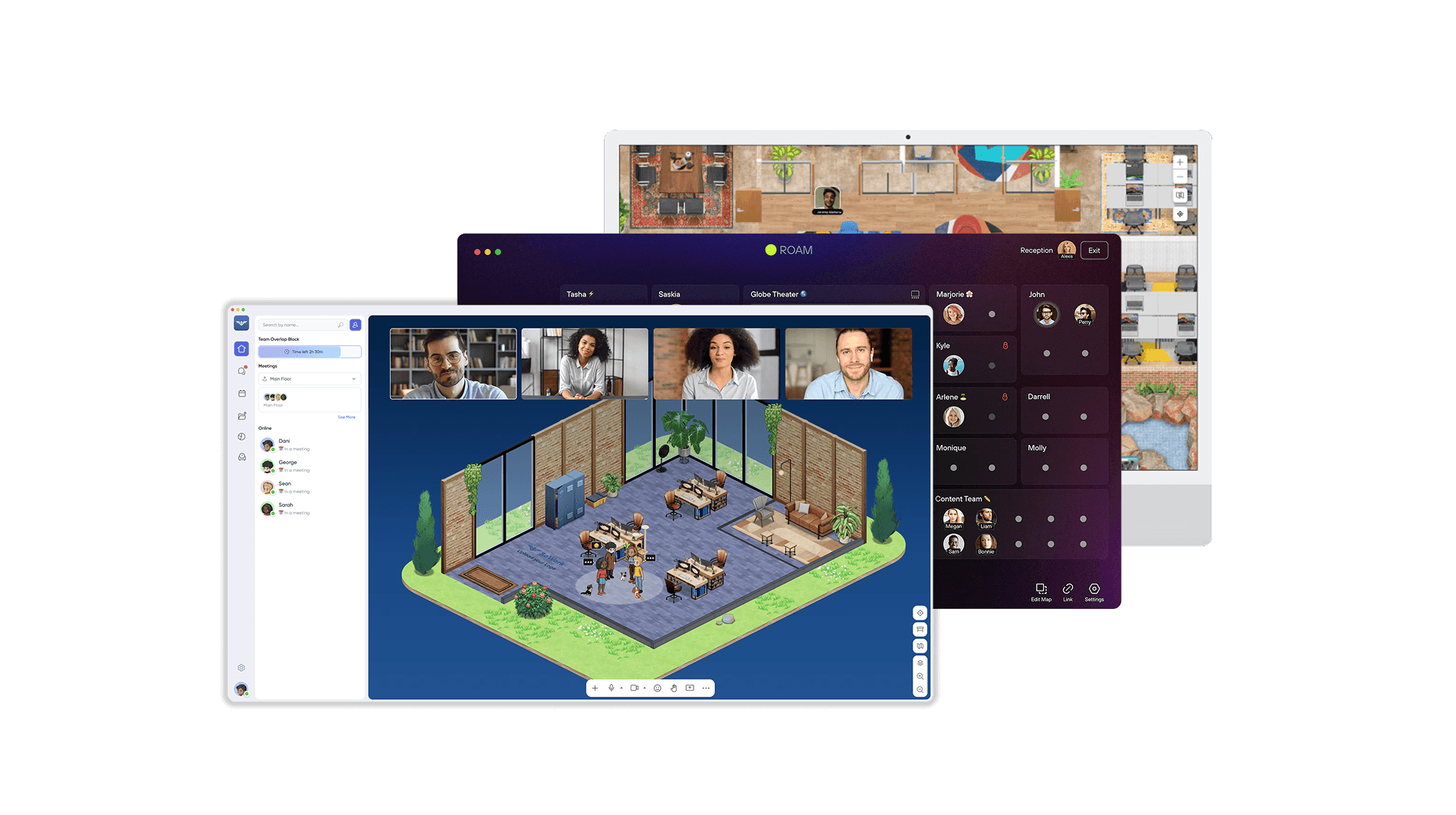
Platforms like SoWork streamline these steps with features like spatial video calls, AI meeting assistants, and team analytics, making virtual collaboration smoother and more productive. Focus on clear goals, active participation, and actionable follow-up to get the most out of your virtual meetings.
Stop Wasting Your Time: How to host Effective Virtual Meetings?
How to Prepare for a Virtual Meeting
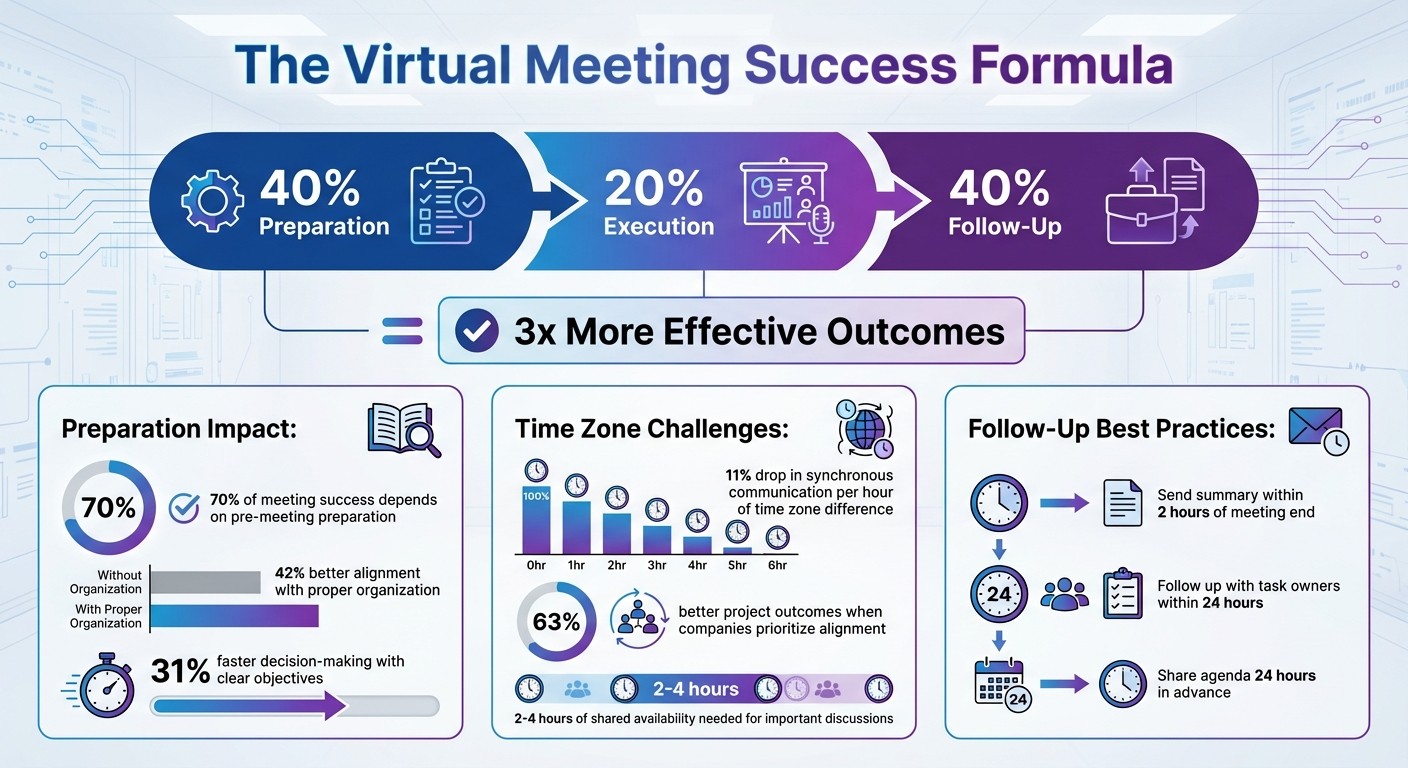
Preparation is the backbone of a successful virtual meeting. Studies reveal that 70% of a meeting's success hinges on pre-meeting preparation. Well-organized meetings lead to 42% better alignment and decisions being made 31% faster. On the flip side, unclear objectives and technical hiccups can derail discussions and cost businesses billions. To avoid these pitfalls, focus on three essential steps: define clear goals, test your technology, and plan the meeting schedule wisely.
Set Clear Meeting Goals
Every meeting should start with a purpose. A clear objective keeps discussions on track and ensures productive outcomes. Before scheduling, pinpoint exactly what needs to be achieved - whether it’s finalizing a decision or assigning roles for a project.
Once the goal is defined, craft a detailed agenda to guide the meeting. Include key details like the objective, date, time, attendees, topics to be covered, and time allocations for each item. Sharing this agenda at least 24 hours in advance ensures participants come prepared.
Tools like SoWork make it easier to create and share agendas. You can draft an agenda, distribute it via team channels, and ensure everyone has access before the meeting begins. When the meeting starts, clearly state the objective - such as, “Today we’re deciding on our Q2 marketing strategy” or “By the end, we’ll have assigned roles for the product launch” - to set expectations from the start.
Test Your Technology and SoWork Features
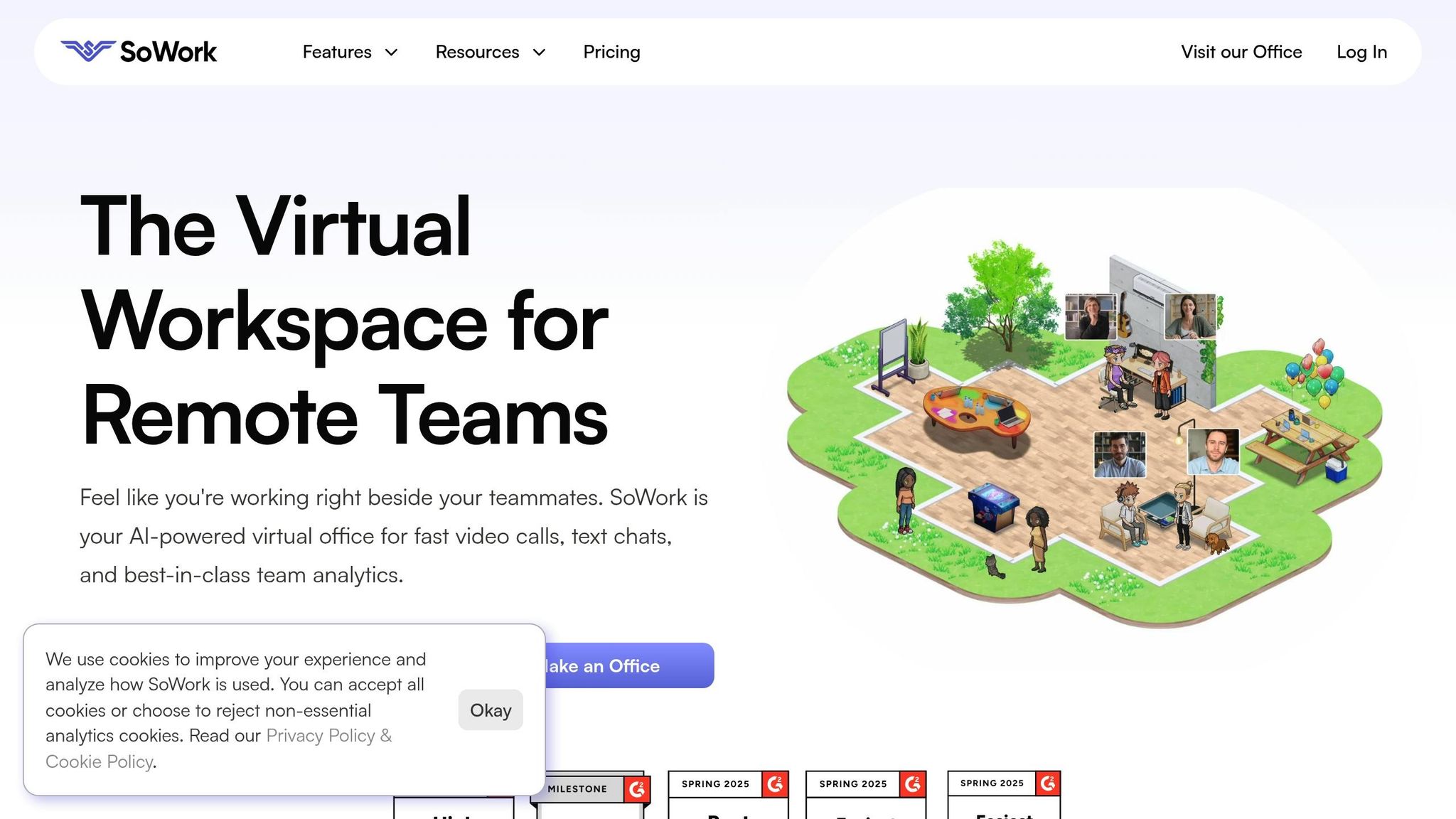
Nothing derails a meeting faster than technical problems. Testing your tools in advance can save time and minimize frustration.
Before your meeting, ensure SoWork’s features operate smoothly. Test spatial video calls, screen sharing, AI assistants, and office layouts to confirm everything is in working order.
Routine system maintenance is equally important. Keep your operating system and apps updated to address security risks and improve performance. Regularly run diagnostics and monitor your network to identify potential issues. Testing across different devices and browsers can also help ensure a seamless experience for all participants.
Schedule Around Team Availability
Scheduling becomes tricky when team members span multiple time zones. Studies show that for every hour of time zone difference, synchronous communication drops by 11%. However, companies that prioritize alignment see 63% better project outcomes.
To tackle this challenge, use time zone tools to find overlapping working hours. For instance, scheduling during East Coast mornings or West Coast mid-days can often accommodate team members in various locations.
SoWork’s team analytics feature can provide insights into when team members are most active. Use this data to identify 2 to 4 hours of shared availability for important discussions. If some participants can’t attend due to time zone conflicts, record the meeting so they can catch up asynchronously.
Once you’ve laid the groundwork, you’re ready to focus on running an effective and productive virtual meeting.
How to Run Productive Virtual Meetings
Running a successful virtual meeting takes more than just sending out a calendar invite. It requires careful preparation, a clear plan, and strategies to keep everyone engaged. By focusing on connection, participation, and time management, you can ensure your virtual meetings stay productive and on track.
Start with Team Check-ins
Kicking things off with a quick check-in can help set the tone for collaboration and ease everyone into the meeting. For instance, you might ask team members to share one word that reflects how they’re feeling or provide a brief update about their day. This simple practice not only builds a sense of connection but also signals that everyone’s input is valued. Tools like SoWork’s chat feature make it easy to facilitate these moments of engagement right at the start.
Encourage Active Participation
Virtual meetings can quickly become monotonous if participants stay silent or leave their cameras off. To avoid this, make an effort to actively involve everyone. For example, instead of asking open-ended questions to the entire group, direct specific questions to individual team members. This encourages responses and makes the discussion feel more dynamic.
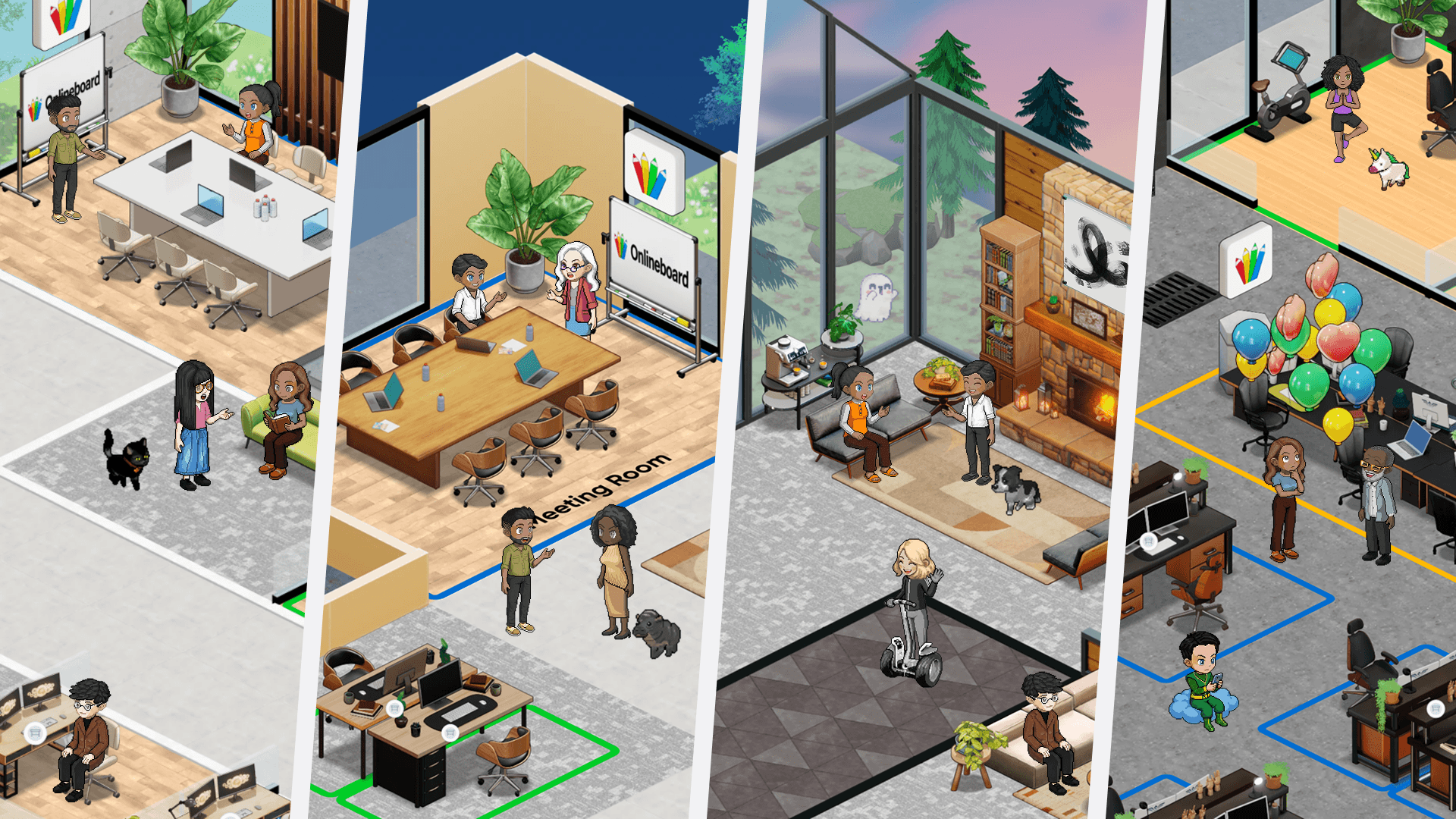
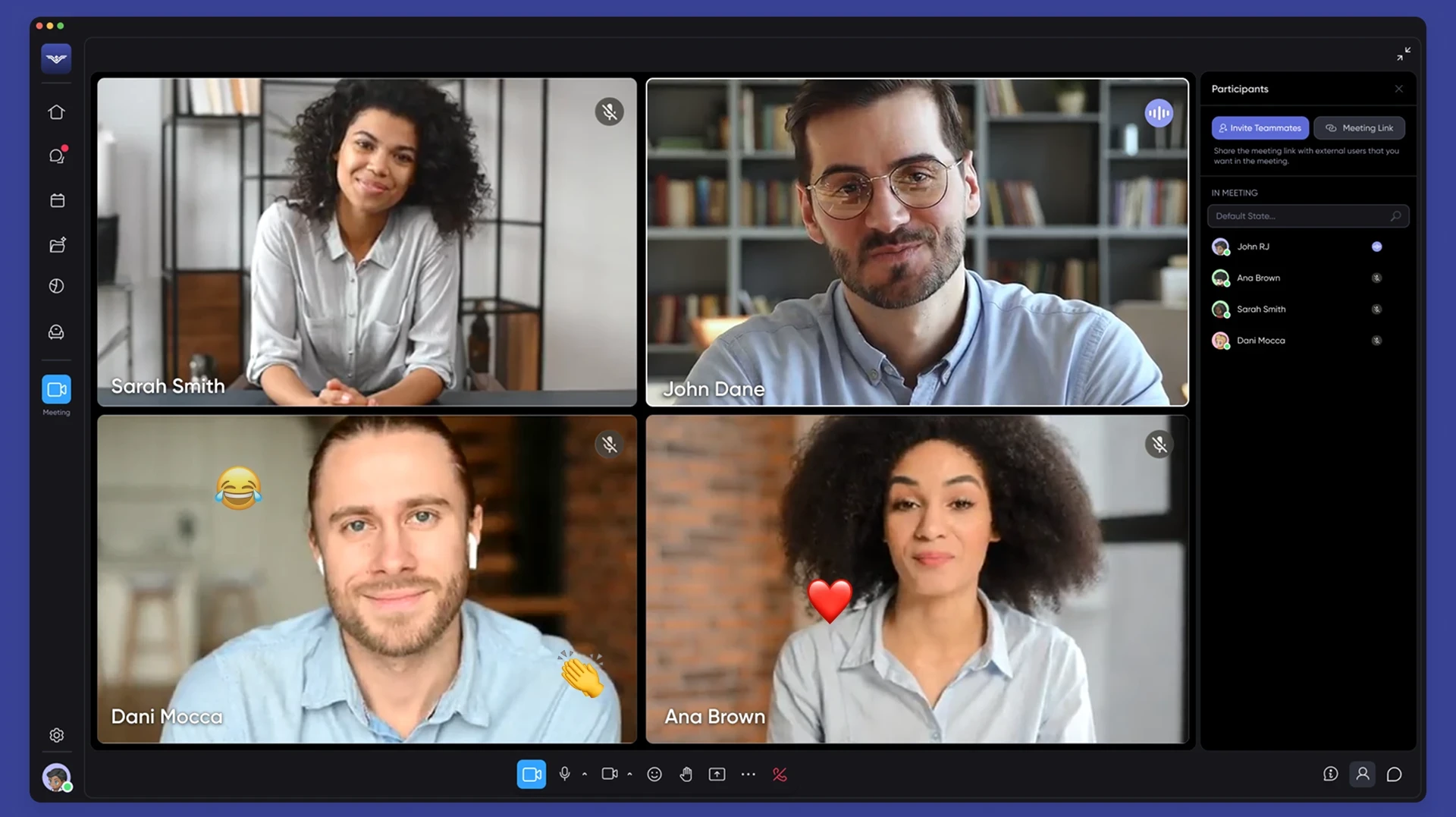
Using tools like SoWork’s spatial video feature can also create a more natural flow, allowing participants to see and hear each other in a way that mimics in-person conversations. For complex topics, try breaking the group into smaller sessions to dive deeper, then regroup to share insights. These techniques help keep everyone engaged and invested in the discussion.
Manage Time and Stick to the Agenda
Nothing derails a meeting faster than running over time or veering off-topic. To avoid this, stick closely to your agenda and respect the time limits you’ve set. If a discussion goes longer than expected, acknowledge the need for further conversation and schedule a follow-up meeting rather than letting it disrupt the current one.
AI tools can be a great help here, offering features to monitor time and keep discussions on track. You might also assign a timekeeper to ensure the meeting flows as planned. By respecting the agenda and everyone’s schedules, you’ll leave participants feeling accomplished rather than drained.
Post-Meeting Follow-Up and Improvement
A productive meeting doesn’t end when everyone logs off. The real progress happens afterward, and effective follow-up is key to turning all those discussions into actionable results. By focusing on clear documentation, insightful analysis, and accountability, you can ensure the momentum keeps going.
Use AI-Generated Meeting Summaries
AI meeting assistants have changed the game when it comes to capturing and sharing meeting details. These tools automatically transcribe discussions, highlight key decisions, and compile action items into structured summaries that integrate directly with your team’s tools. For instance, SoWork’s AI meeting assistants handle this process effortlessly.
This isn’t just about saving time. Automated summaries improve clarity and consistency, eliminating the guesswork that often comes with incomplete notes. Team members who missed the meeting can quickly get up to speed, while those who attended can easily revisit specific details without combing through hours of recordings.
Collect Feedback with Analytics
To make meetings better, you need to understand what’s actually happening during them. SoWork’s team analytics provide a clear picture of meeting dynamics, tracking data like speaking time distribution, participation levels, and whether the agenda is being followed. This data can uncover patterns you might miss, like if certain team members rarely contribute or if meetings consistently run over time.
Combine this data with participant feedback by asking for input within 24 hours. Questions like “What could we improve in our meetings?” can spark valuable insights. Anonymous pulse surveys are another great way to get honest feedback on specific challenges. As Samantha Roberts, Senior Learning and Development Specialist at Michael Page, puts it:
"Don't be afraid to say that as a company you are still working out how to make the best of hybrid meetings. Ask your participants for feedback so that you can continue to tweak your approach."
This feedback, paired with analytics, sets the stage for meaningful improvements.
Track and Review Action Items
Feedback is only useful if it leads to action. To ensure decisions made in the meeting don’t get lost, send a follow-up within two hours summarizing key decisions, assigned tasks, deadlines, and any relevant links. Tools like SoWork’s collaboration platform make it simple to track these tasks and ensure nothing slips through the cracks.
Update your project management system right away with the new tasks and assignments. Then, within 24 hours, follow up individually with task owners to confirm they understand what’s expected and have everything they need to move forward. This kind of accountability turns meetings into real drivers of progress, not just conversations that fade away.
How to Choose the Right SoWork Plan
Selecting the right SoWork plan comes down to understanding your team's specific needs. Start by considering your audience - are your meetings internal, client-facing, or a mix of both? Then, factor in the size of your team, your budget, and the level of technical features you require. For instance, if you need advanced tools like AI meeting assistants or detailed analytics, you might lean toward a higher-tier plan. On the other hand, if simplicity and ease of use are your top priorities, a more straightforward option may be the better fit.
SoWork Plan Comparison
Here’s a quick breakdown of the available plans to help you decide:
Plan | Best For | Key Features | What You Get for Meetings |
|---|---|---|---|
Basic | Small teams or early-stage remote teams | Virtual office, text chat & video calls | Core meeting tools with essential features |
Premium | Growing teams needing advanced tools | All Basic features plus AI meeting assistants, advanced analytics, and integrations | Enhanced meetings with AI support and deeper insights |
Enterprise | Large organizations with complex needs | All Pro features, unlimited customization, and priority support | Full meeting control with dedicated assistance |
The Premium plan is a favorite for teams looking to step up their game with AI-driven meeting assistants and in-depth analytics, which can make post-meeting follow-ups more efficient. For larger organizations with unique requirements, the Enterprise plan offers maximum flexibility, extensive customization options, and priority support. Your choice should align with your team’s size, goals, and the level of functionality you need to keep things running smoothly.
Conclusion
Running effective virtual meetings in 2026 comes down to a simple formula: 40% preparation, 20% execution, and 40% follow-up. This balanced approach has been shown to deliver outcomes that are three times more effective.
Let’s revisit the essentials: start with a clear agenda, test your tools ahead of time, schedule meetings to fit team availability, kick off with brief check-ins, encourage active engagement, and stick to the allotted time. Afterward, leverage AI-generated summaries, monitor action items, and gather feedback to refine future meetings.
With tools like SoWork, this process becomes even more streamlined. Their AI meeting assistants and analytics simplify note-taking, track tasks, and offer insights to improve every session - whether you’re on the Basic, Pro, or Enterprise plan.
These strategies form the core of successful remote collaboration. By excelling in preparation, facilitation, and follow-up, teams can unlock the full potential of virtual meetings and achieve meaningful results in 2026.
It's worth taking some time to evaluate how your team currently uses the platform and consider any future growth. Pick a plan that aligns with your needs and ensures seamless virtual collaboration for everyone involved.