'Everything' sharing
See everything. Work through anything. Together.
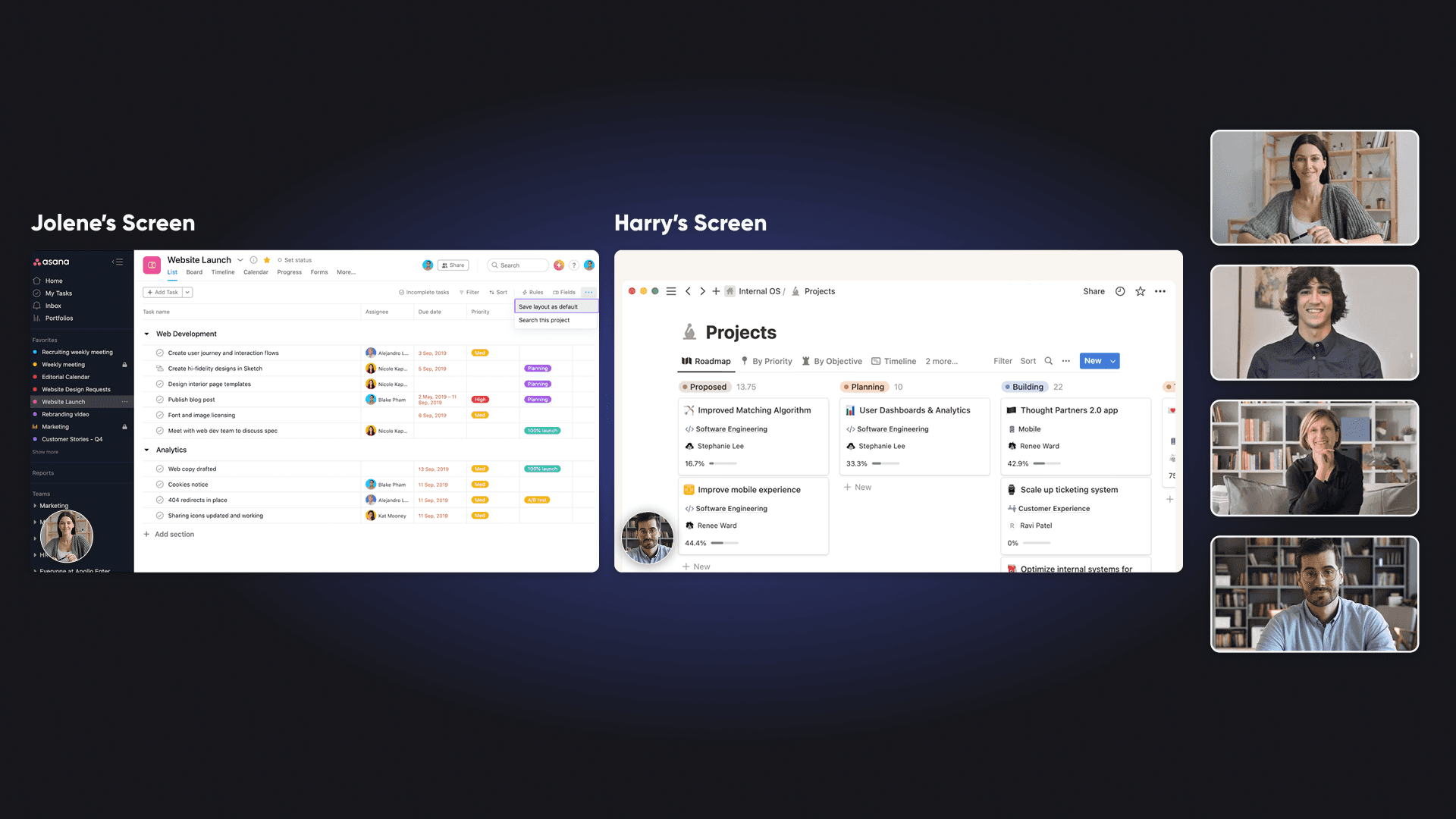
Share multiple screens at once, draw directly on each other’s work, and collaborate visually using whiteboards that persist beyond the meeting.


Collaboration
Collaboration
Collaboration
Multiple screens side by side
Let more than one person share their screen at the same time. Compare designs, review code, debug issues, or explore ideas together without constantly switching sharers.


Annotation
Annotation
Annotation
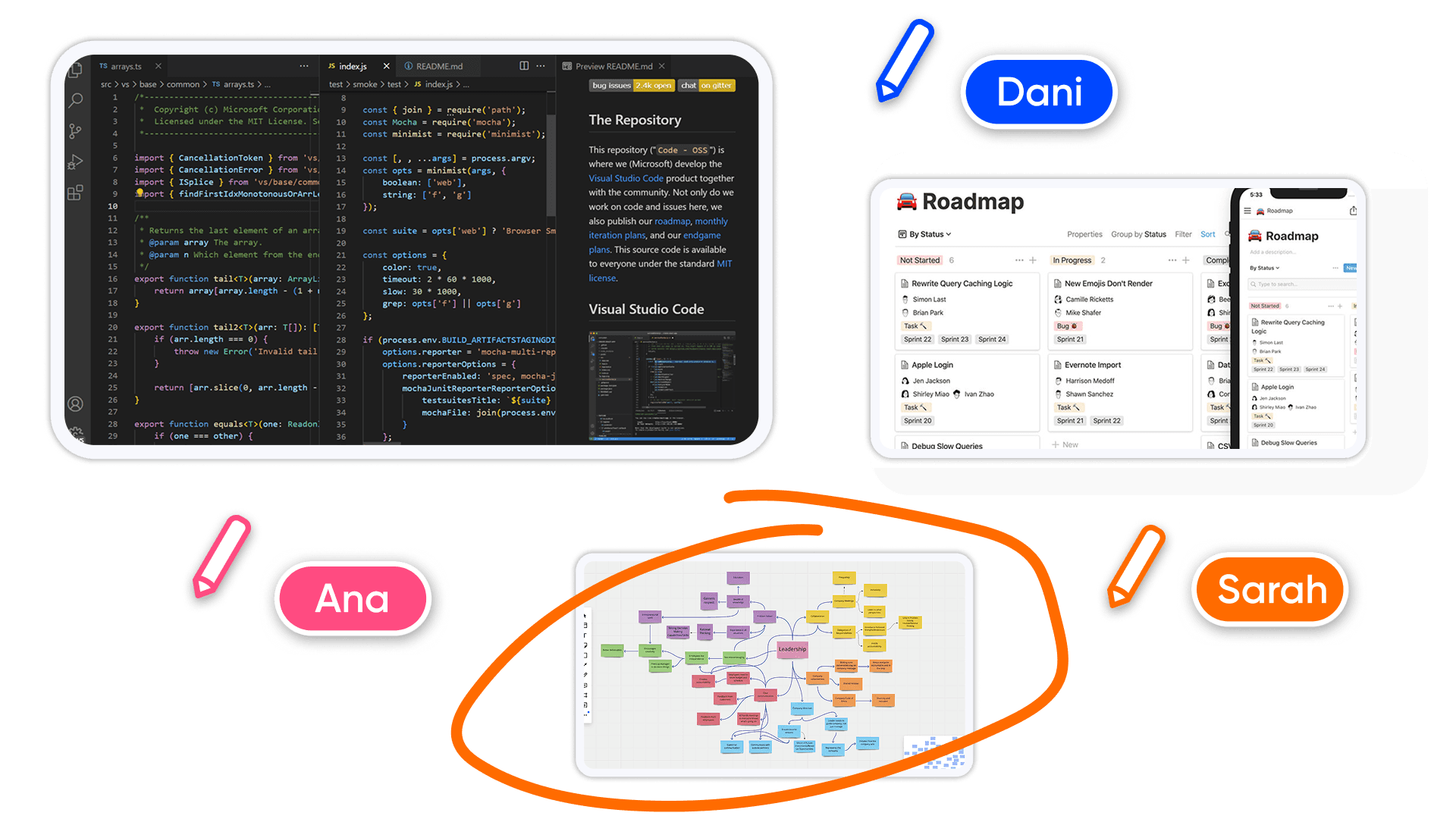
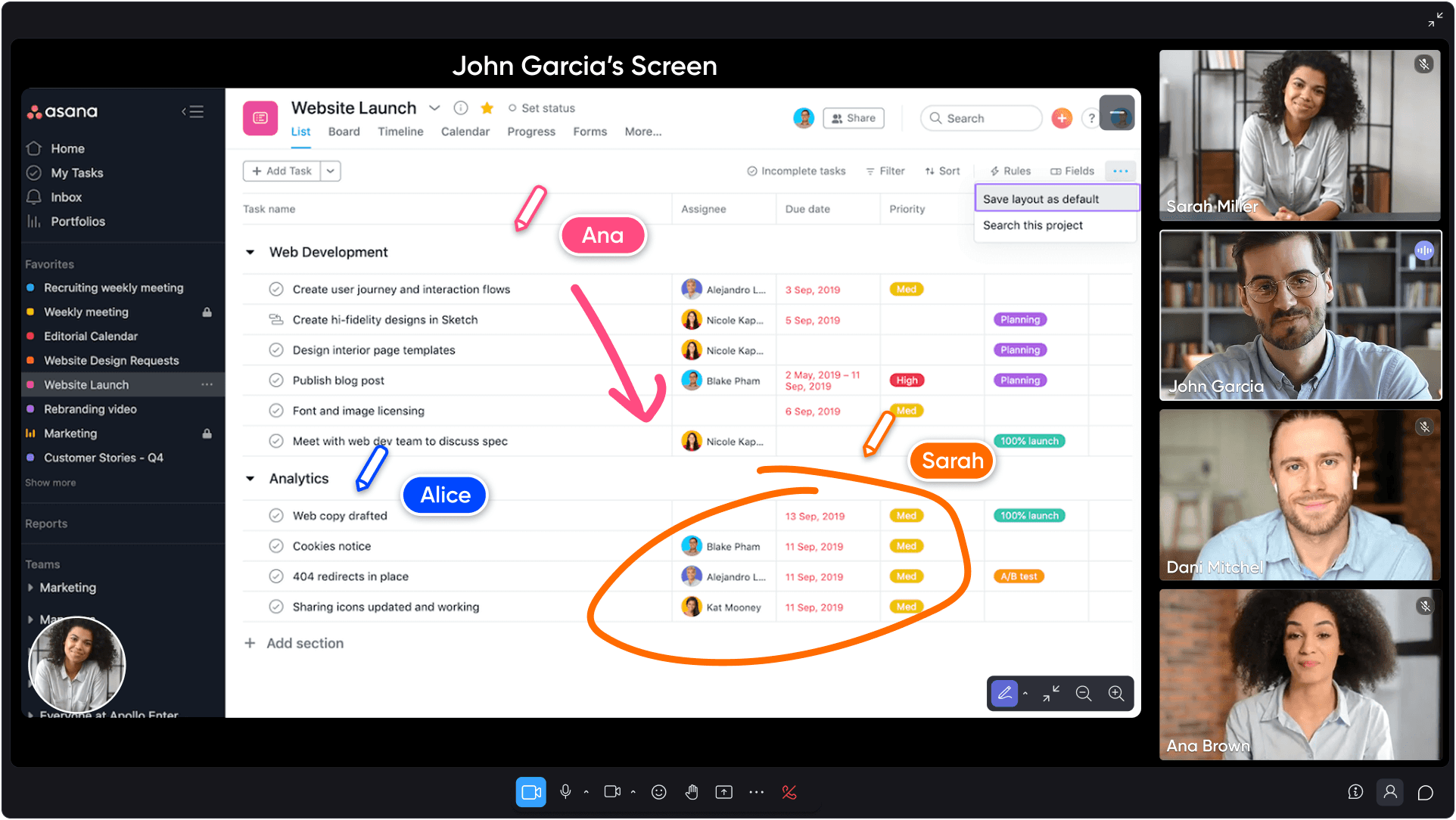
Draw directly on shared screens
Annotate live screen shares in real time. Everyone can draw, highlight, and point things out directly on the content being discussed. Saves time, and feels great.
Communication
Communication
Communication
Visual sharing. Faster collaboration.
Better teamwork.
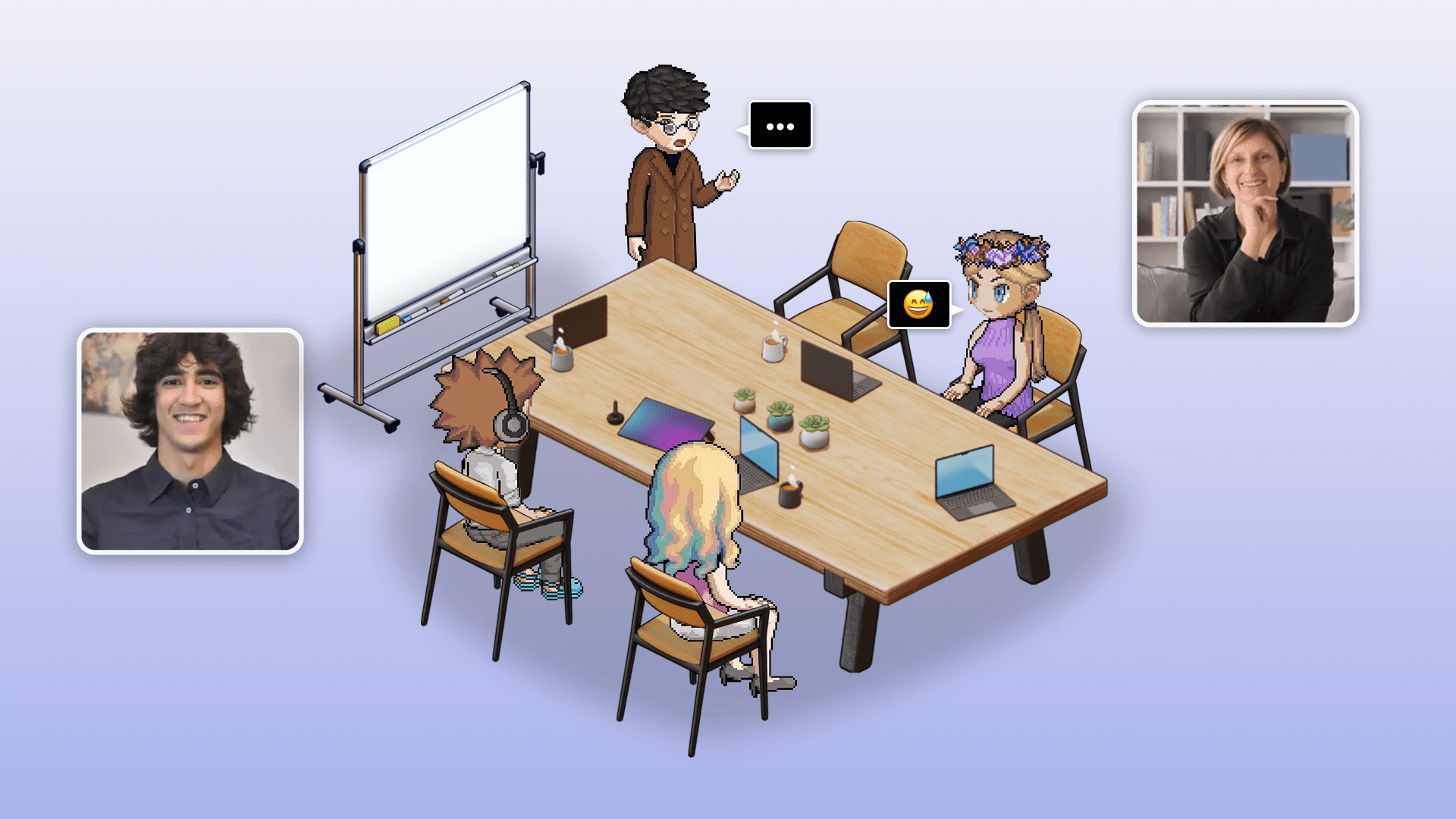
Everything you need to share ideas visually, resolve issues faster, and stay aligned in real time.


Designed for real teamwork
Collaboration tools built for teams that think together, not just present. Everyone can contribute visually at the same time.
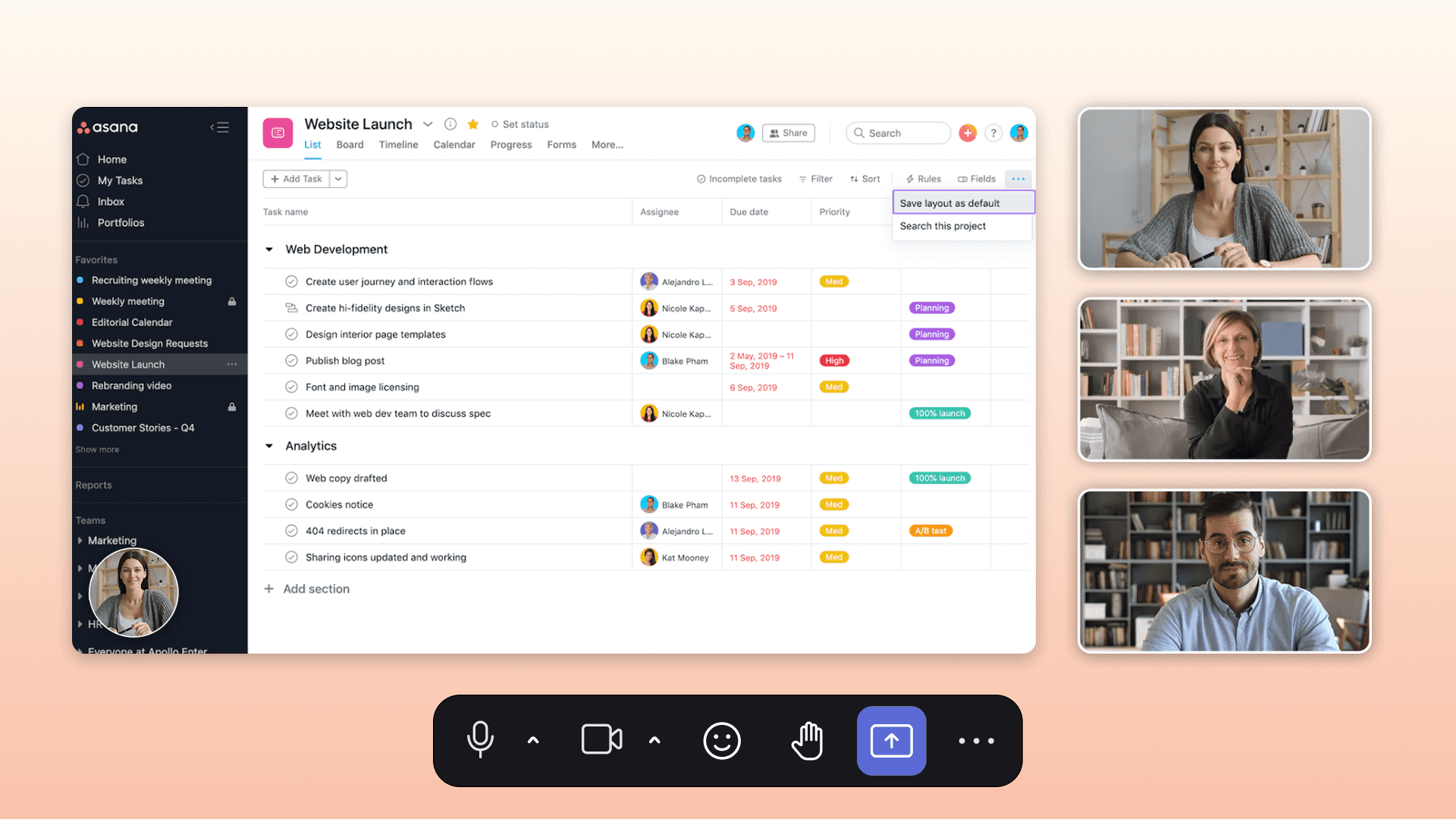


Zero-friction collaboration
Start sharing instantly without setup or links. Screensharing just works, so teams stay focused on the work instead of the tool.
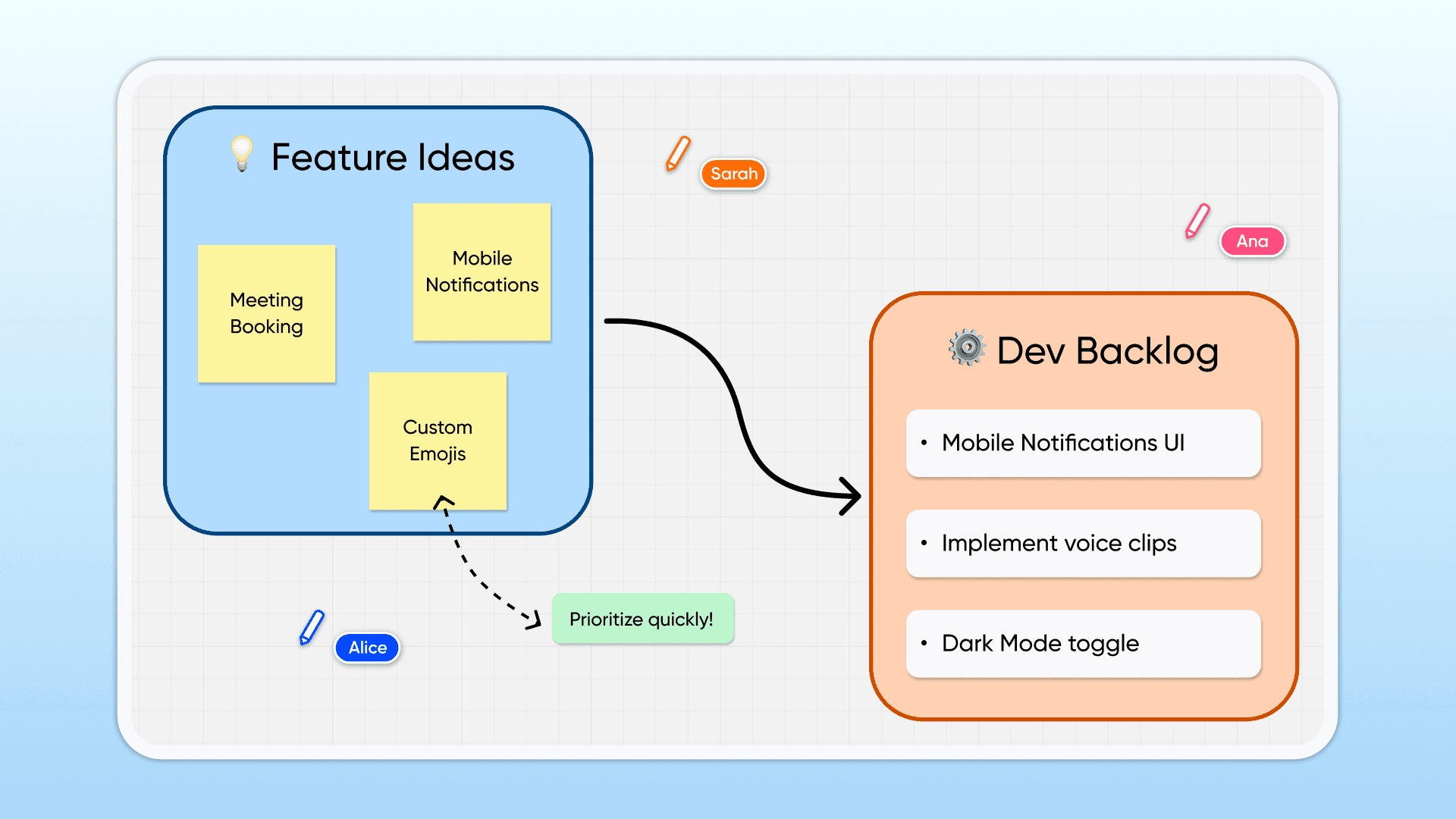


Interactive, hands-on whiteboarding
Use markers, shapes, sticky notes, and highlights to make sure every idea is seen and no task is forgotten during brainstorming sessions.


Temporary
Temporary
Temporary
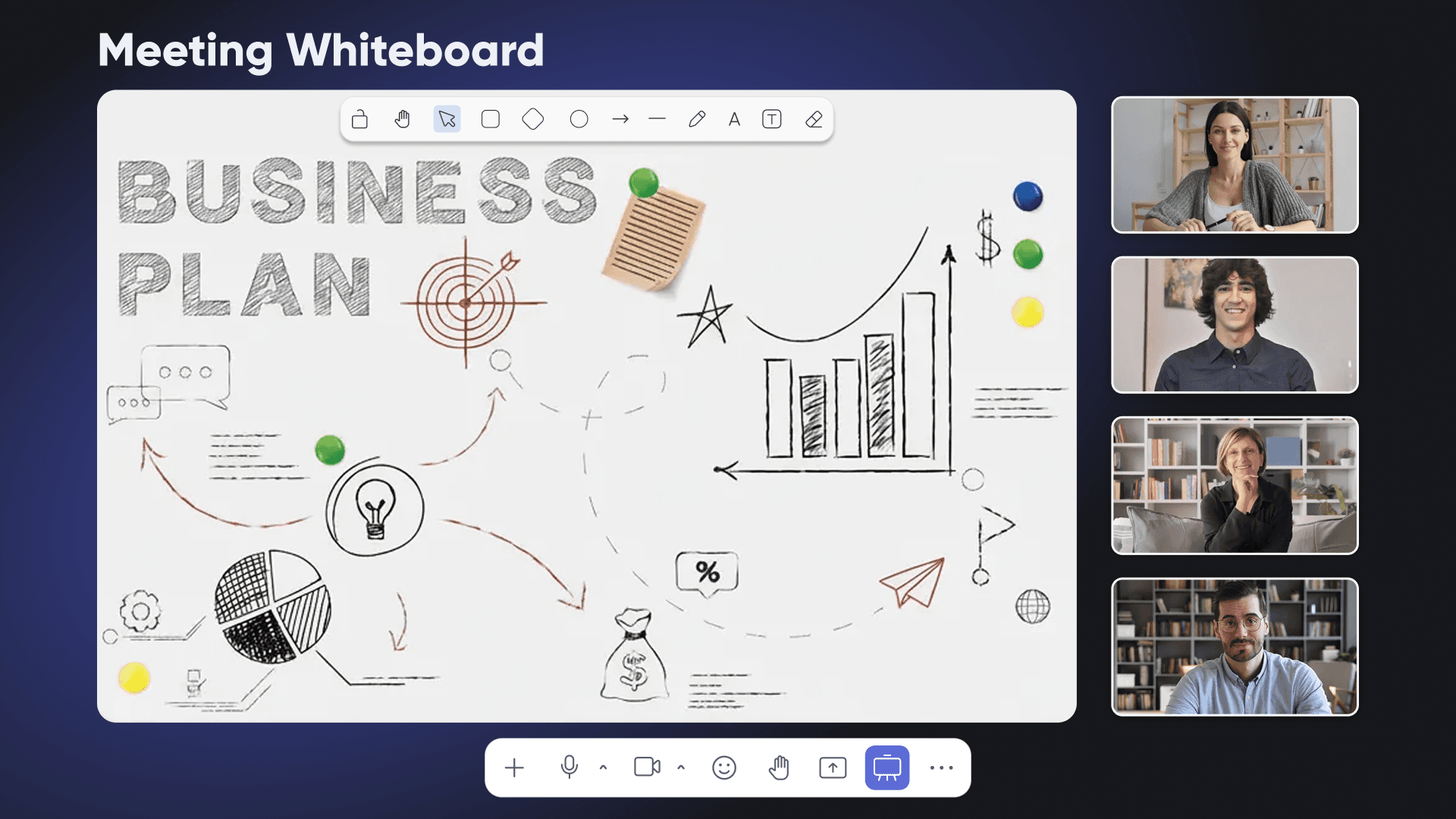
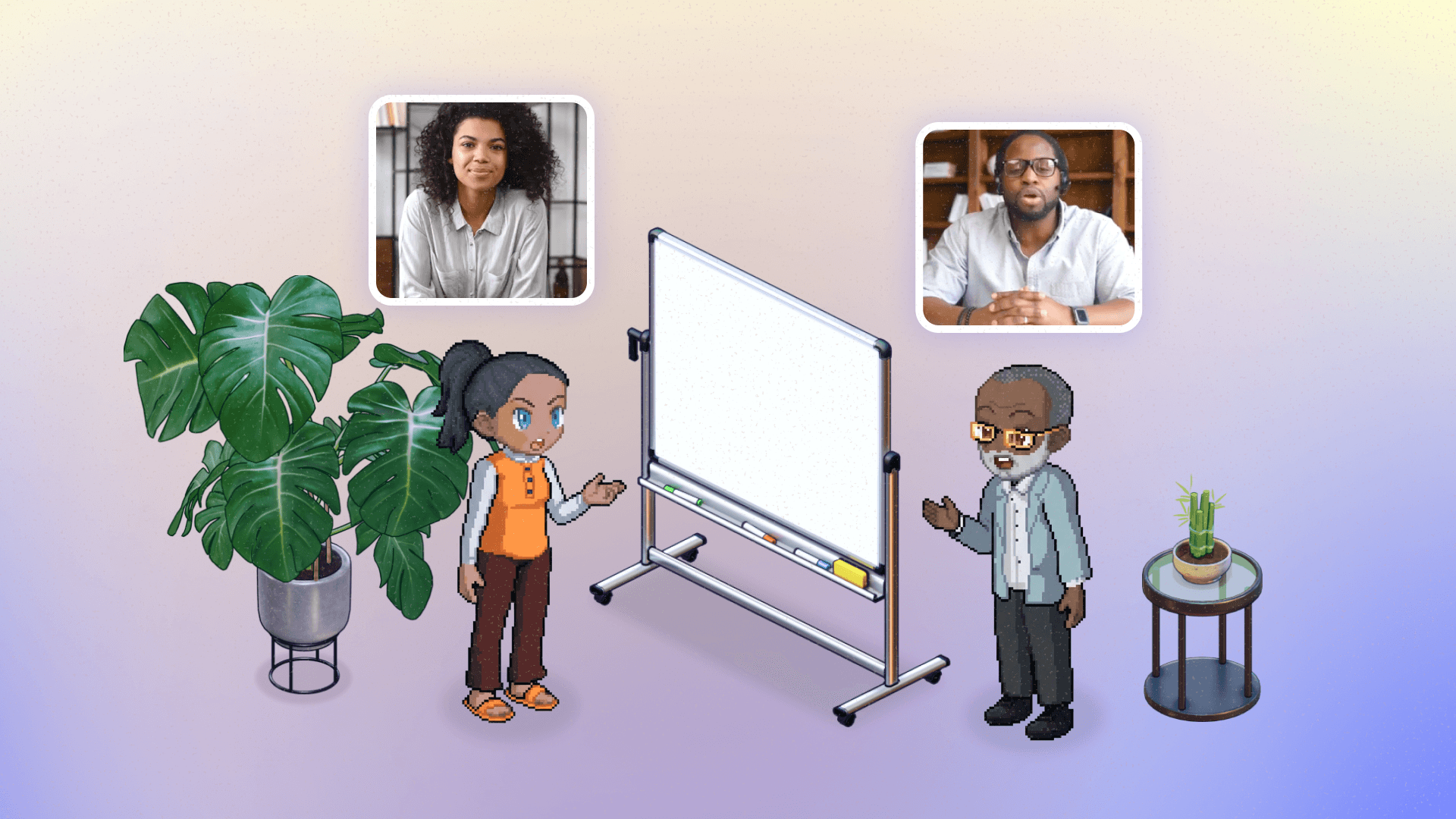
Temporary whiteboards in your meetings
Open a shared whiteboard with one click during any meeting. Sketch ideas, map workflows, or explore concepts visually with your team in real time.


Persistent
Persistent
Persistent
And persistent whiteboards in your office
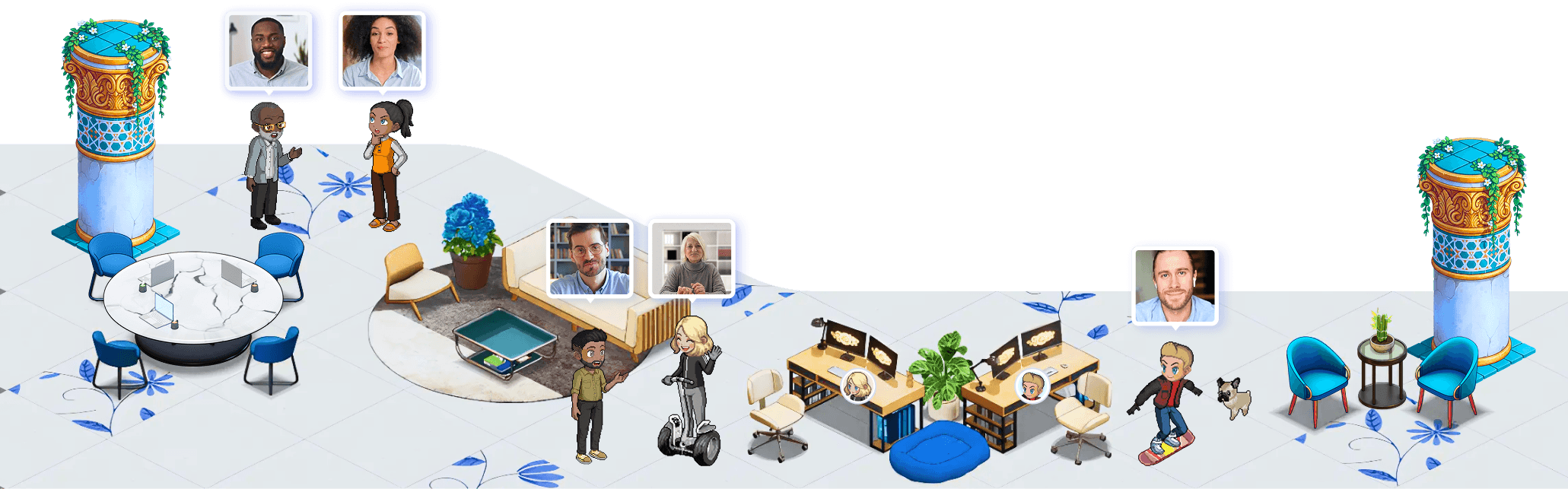
Place persistent whiteboards anywhere in your virtual office. Unlike temporary meeting tools, your content stays exactly where you left it so teams can revisit ideas over time.

Get Started
The first 7 days
are on us
Try SoWork for free with your team. No credit card needed.
2 Minutes
Choose a beautiful new office.
1 Click
Invite your team in.
Immediately
Start shipping faster.

Get Started
Try SoWork for free with your team. No credit card needed.
2 Minutes
Choose a beautiful new office.
1 Click
Invite your team in.
Immediately
Start shipping faster.

Get Started
Try SoWork for free with your team. No credit card needed.
2 Minutes
Choose a beautiful new office.
1 Click
Invite your team in.
Immediately
Start shipping faster.
FAQs
FAQs
FAQs
Got questions?
Got questions?
Got questions?
You can also see our Help Center, book a demo, or visit our office to ask us in (virtual) person. We'd love to meet you!
Are Multiple Screen Sharing, drawing on screenshares, and whiteboards available on all plans?
How do I draw on a screen?
I don’t see the option to draw on a screen. Why not?
Tell me about the 2 types of whiteboards.
Still have questions?